Roblox game creation · Foundations · Ages 8–14
Launch Your Own Obby Game
Open Roblox Studio and turn a blank world into YOUR obby — name it, pick its world, and design ten connected stages of checkpoints, hazards, and Lua-powered challenges your way.
Ages 8–14 · no Lua experience needed · Windows or Mac + a free Roblox account · publish privately when ready
- 01Build
- 02Playtest
- 03Prove it
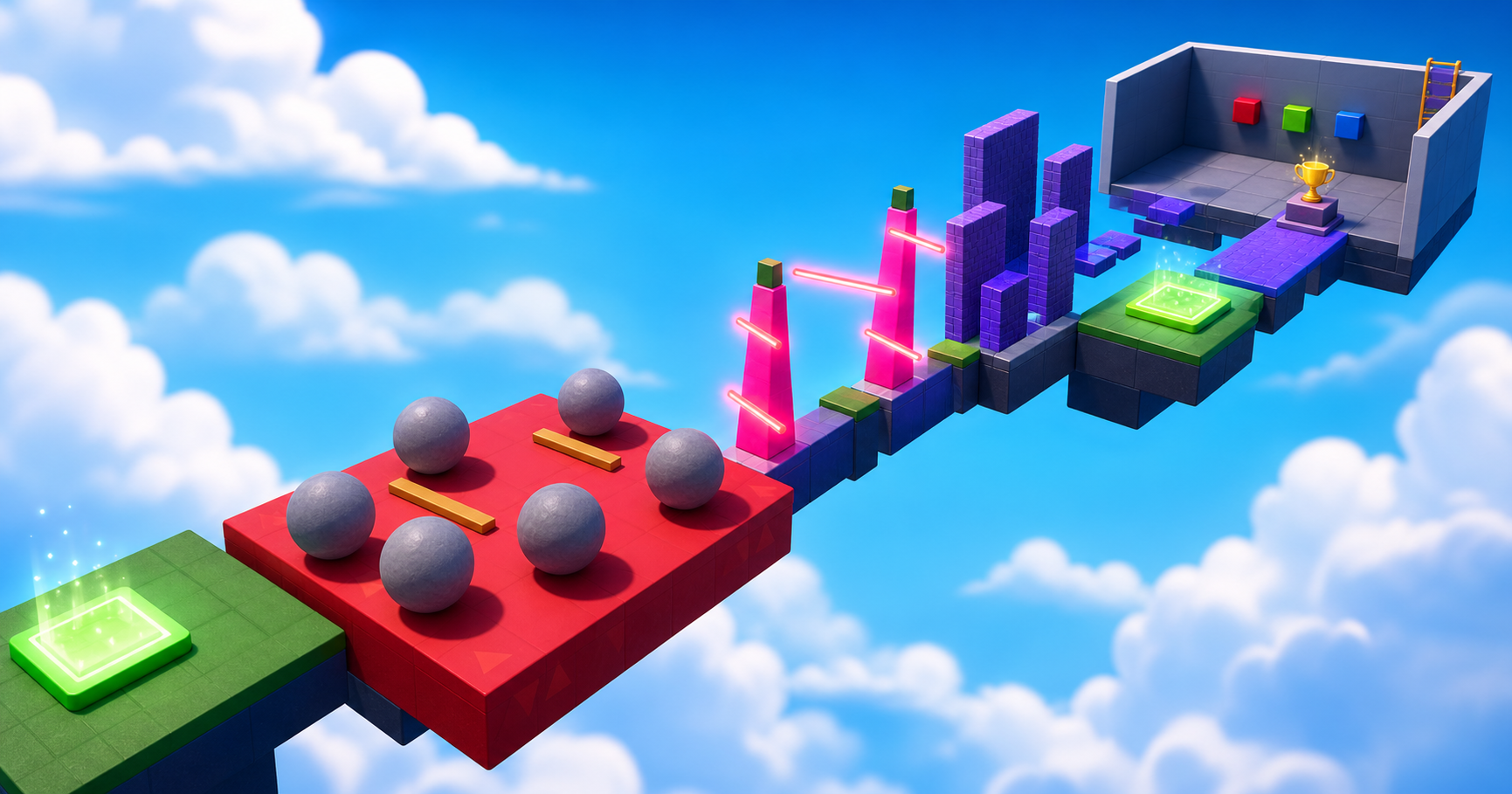 10 stages · 1,000 XP · one game you built
Your Creator Quest
Ready for your first 100 XP?
0 of 1000 XP · Rookie Builder
How you learn
Understand it, then build it your way
Every stage uses theCoderSchool method. First learn the Idea behind the mechanic. Then read your Stage Rules — the names, connections, and fair-play rules that make any layout work. Then build it in your Build Mode — Guided ("show me every step"), Designer ("give me the rules"), or Inventor ("challenge me") — and prove it with playtests you run yourself.
Explain the idea behind each game mechanic
Design a stage that passes its own playtest rules
Build, debug, playtest, and privately publish
Your Creator Quest
Watch your obby evolve
Start with a few blocks in the sky. Finish with hazards, Lua-powered systems, puzzles, and a Roblox game you can launch.
Chapter 1 · Foundations
Build the World
Shape a clear route, tune every jump, and give players choices.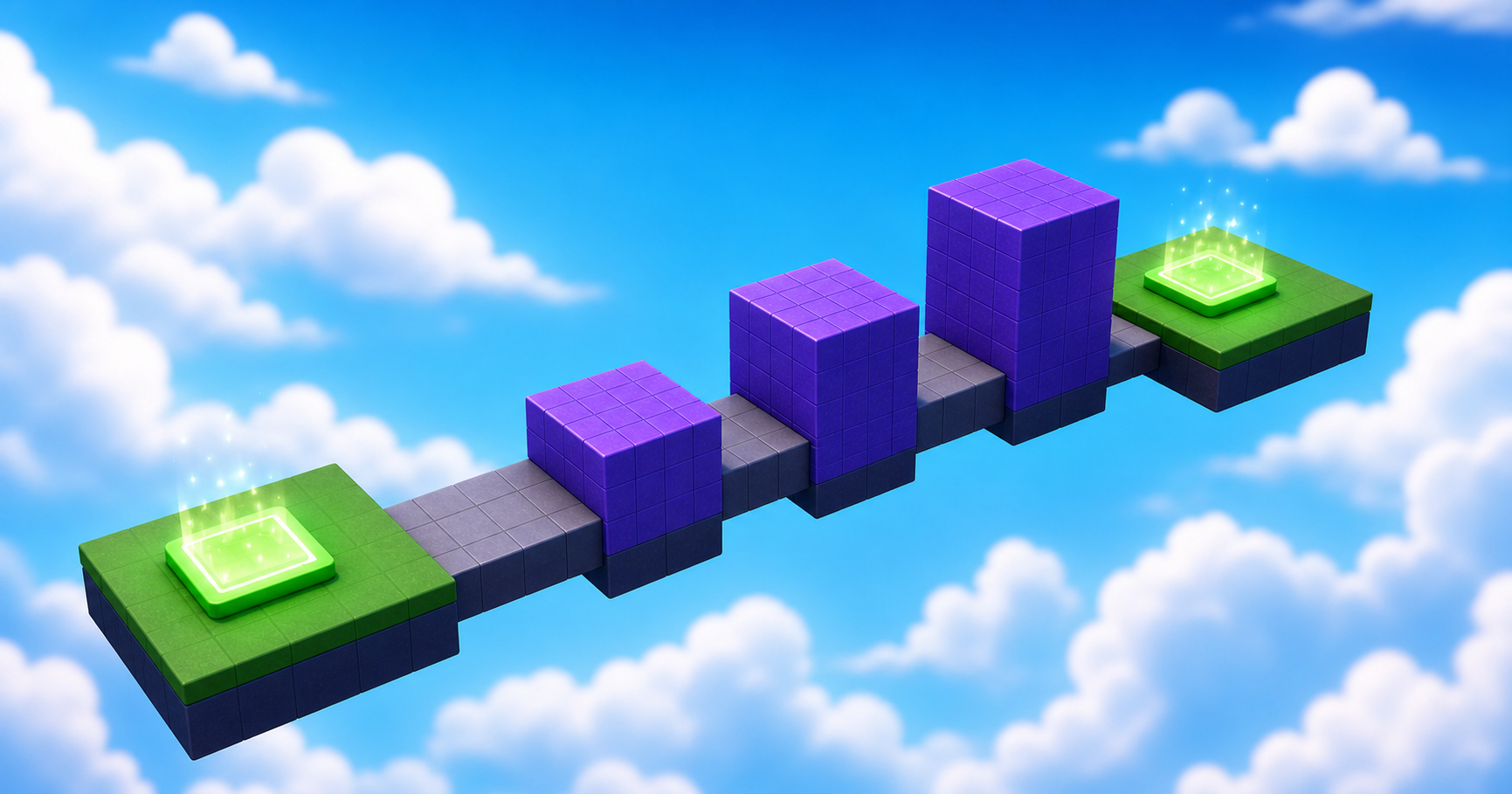
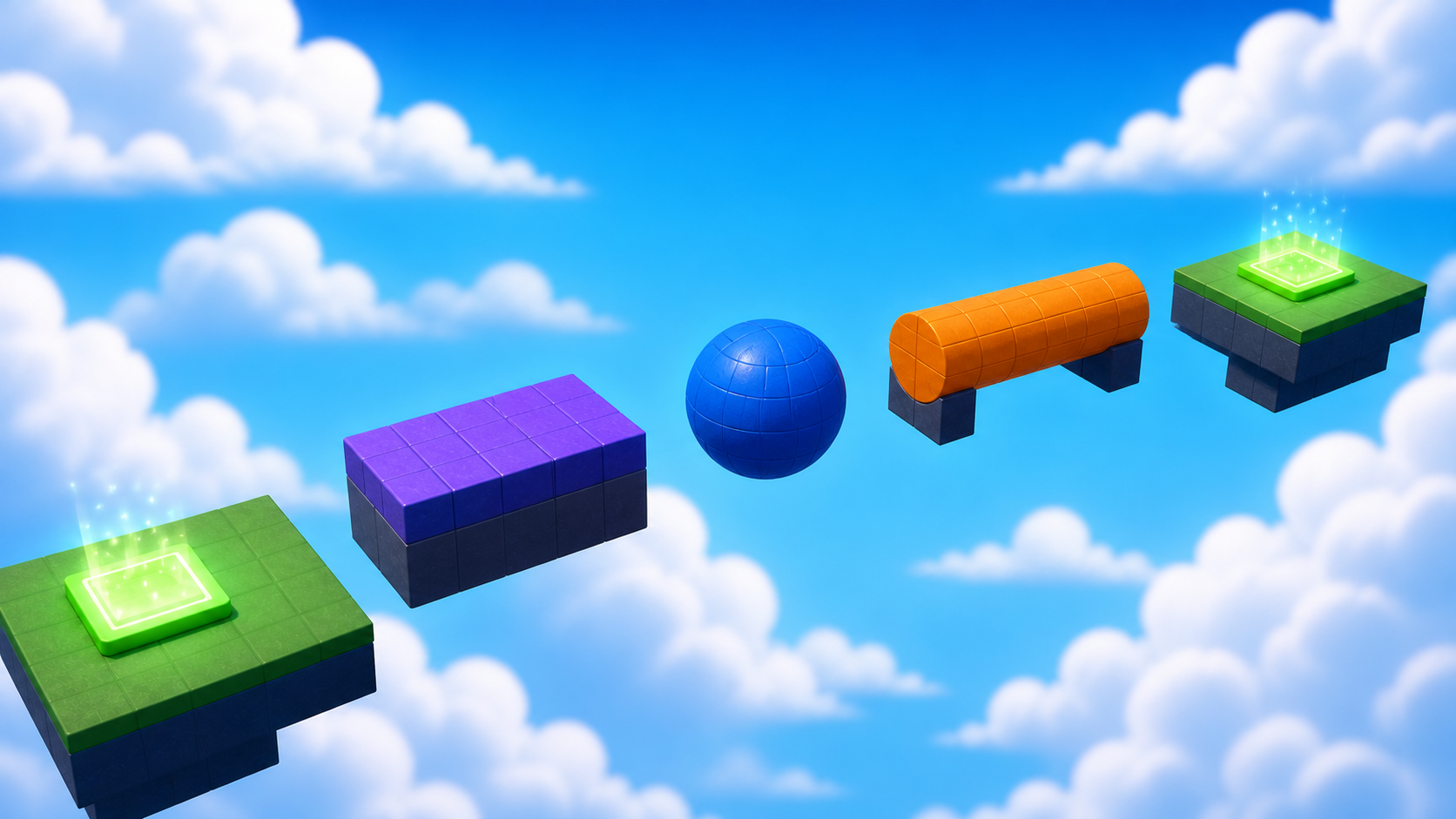
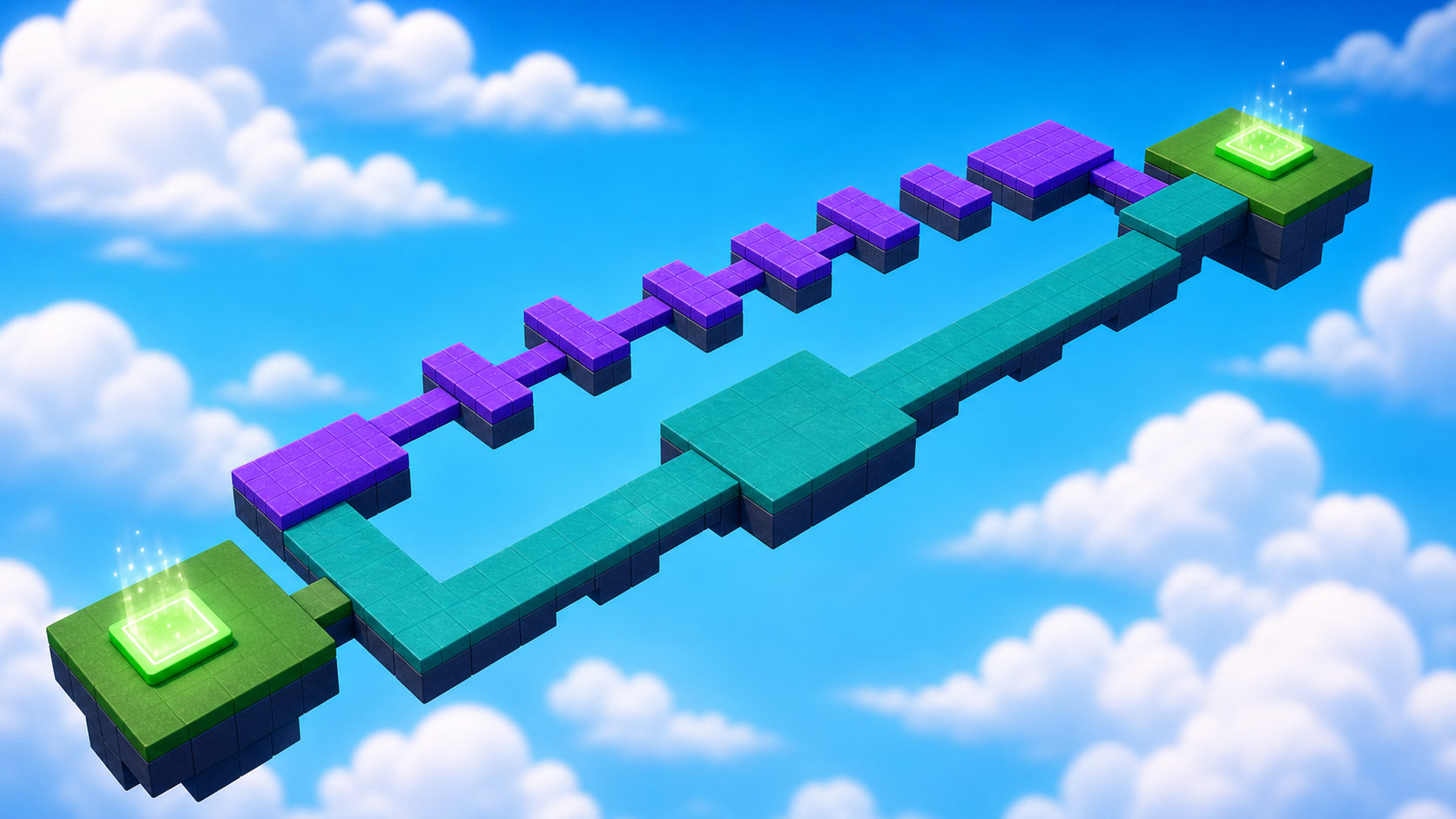
Chapter 2 · Lua Powers
Bring It to Life
Make the world react with events, changing states, and loops.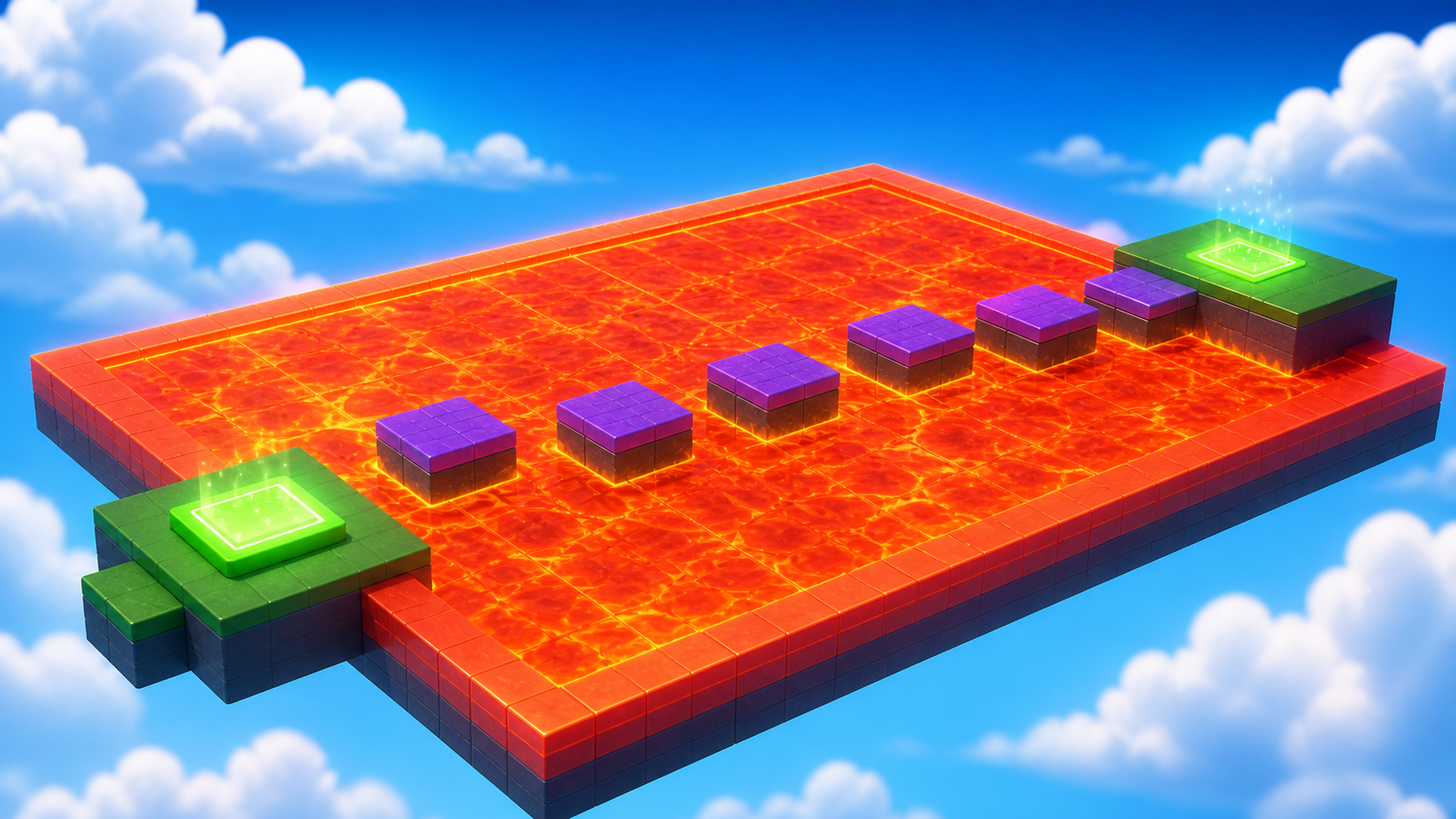
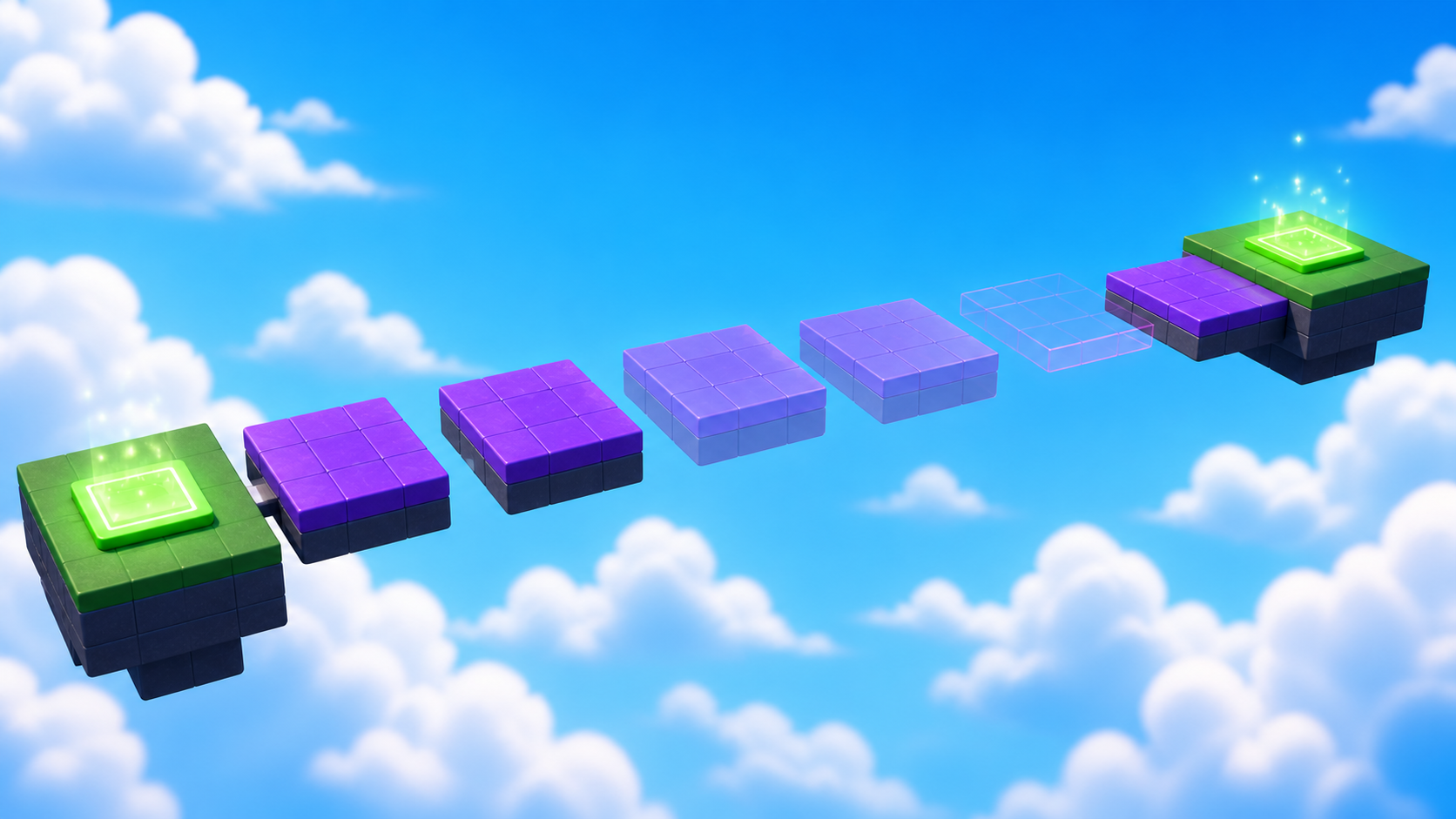
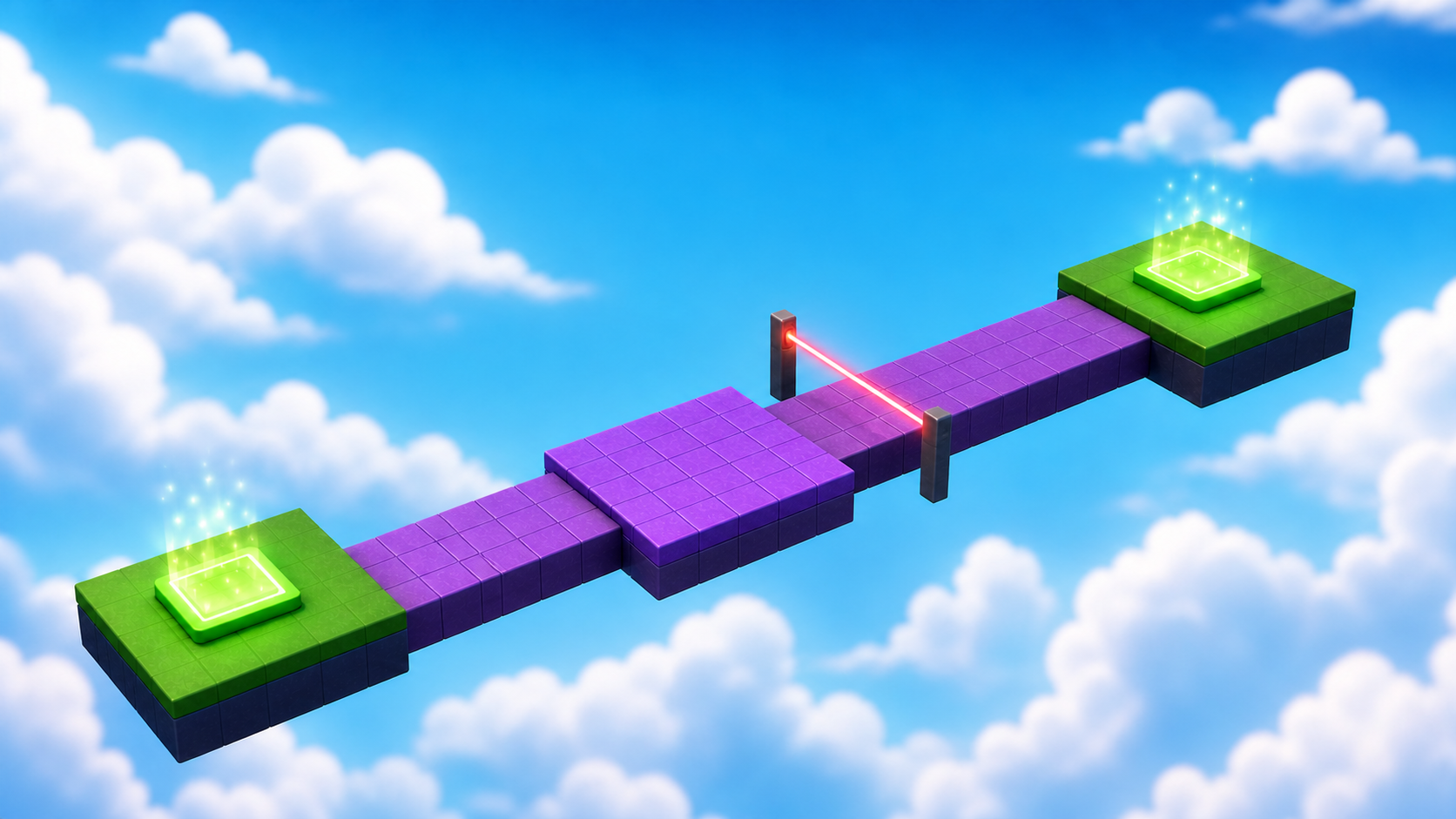
Chapter 3 · Game Systems
Create the Challenge
Combine functions, movement, timing, memory, and fair difficulty.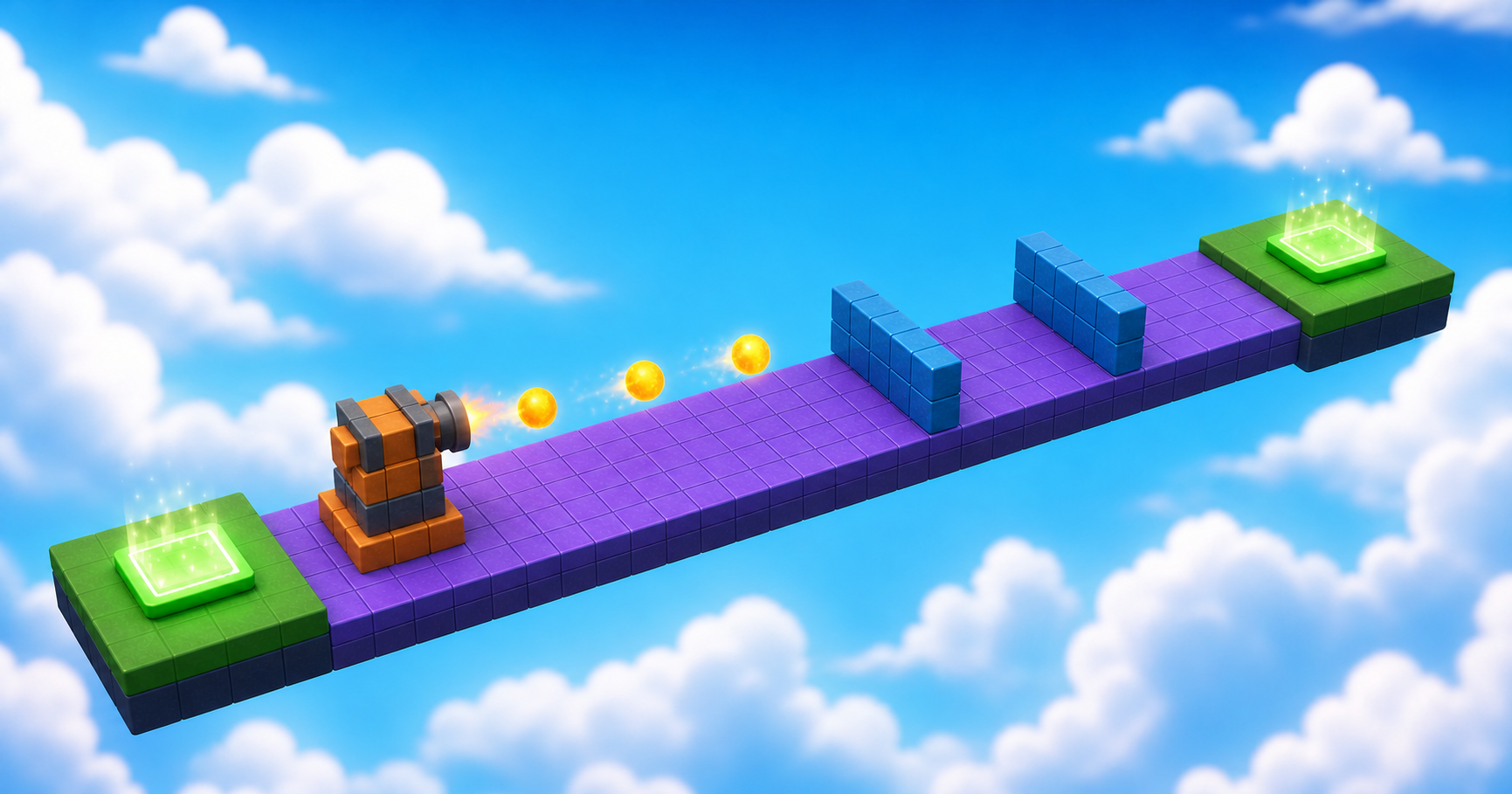
Chapter 4 · Final Mission
Finish and Launch
Build the final puzzle, test the full adventure, and share it safely.
Your adventure starts here