Bot Builders: Build & Code Your Robot
Robotics course
Bot Builders: Build & Code Your Robot
Members build a real Makeblock mBot from the box up, then code it block by block in mBlock 5 — driving, sensing, and finishing with a robot soccer match.
What members take home
A robot they built and a robot they can program
Every stage teaches one part of the mBot and adds one new skill. By the last stage members have assembled a working robot and written the code that makes it drive, see, react, and play on a team.
An mBot you assembled yourself, from the box
Block code that drives, senses, and reacts
A robot soccer team you coded with your friends
Build moments
Each stage gives the robot a new power you can see
Every stage produces a change you can watch the robot do — on the floor, not just on the screen.
You built it yourself
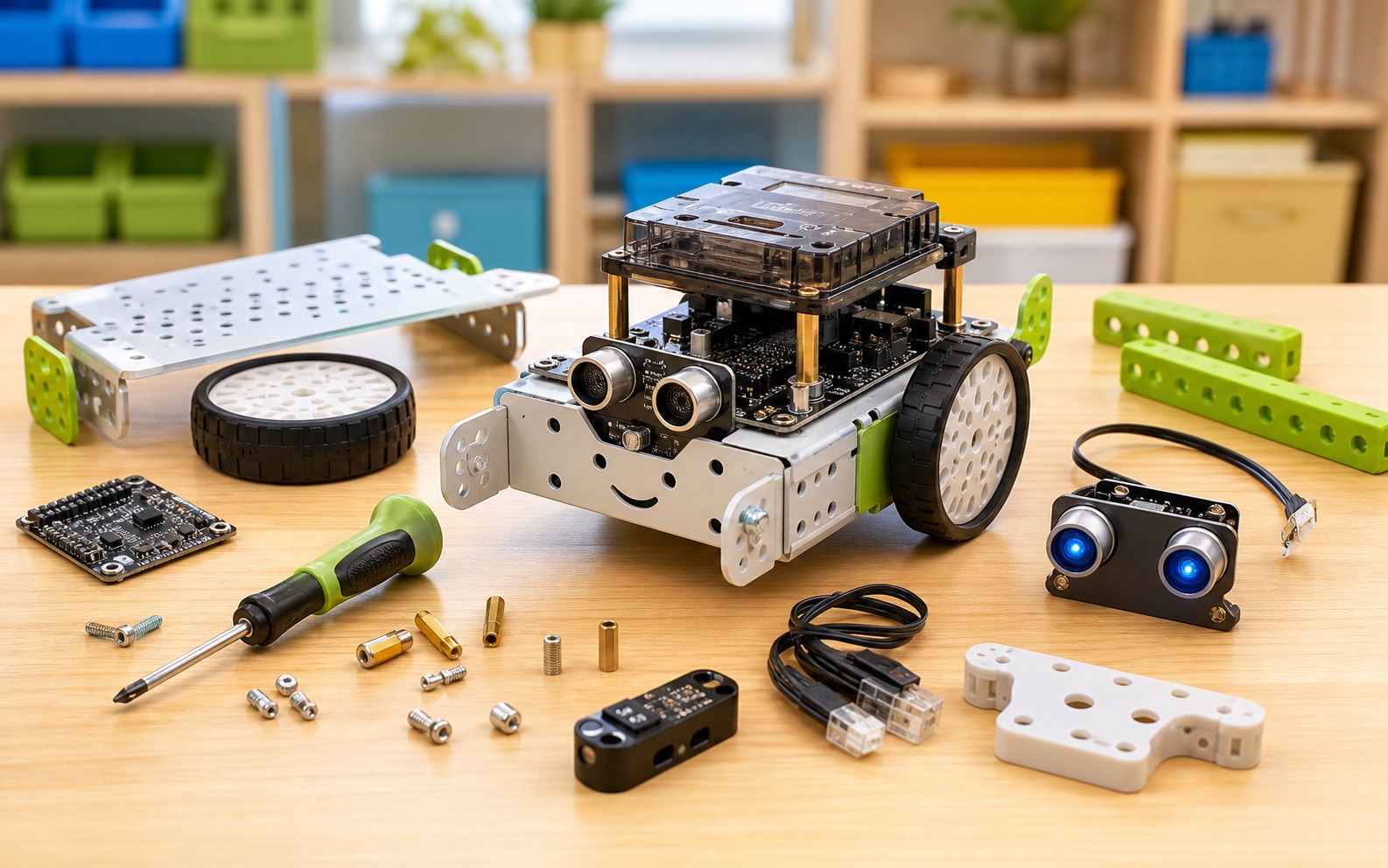
Members unbox the kit and assemble the mBot — motors, board, sensors, and battery. The first time it lights up, the robot stops being a kit and becomes theirs.
It follows a line on its own
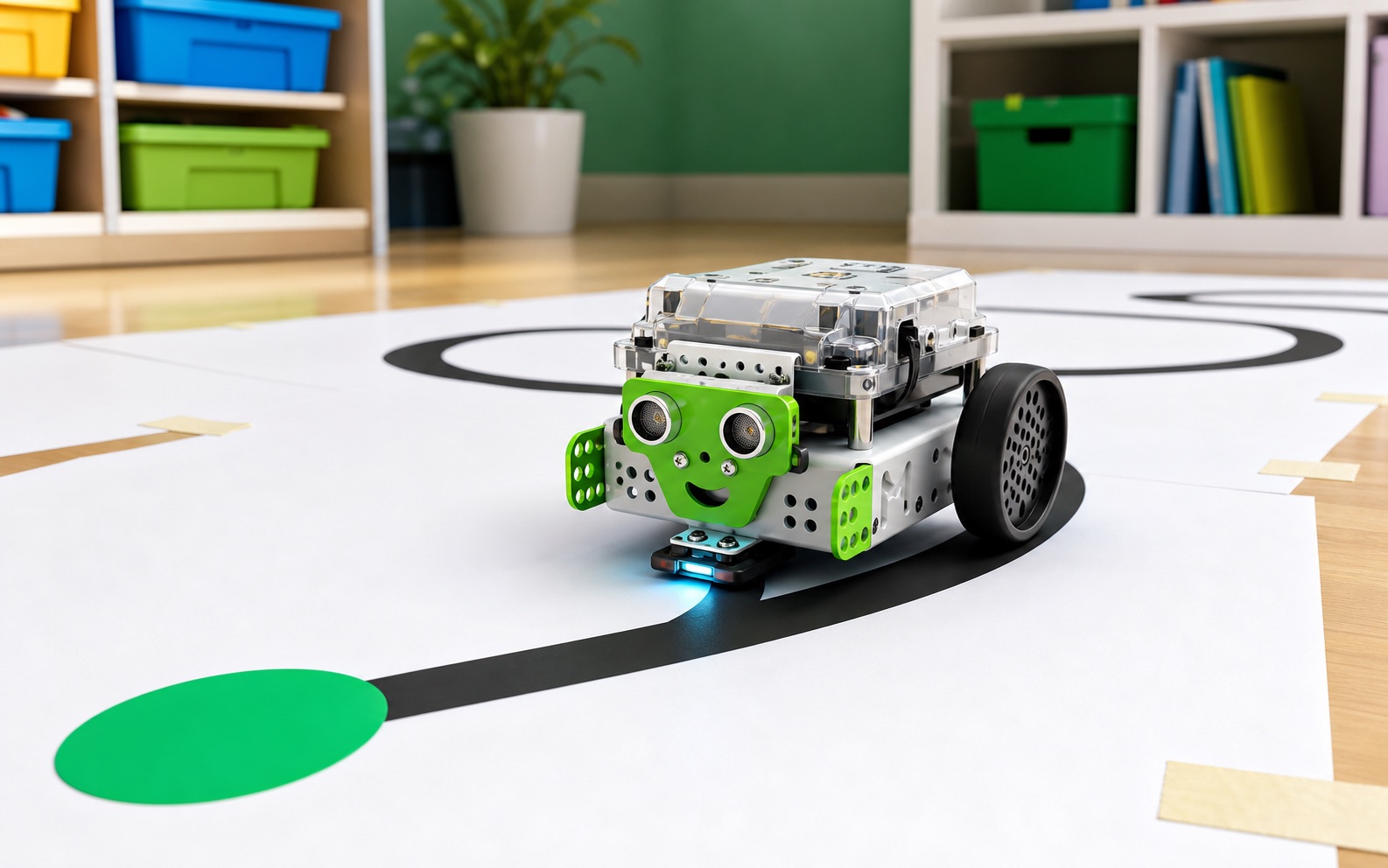
The robot reads a black line with the sensor underneath and steers to stay on it. No remote, no driver — the code does the driving.
It sees walls and stops
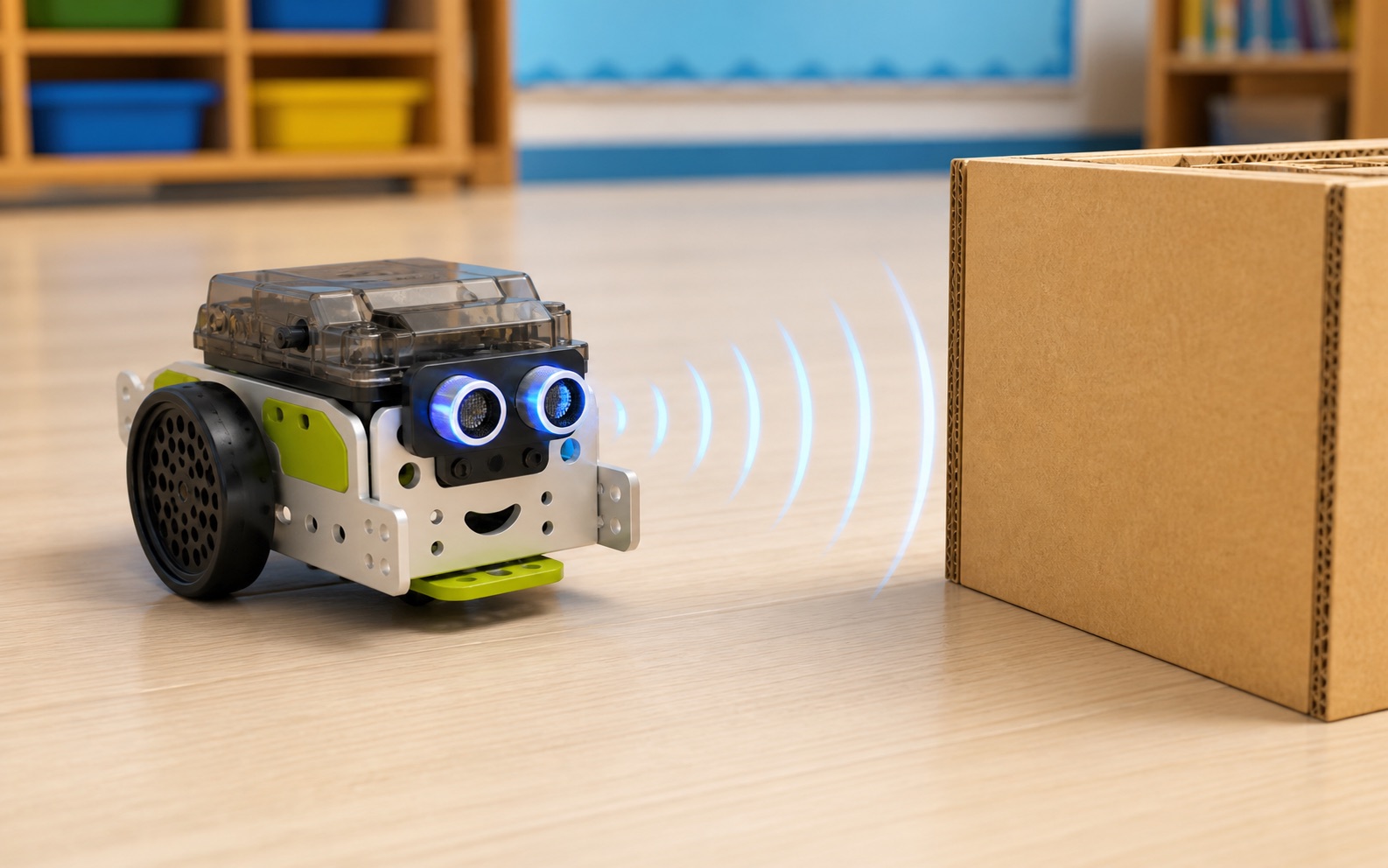
The ultrasonic sensor measures distance like a bat. Members use that number to make the robot slow down, turn, and avoid a crash.
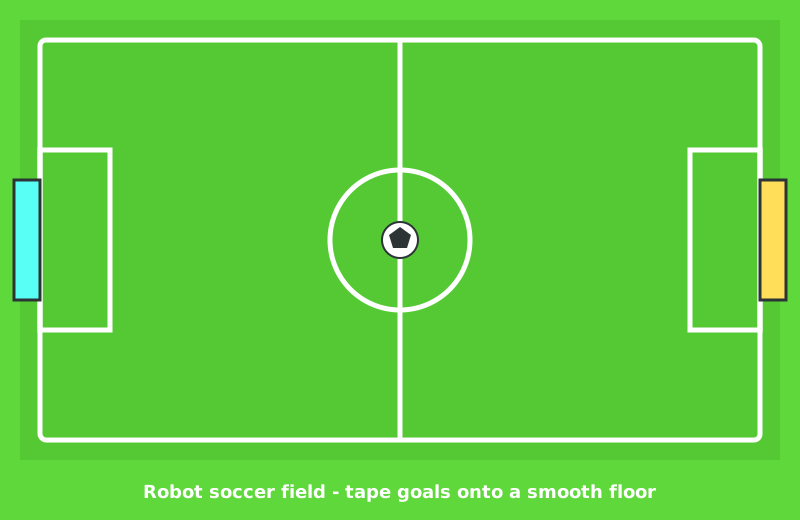
Robot soccer on the last day
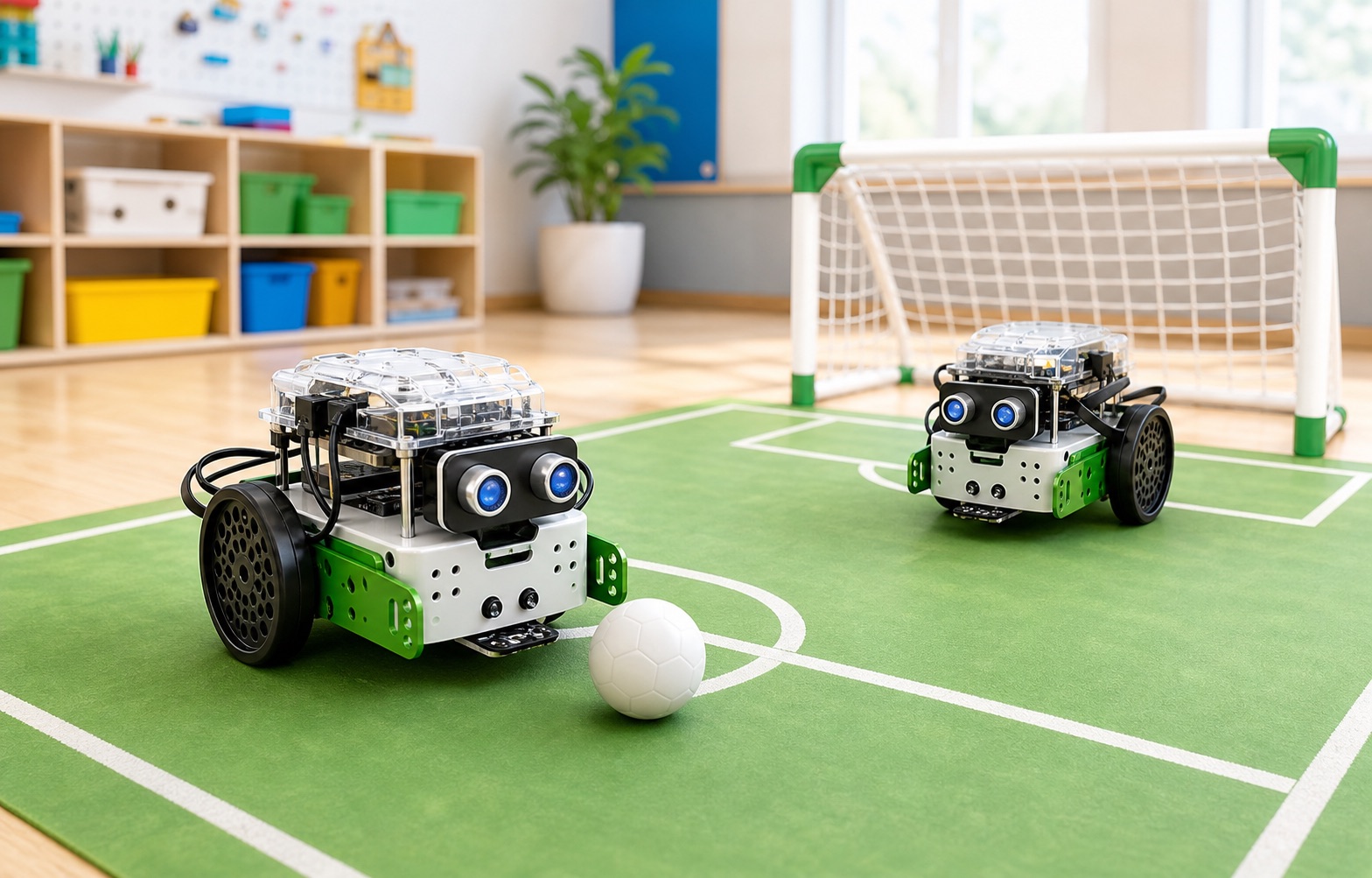
Two coded mBots play as teammates, pushing a ball toward a goal. Every skill in the course comes together in one match everyone can watch at the showcase.
Course path
Your robot gets smarter stage by stage
Each stage names the part of the robot it uses and the one idea behind it.
Make It Move
Light It Up
Give It a Voice
How Far Is the Wall?
Don't Crash
Follow the Line
You're in Control
Solve the Maze
Sumo Showdown
Robot Soccer Cup
How to start
- Ask your instructor for your class code. They read it out at the start of class.
- Make your account. First name, last name, a username and a password you pick.
- Sign in anywhere. Your work is saved to your account, not to one computer.
For instructors
Pacing labs are required
Each stage includes timed driving tests, partner checks, and arena setup before the stretches. Use those labs to keep the room together and fill the 3-hour block — and budget extra time on Day 1 for the build.
What is an mBot?
An mBot is a small robot you build yourself. It has two wheels, a brain (the board), and a few sensors — parts that let the robot notice the world around it.
You do not need to know any of this yet. We start with an empty box. By the end of the first day, you will have a real robot that can light up, beep, and roll across the floor. By the end of the course, your robot will see walls, follow a line, and play soccer with a friend's robot.
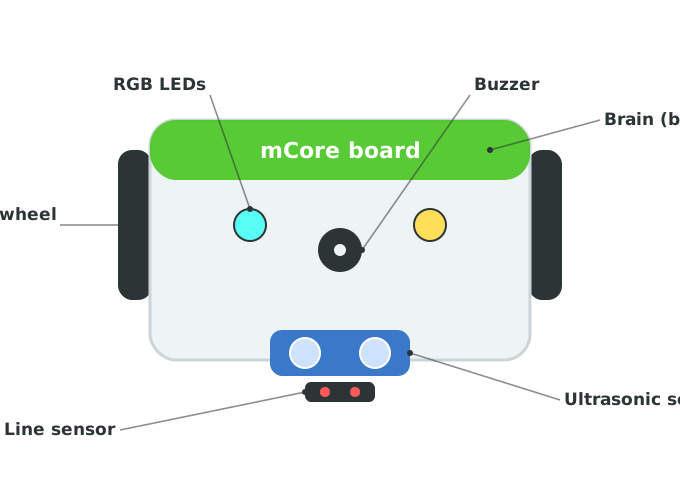
This is the robot you are about to build. Every stage in this course teaches one of these parts — the motors, the lights, the buzzer, and the two sensors that let the robot see.
How we'll work
We write code for the mBot in one tool: mBlock 5. It looks and works just like Scratch — you snap colorful blocks together instead of typing. The only difference is that some blocks drive a real robot instead of a sprite on the screen.
There are two things to keep open:
- mBlock 5 in your browser — this is where you build the code.
- Your mBot, connected to the computer with the cable, so your blocks can run on the robot.
Every stage has a button at the top to open mBlock 5 and a link to connect your robot.
The course at a glance
The robot build comes first and needs a full extra hour, so budget more time for the opening session than for any stage.
| Stages | What members do |
|---|---|
| Build + Stages 1–2 | Unbox and assemble the mBot, then make it move and light up. |
| Stages 3–4 | Give the robot a voice with the buzzer; read the distance sensor. |
| Stages 5–6 | Avoid obstacles on its own; follow a black line. |
| Stages 7–8 | Drive it live with a controller; solve a maze. |
| Stages 9–10 | Sumo showdown, then the Robot Soccer Cup and a showcase demo. |
Start with the build, then take the stages in order — each one uses a skill from the stage before.
That same material runs two ways:
- School semester — one class a week for 16 weeks. The build gets its own week.
- 5-day intensive — 3 hours a day for 5 days. The build shares Day 1 with Stages 1–2, so Day 1 runs long.
Instructors: the week map and the day-by-day plans are both in the Instructor Guide.