Castle Defense
Unity course
Castle Defense
Build an original 2D tower-defense game in Unity with C#. Place archer and cannon towers on a grid, earn gold, fend off waves of slimes and skeletons, and defend your castle gate — then ship a demo-ready build.
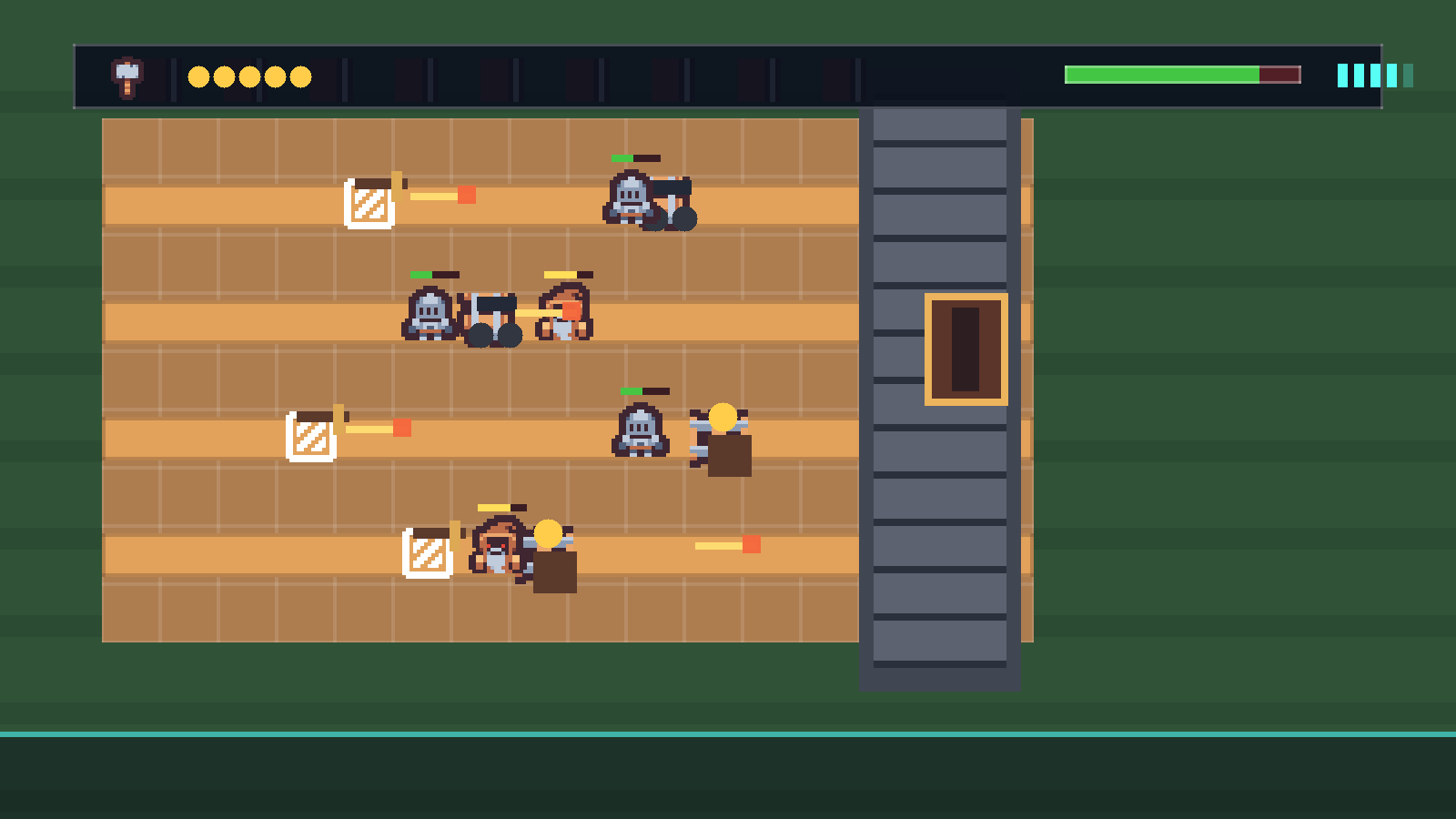 Original Unity project · CC0 art
What members ship
A complete tower-defense game they can win, lose, and tune
Every stage adds a visible system to the same Unity project. By the end members have a playable Castle Defense with an economy, two tower types, two enemy types, structured waves, win and lose screens, and sound — all built from original CC0 art.
Grid placement: click a tile, spend gold, drop a tower
Combat: towers auto-fire, projectiles damage enemies, enemies have health
Game feel: a gold economy, waves that ramp, win/lose states, and audio
Project moments
Each stage adds a playable system
The course ships an original CC0 asset pack (Kenney.nl). Members import the sprites and audio, then build the game that uses them.
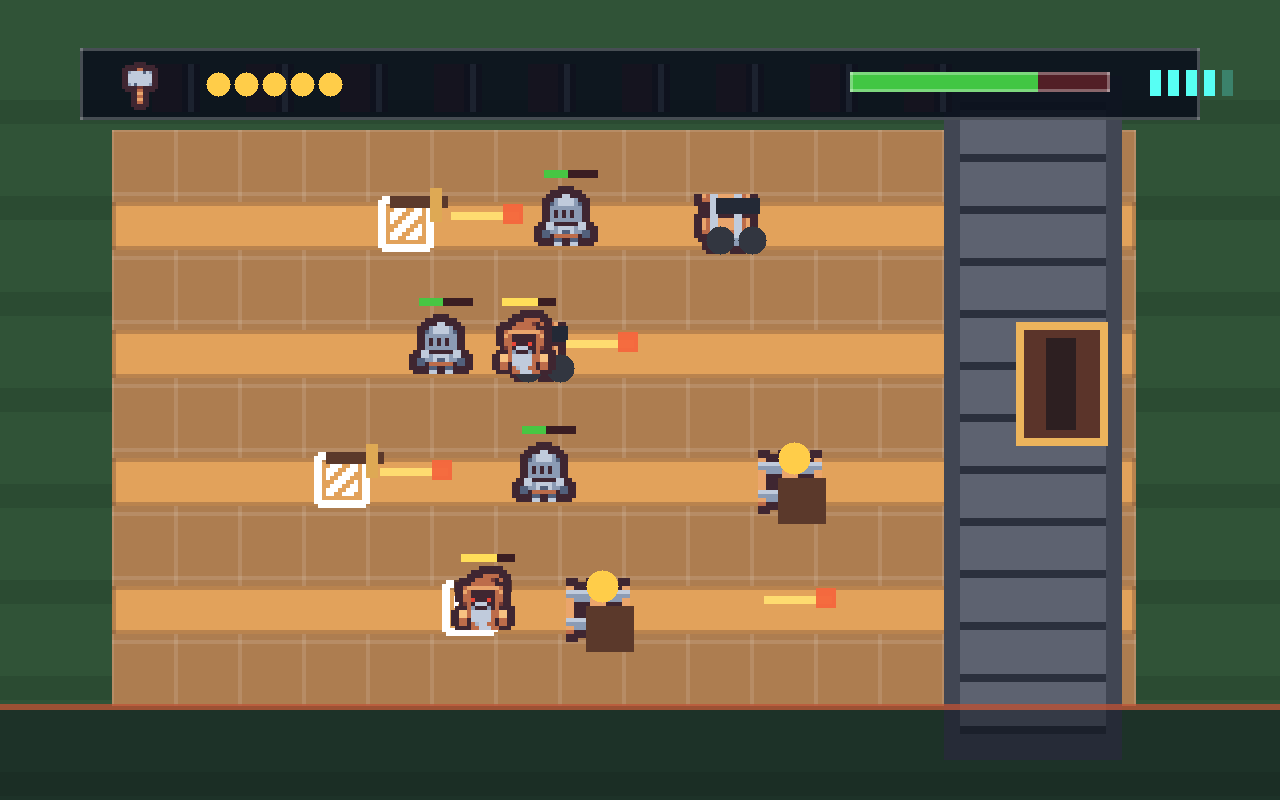
Waves advance
Slimes spawn on random lanes and crawl toward your castle gate. If one gets through, you lose health.
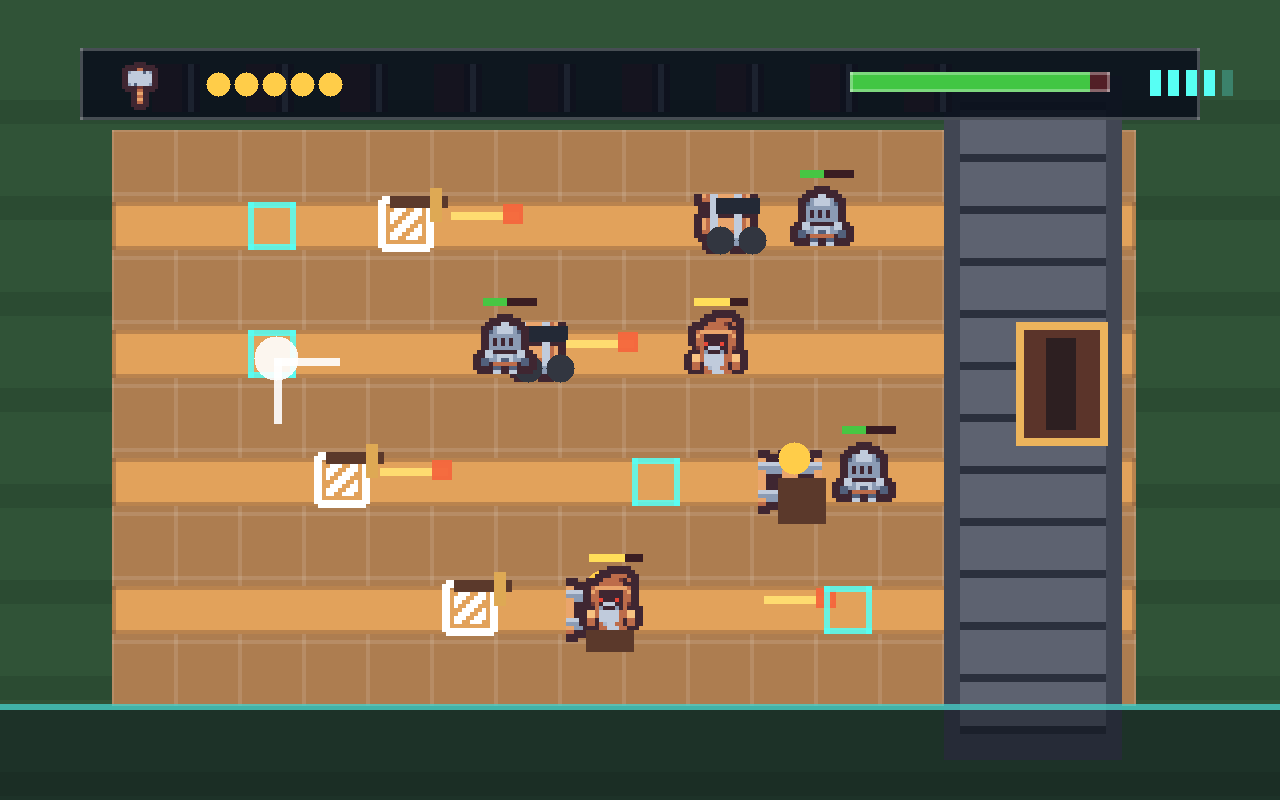
Place towers
Click a courtyard tile to spend gold and drop an Archer Tower. Run out of gold and you have to choose carefully.
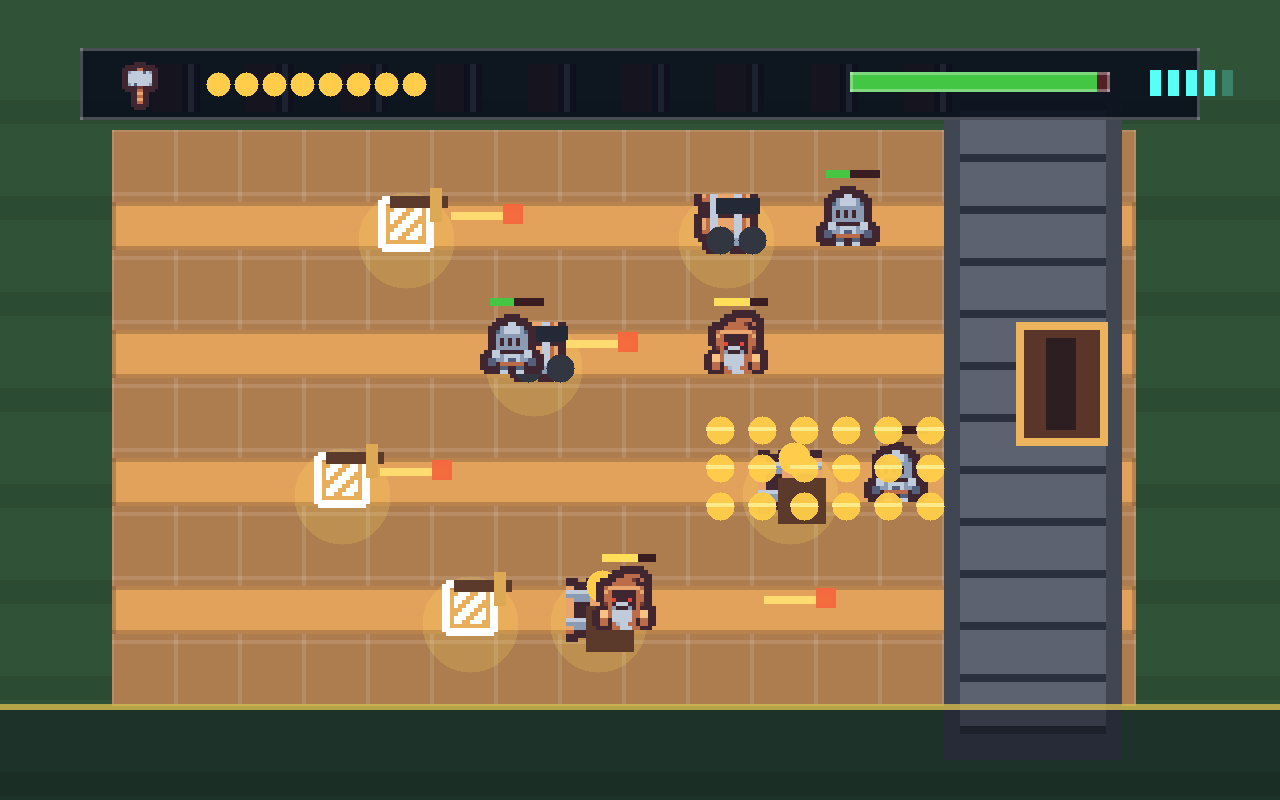
Earn gold
A Gold Mine pays out over time — the trade-off between defense now and income later is the heart of the game.
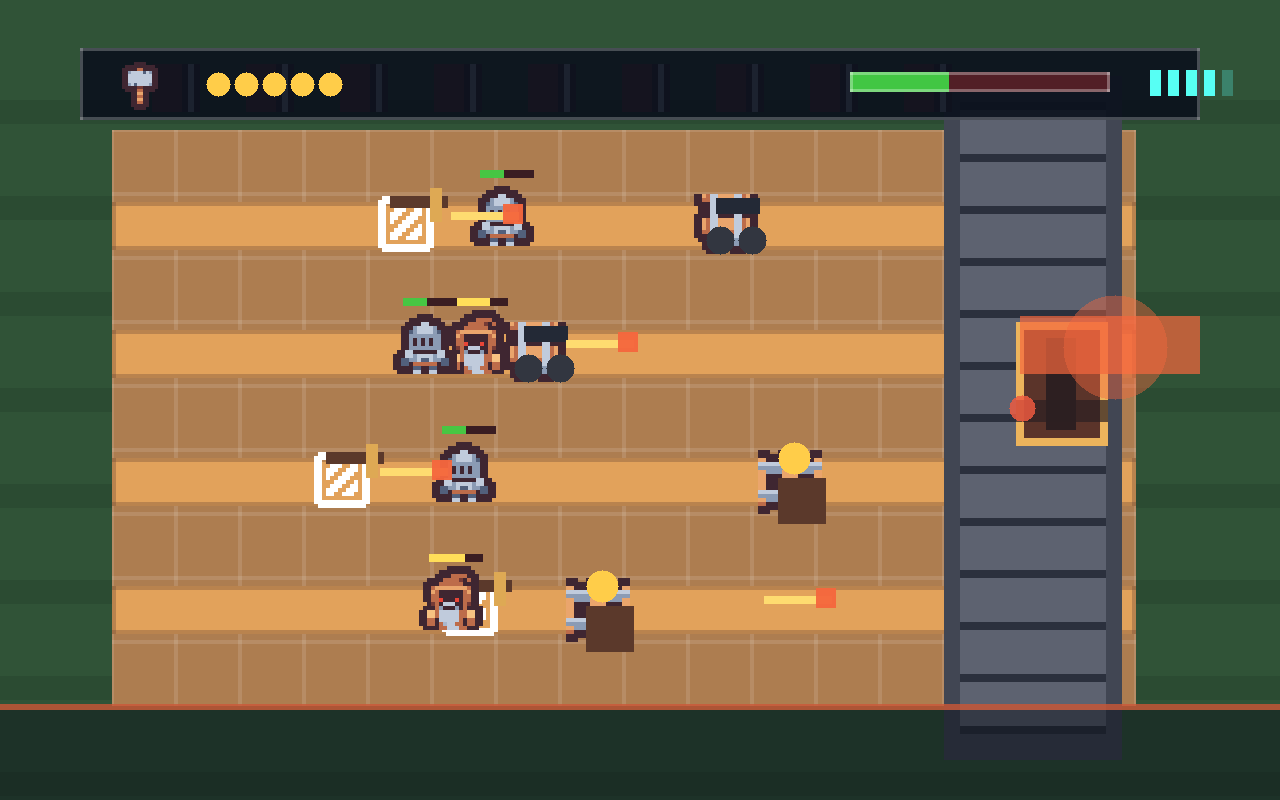
Defend the gate
The gate has health. Survive every wave to win; let it be breached and it's game over.
Course path
Your game grows one system at a time
Every stage has a mission, a big-idea framing, build steps with GameObject recipes, C# taught in runnable passes, a test list, two stretch challenges, and troubleshooting.
The Courtyard & First Enemy
Waves
The Grid Board
Gold & the HUD
Place the Archer Tower
Fire Arrows
Combat & Health
Gold Mine & Cannon Tower
Win, Lose & Waves
Polish & Ship
How to start
- Ask your instructor for your class code. They read it out at the start of class.
- Make your account. First name, last name, a username and a password you pick.
- Sign in anywhere. Your work is saved to your account, not to one computer.
For instructors
One project, start to finish, all original art
Members import the CC0 asset pack once in setup, then keep GameObject and script names consistent so the steps stay easy to follow. No copyrighted assets — the whole game is shippable.
What is this course?
This Unity course builds Castle Defense — an original 2D tower-defense game made from scratch in the Unity Editor with C#. You lay a grid of courtyard tiles, place archer and cannon towers, earn gold over time, and hold off waves of slimes and skeletons before they reach your castle gate.
It is a tower-defense game: a well-worn genre (you have played a dozen of them) where you place defenders and fend off advancing enemies. The genre is fair game — but every sprite, sound, name, and character in this course is original or public-domain (CC0), so the game you ship is yours to keep, post, and demo with no strings attached.
What is Unity?
Unity is a game engine — the program game studios use to build and run games. You work inside the Unity Editor, where you assemble GameObjects (the towers, the slimes, the camera) and give them behavior by attaching small C# scripts you write yourself.
Unity is huge — it can build 3D worlds, full physics, and animated characters. Castle Defense uses only a small, focused slice of it, and you don't need the rest. Here's the whole slice you'll learn, and exactly where each piece shows up:
| Unity feature | What it does | Where you use it |
|---|---|---|
| GameObjects & Components | Every object in the game, plus the behaviors you bolt onto it | Setup, Stage 1 |
| Sprites, Sprite Renderer & Order in Layer | Show 2D art and control what draws in front of what | Setup (slice the sheet), Stage 1 |
C# scripts — Update & Time.deltaTime | Run your own code every frame, at the same speed on any computer | Stage 1 |
Prefabs & Instantiate | Save an object once, then spawn many of it while the game runs | Stage 2 |
InvokeRepeating & Random.Range | Timers and randomness — the wave rhythm and the gold trickle | Stages 2, 4 |
Colliders & OnMouseDown | Let the player click an object on the board | Stage 3 |
Canvas, UI Text & Buttons (OnClick) | The on-screen gold and health readouts, and the tower menu | Stages 4, 8 |
A static instance (a singleton) | One shared GameManager every other script can reach | Stage 4 |
Rigidbody2D, trigger colliders, OnTriggerEnter2D & Tags | Detect an arrow hitting a slime | Stage 7 |
AudioSource & PlayOneShot | Play sound effects | Stage 10 |
Time.timeScale & SceneManager | Freeze the game on win or loss, and restart it | Stages 9, 10 |
That's the full set. The course never asks you to learn a Unity feature you won't actually use to build Castle Defense.
The art is CC0 — and you slice it yourself
The whole game is built from one CC0 spritesheet from Kenney.nl plus a handful of CC0 sound effects. CC0 means public domain: free for anyone, no attribution required (we credit Kenney anyway in CREDITS-unity-part1.md).
You import the sheet once and slice it into individual sprites inside Unity's Sprite Editor — a real skill you'll use in every Unity project after this. Setup walks you through it.
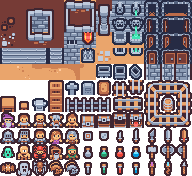
Download what you need, then drag it into your Unity project's Assets folder. Keep the filenames exactly as shown so the steps match.
Art & audio from Kenney.nl — CC0 (public domain). Full credits live in CREDITS-unity-part1.md.
Course time
Core teaching time is Intro (30) + Setup (60) + ten stages at ~45 minutes each = 540 minutes, about 9 hours. Stretch challenges, playtesting, and balance work fill the rest.
That same material runs two ways:
- School semester — one class a week for 16 weeks. One stage per week, with catch-up, stretch, and showcase weeks built in.
- 5-day intensive — 3 hours a day for 5 days. Two to three stages a day, closing with a showcase.
Instructors: the week map and the day-by-day plans are both in the Instructor Guide.
If a stage runs long, pull from stretch challenges first and protect the Stage 10 demo.
Who this is for
This course is built for members who are new to Unity. You should be comfortable reading multi-step instructions, typing carefully, and testing often. No prior C# is required — every script is built in small, runnable passes, and each pass is something you can Play and see working before the next.
Every stage includes a mission, the big idea, new words, build steps with GameObject recipes, C# taught in passes, a test list, troubleshooting, two stretch challenges, and instructor notes.
Install Unity 6 LTS through the Unity Hub on every machine ahead of time (the first install is a large download). Setup assumes Unity is already installed.