Python 101
Beginner Python course
Python 101
Members learn Python by building a space-crewmate Turtle game in Trinket — movement, tasks, score, a chaser, win and lose states, and a demo-ready final project.
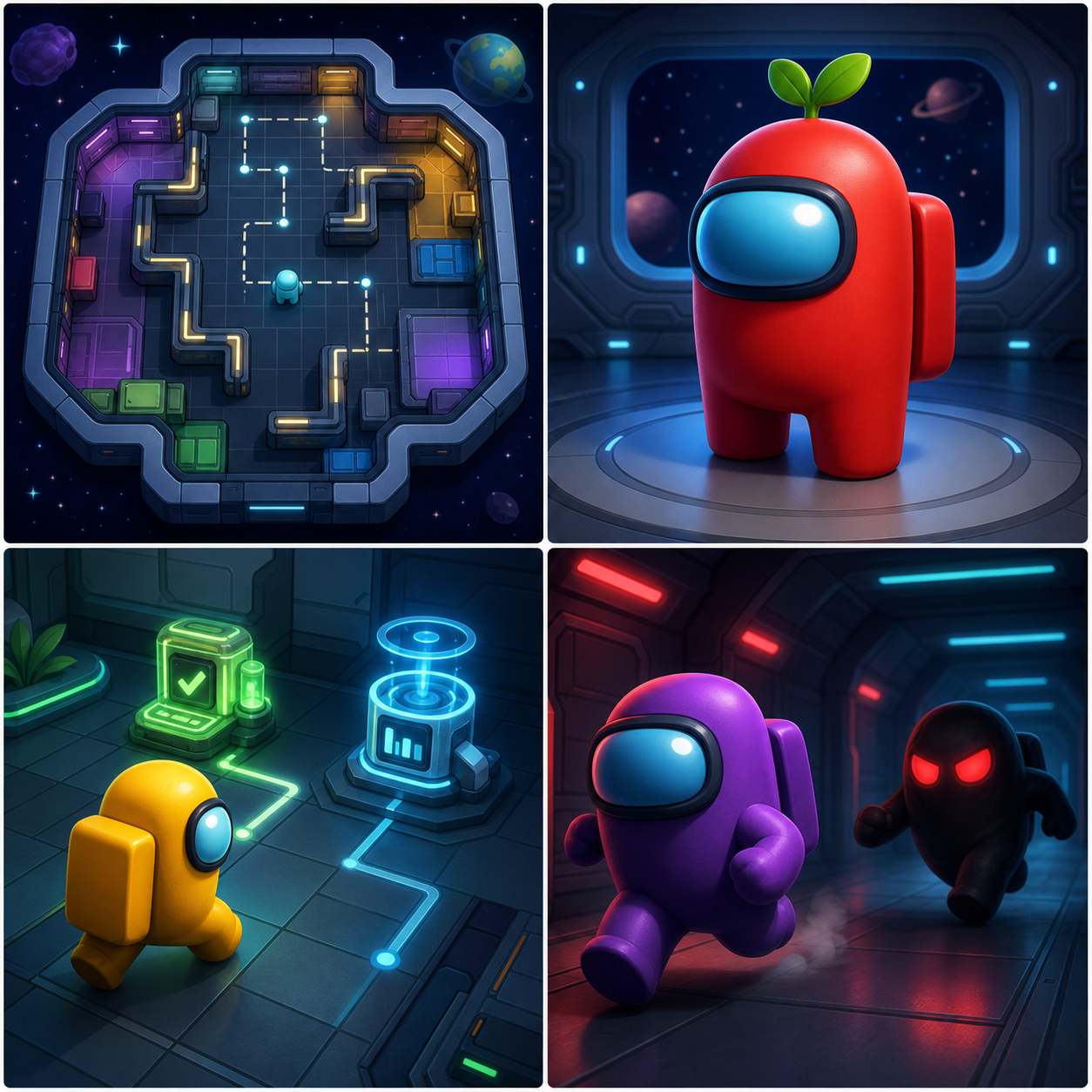
What members ship
Python through a game, not a syntax tour
Every lesson adds a visible system to the same Turtle project. Syntax appears because the game needs it, not as a worksheet.
A playable space-crewmate task game in Python Turtle
Movement, coordinates, functions, loops, lists, collision checks, score, and game states
A Trinket project members can save, remix, and demo
Project moments
Each stage makes the game more playable
Members learn Python ideas only when those ideas unlock the next part of the game.
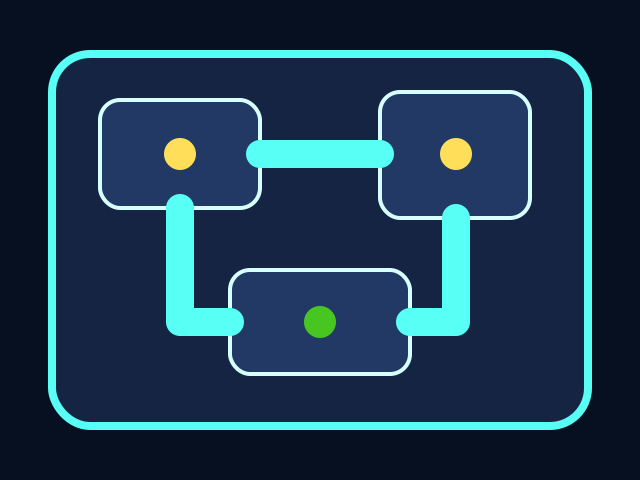
The ship has a map
The course starts with a coordinate map and named boundaries so every room, task, and character has a place.
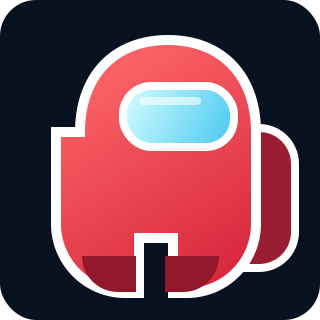
The crewmate is drawn with code
Members use Turtle shapes, stamps, pens, and functions to build an original character they understand line by line.

Tasks create goals
Task stations turn movement into a game loop: visit stations, update progress, and make the HUD respond.
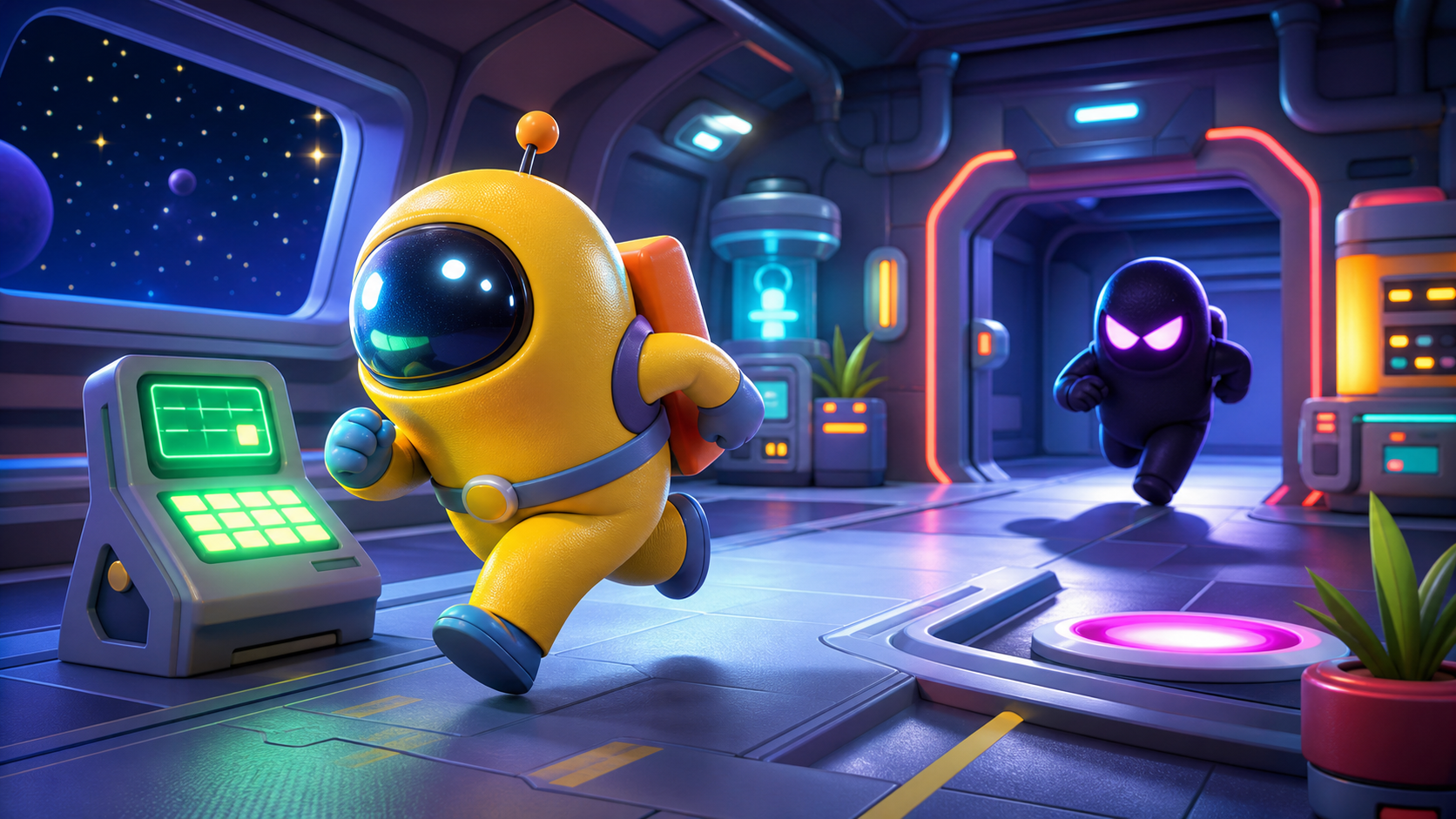
The chase creates stakes
A simple chaser introduces distance checks, conditions, and win/lose states without feeling like a syntax drill.
Course path
The game grows one system at a time
Each stage has code tasks, prediction checks, debugging support, and stretch challenges.
Build the Ship Screen
Draw the Crewmate
Move Through the Ship
Add Tasks to Collect
Track Score and Progress
Spawn the Chaser
Make the Chaser Move
Win and Lose States
Tune the Game Feel
Polish and Demo
How to start
- Ask your instructor for your class code. They read it out at the start of class.
- Make your account. First name, last name, a username and a password you pick.
- Sign in anywhere. Your work is saved to your account, not to one computer.
For instructors
Project first, syntax second
Each stage default is enough to keep the game playable. Stretch challenges deepen the code only after the core game works.
What is Python?
Python is a programming language — a way of writing instructions a computer can follow, one line at a time. Each line is a small order: make a window, draw a circle here, if the player touches a task, add fifty to the score. Stack enough of those orders together and you have a game.
Python runs on every kind of computer: laptops, phones, web servers, even small robots. Animators at Pixar use it to script scenes, NASA uses it to plan space missions, and scientists use it to study climate. In this course, you'll use Python inside Trinket — a free coding website that opens right in your browser — to build a space-crewmate game called Crewmate Task Dash.
We're using Python because it reads more like instructions than like math. The ideas you'll meet here — variables, functions, loops, conditions, lists — are the same ideas behind every other programming language. Learn them in Python now, and JavaScript, Lua, and anything you try next will already feel familiar.
What changed?
Python 101 is now a project-first course. Instead of learning Python as a list of syntax topics, members build one game in Trinket: Crewmate Task Dash.
The project uses Python Turtle to draw a spaceship room, a crewmate-style player, task stations, a chaser, score, and win/lose states. Python concepts appear when the game needs them: coordinates, variables, functions, keyboard events, loops, lists, conditions, and collision checks.
The player moves through the ship, collects tasks, and avoids the chaser. All playable shapes are drawn with Python Turtle code.
Course time
| Course work | Minutes |
|---|---|
| Course Intro | 30 |
| Setup | 25 |
| Stage 1 | 40 |
| Stage 2 | 50 |
| Stage 3 | 60 |
| Stage 4 | 65 |
| Stage 5 | 65 |
| Stage 6 | 50 |
| Stage 7 | 70 |
| Stage 8 | 70 |
| Stage 9 | 55 |
| Stage 10 | 50 |
| Build total | 630 min (10.5 hours) |
The rest of the time is playtesting, tuning, stretch work, and demo prep.
That same material runs two ways:
- School semester — one class a week for 16 weeks. One stage per week, with catch-up, stretch, and showcase weeks built in.
- 5-day intensive — 3 hours a day for 5 days. Two to three stages a day, closing with a showcase.
Instructors: the week map and the day-by-day plans are both in the Instructor Guide.
Asset approach
The course uses original generated visuals for polish and reference, but the playable game uses Turtle-coded graphics. That keeps the build reliable in Trinket and makes every visual part explainable as code.
These generated images set the style target. Members build the playable version with Turtle code in Trinket.
Who this is for
This course is for people new to Python. You should be comfortable typing short code blocks and testing often, but they do not need previous Python experience.
The goal is not to memorize syntax. The goal is to build a game, understand why each piece exists, and leave with code you can explain.