Stage 9: Tune the Game Feel
Keep building in the workspace on the right.
This stage is part of the same Crewmate Task Dash project you started in Setup. Type each new code block into the Trinket rail and keep building on the last stage.
balanced speeds, positions, and colors
how tuning changes difficulty more than new code does
a game another student can understand and finish
The big idea
Polish is a coding skill. Small values decide whether the game feels fair, chaotic, slow, or exciting.
- tuning
- adjusting numbers until gameplay feels right
- playtest
- let someone play and watch what happens
- readability
- how easily a player can tell what is happening
- difficulty
- how demanding the game feels
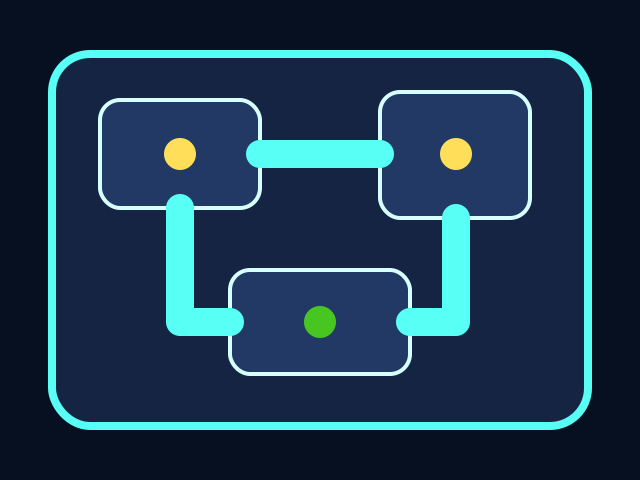

The player moves through the ship, collects tasks, and avoids the chaser. All playable shapes are drawn with Python Turtle code.
Build it
Type, run, test
Need a hint?
Add the new code to the same Trinket project. Keep previous stage code unless the stage says to replace a function.
main.py
Add this to your current Trinket file.
PLAYER_STEP = 20
CHASER_SPEED = 4
TASK_RADIUS = 28
CAPTURE_RADIUS = 28

# Use these names inside your movement and collision code.
# Changing the game should now mean changing these values first.
Trace the idea
- Named constants keep tuning values in one place.
- Small changes are easier to compare than random edits everywhere.
- Playtesting tells you which number to change next.
Try this
Try this
Three short experiments. Predict before you run, then test your guess.
Test your stage
- The game is possible to win.
- The chaser is visible and threatening.
- Task stations are not too close together.
- A new player understands what to do.