Castle Defense
Unity camp course · Ages 11–14
Castle Defense
Build an original 2D tower-defense game in Unity with C#. Place archer and cannon towers on a grid, earn gold, fend off waves of slimes and skeletons, and defend your castle gate — then ship a demo-ready build.
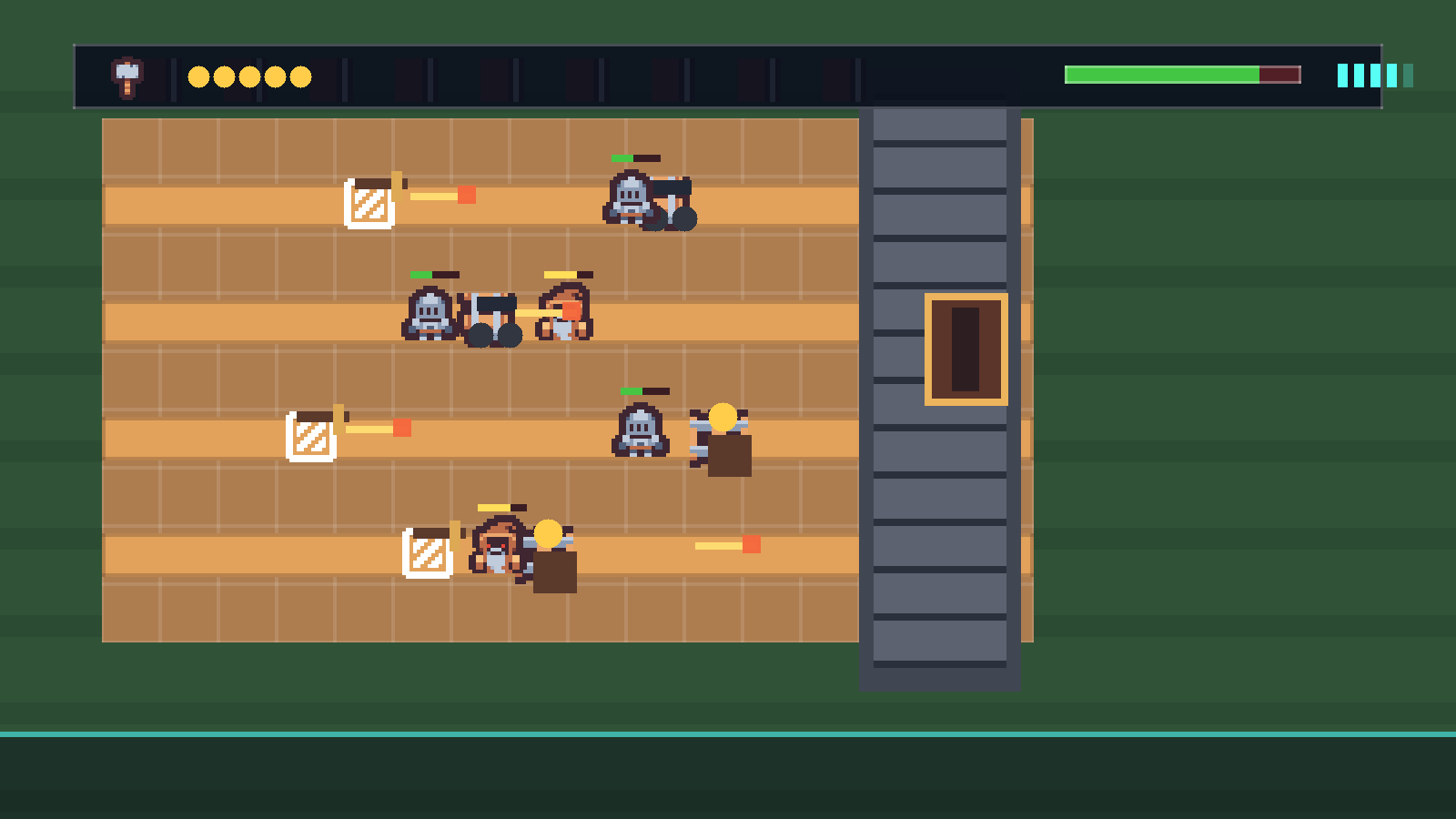 Original Unity project · CC0 art
What campers ship
A complete tower-defense game they can win, lose, and tune
Every stage adds a visible system to the same Unity project. By the end campers have a playable Castle Defense with an economy, two tower types, two enemy types, structured waves, win and lose screens, and sound — all built from original CC0 art.
Grid placement: click a tile, spend gold, drop a tower
Combat: towers auto-fire, projectiles damage enemies, enemies have health
Game feel: a gold economy, waves that ramp, win/lose states, and audio
Project moments
Each stage adds a playable system
The course ships an original CC0 asset pack (Kenney.nl). Campers import the sprites and audio, then build the game that uses them.
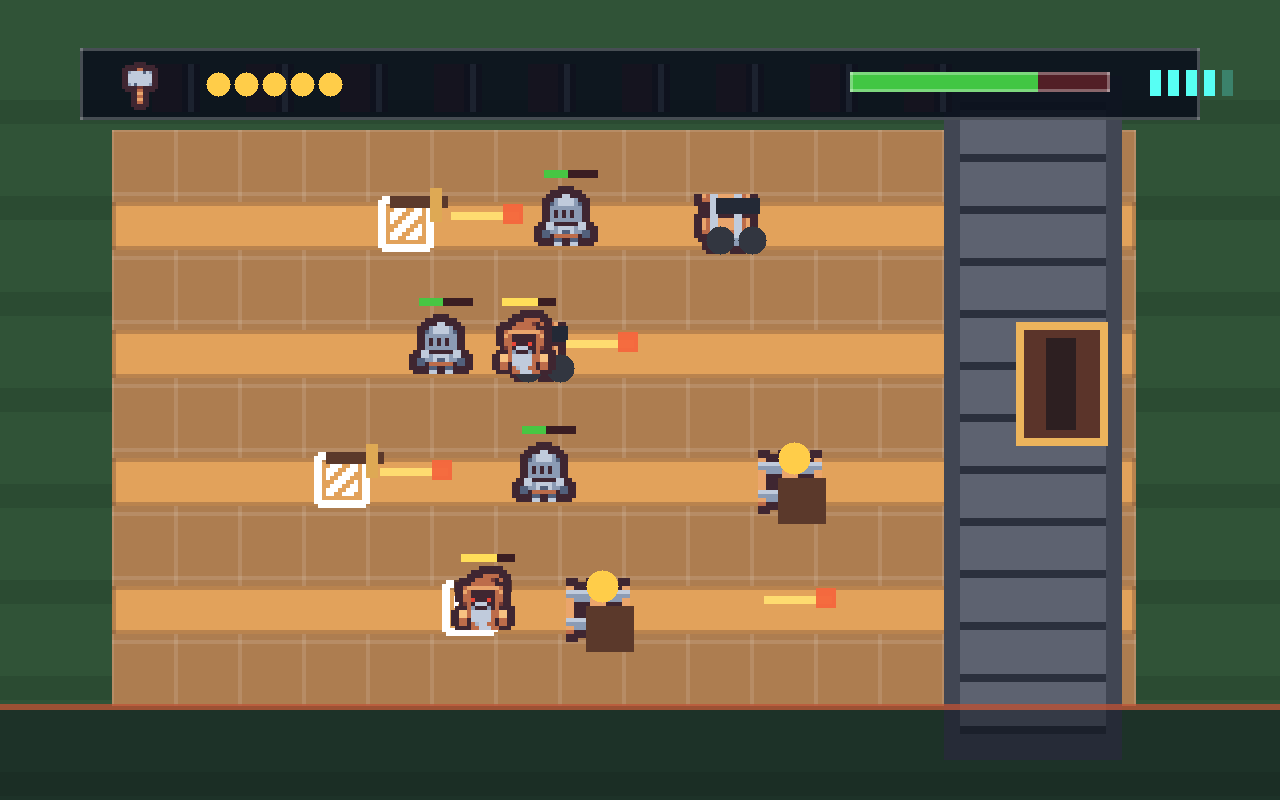
Waves advance
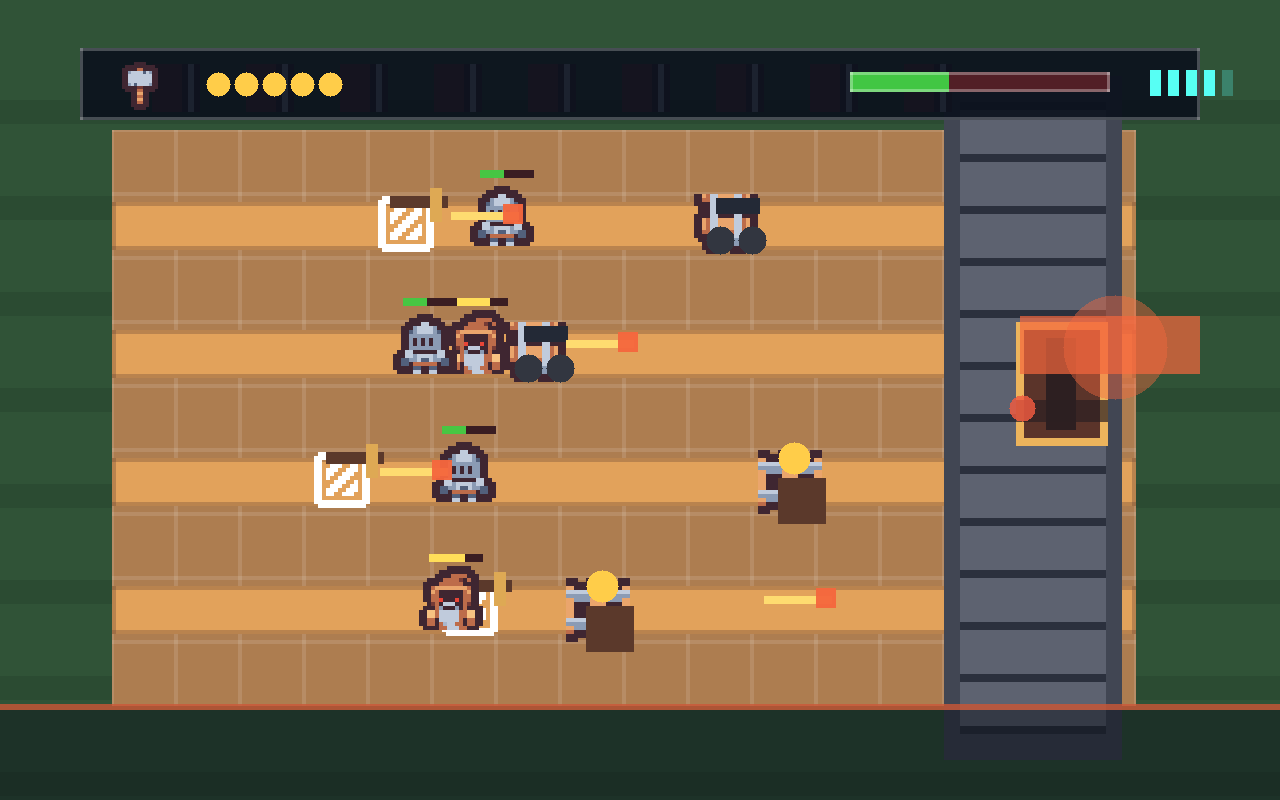
Slimes spawn on random lanes and crawl toward your castle gate. If one gets through, you lose health.
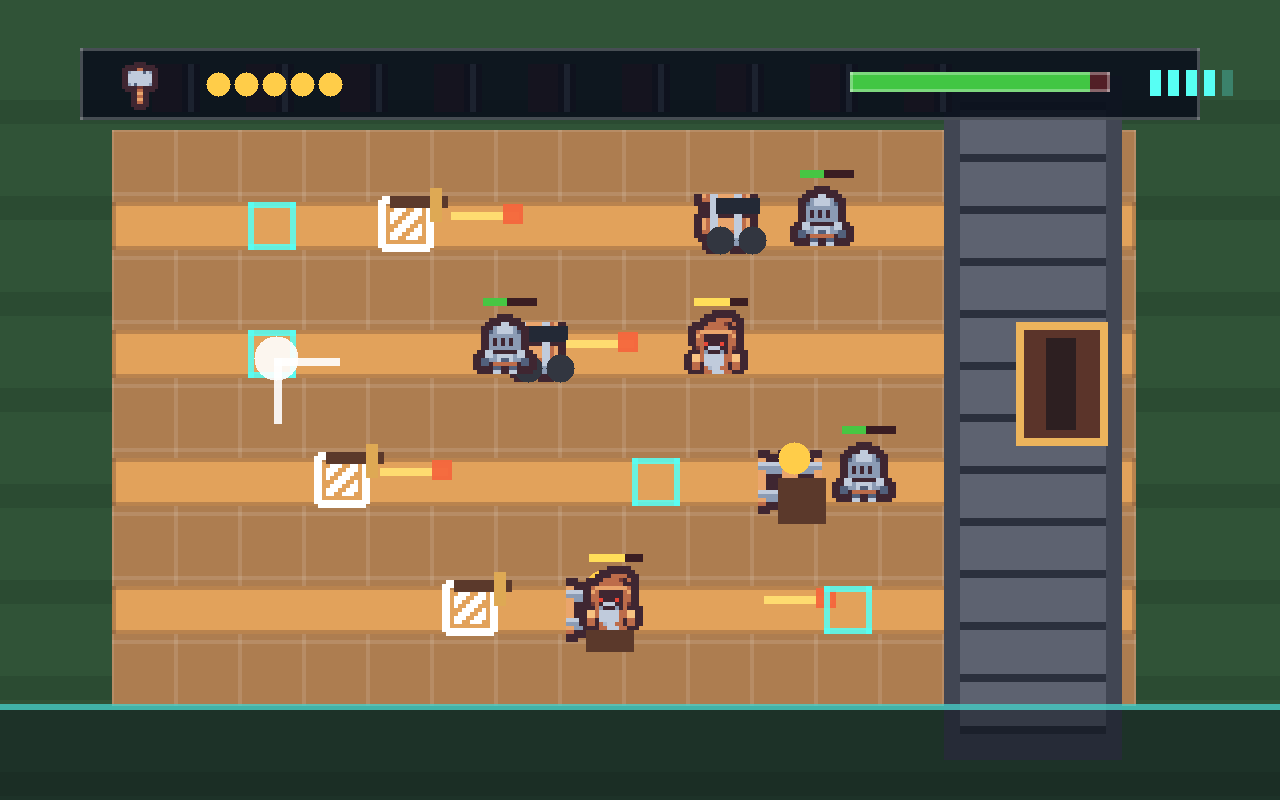
Place towers
Click a courtyard tile to spend gold and drop an Archer Tower. Run out of gold and you have to choose carefully.
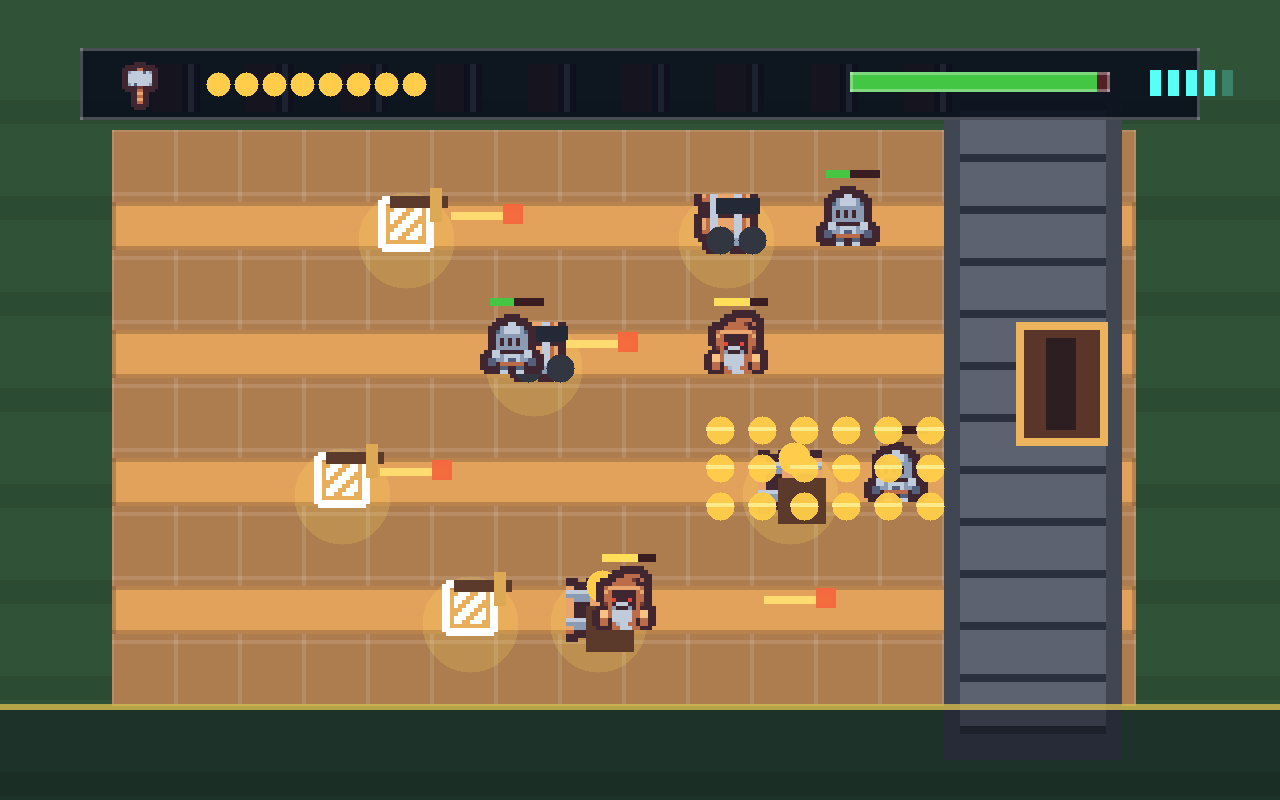
Earn gold
A Gold Mine pays out over time — the trade-off between defense now and income later is the heart of the game.
Defend the gate
The gate has health. Survive every wave to win; let it be breached and it's game over.
Course path
Your game grows one system at a time
Every stage has a mission, a big-idea framing, build steps with GameObject recipes, C# taught in runnable passes, a test list, two stretch challenges, and troubleshooting.
The Courtyard & First Enemy
Show the board and move one slime toward the gate with C#.
Tune the speed sliderStage 2Waves
Turn the slime into a prefab and spawn waves on random lanes.
Speed up the spawn rateStage 3The Grid Board
Build a clickable grid of courtyard tiles that highlight.
Two-color checkerboardStage 4Gold & the HUD
Add a GameManager, a gold total, and an on-screen readout.
Style the HUDStage 5Place the Archer Tower
Click a tile to spend gold and drop a tower.
Show the price on hoverStage 6Fire Arrows
Make towers auto-fire arrows down their lane on a cooldown.
Tune fire rateStage 7Combat & Health
Arrows damage enemies; enemies die when health hits zero.
Add a hit flashStage 8Gold Mine & Cannon Tower
Add a second tower and a gold generator by reusing your scripts.
Design a third unitStage 9Win, Lose & Waves
Add gate health, win/lose screens, and a finite wave count.
Wave counter UIStage 10Polish & Ship
Add sound, a Skeleton enemy, a difficulty ramp, and a build.
Add a restart keyFor camp flow
One project, all week, all original art
Campers import the CC0 asset pack once in setup, then keep GameObject and script names consistent so the steps stay coachable. No copyrighted assets — the whole game is shippable.
What is this course?
This Unity course builds Castle Defense — an original 2D tower-defense game made from scratch in the Unity Editor with C#. You lay a grid of courtyard tiles, place archer and cannon towers, earn gold over time, and hold off waves of slimes and skeletons before they reach your castle gate.
It is a tower-defense game: a well-worn genre (you have played a dozen of them) where you place defenders and fend off advancing enemies. The genre is fair game — but every sprite, sound, name, and character in this course is original or public-domain (CC0), so the game you ship is yours to keep, post, and demo with no strings attached.
What is Unity?
Unity is a game engine — the program game studios use to build and run games. You work inside the Unity Editor, where you assemble GameObjects (the towers, the slimes, the camera) and give them behavior by attaching small C# scripts you write yourself.
Unity is huge — it can build 3D worlds, full physics, and animated characters. Castle Defense uses only a small, focused slice of it, and you don't need the rest. Here's the whole slice you'll learn, and exactly where each piece shows up:
| Unity feature | What it does | Where you use it |
|---|---|---|
| GameObjects & Components | Every object in the game, plus the behaviors you bolt onto it | Setup, Stage 1 |
| Sprites, Sprite Renderer & Order in Layer | Show 2D art and control what draws in front of what | Setup (slice the sheet), Stage 1 |
C# scripts — Update & Time.deltaTime | Run your own code every frame, at the same speed on any computer | Stage 1 |
Prefabs & Instantiate | Save an object once, then spawn many of it while the game runs | Stage 2 |
InvokeRepeating & Random.Range | Timers and randomness — the wave rhythm and the gold trickle | Stages 2, 4 |
Colliders & OnMouseDown | Let the player click an object on the board | Stage 3 |
Canvas, UI Text & Buttons (OnClick) | The on-screen gold and health readouts, and the tower menu | Stages 4, 8 |
A static instance (a singleton) | One shared GameManager every other script can reach | Stage 4 |
Rigidbody2D, trigger colliders, OnTriggerEnter2D & Tags | Detect an arrow hitting a slime | Stage 7 |
AudioSource & PlayOneShot | Play sound effects | Stage 10 |
Time.timeScale & SceneManager | Freeze the game on win or loss, and restart it | Stages 9, 10 |
That's the full set. The course never asks you to learn a Unity feature you won't actually use to build Castle Defense.
The art is CC0 — and you slice it yourself
The whole game is built from one CC0 spritesheet from Kenney.nl plus a handful of CC0 sound effects. CC0 means public domain: free for anyone, no attribution required (we credit Kenney anyway in CREDITS-unity-part1.md).
You import the sheet once and slice it into individual sprites inside Unity's Sprite Editor — a real skill you'll use in every Unity project after this. Setup walks you through it.
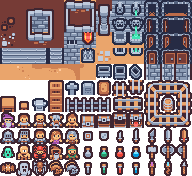
Download what you need, then drag it into your Unity project's Assets folder. Keep the filenames exactly as shown so the steps match.
Art & audio from Kenney.nl — CC0 (public domain). Full credits live in CREDITS-unity-part1.md.
5-day camp schedule
Each day is about 3 hours. Total course time is roughly 15 hours.
| Day | Course work | Total |
|---|---|---|
| 1 | Intro (30) · Setup (60) · Stage 1 (45) · Stage 2 (45) | 180 min |
| 2 | Stage 3 (45) · Stage 4 (45) · Stage 5 (45) · stretch (45) | 180 min |
| 3 | Stage 6 (45) · Stage 7 (45) · stretch + playtest (90) | 180 min |
| 4 | Stage 8 (45) · Stage 9 (45) · stretch + balance (90) | 180 min |
| 5 | Stage 10 (45) · polish, build & demo (135) | 180 min |
Core teaching time is Intro (30) + Setup (60) + ten stages at ~45 = 540 minutes (9 hours). The remaining camp time is stretch challenges, playtesting, and balance work. If a stage runs long, pull from stretch challenges first and protect the Stage 10 demo.
Who this is for
This course is built for ages 11–14 who are new to Unity. Campers should be comfortable reading multi-step instructions, typing carefully, and testing often. No prior C# is required — every script is built in small, runnable passes, and each pass is something you can Play and see working before the next.
Every stage includes a mission, the big idea, new words, build steps with GameObject recipes, C# taught in passes, a test list, troubleshooting, two stretch challenges, and coach notes.
Install Unity 6 LTS through the Unity Hub on every machine ahead of time (the first install is a large download). Setup assumes Unity is already installed.