Stage 1: Build the Ship Screen
Keep building in the workspace on the right.
This stage is part of the same Crewmate Task Dash project you started in Setup. Type each new code block into the Trinket rail and keep building on the last stage.
a Turtle screen, named boundaries, and a simple ship room
how coordinates give every game object a place
a spaceship map ready for characters and tasks
The big idea
Games need a map before they need controls. Python Turtle gives us a coordinate grid, and named edges make the grid readable.
- coordinate
- an x/y pair that names a point on the screen
- variable
- a name that stores a value the program uses later
- screen
- the Turtle window where the game appears
- boundary
- an edge the player should not cross
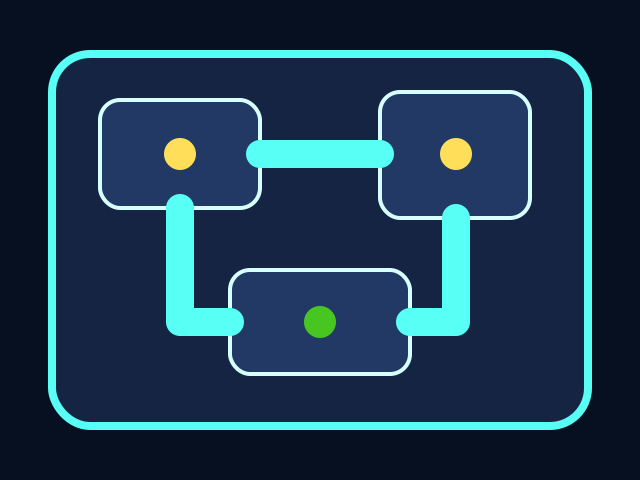



The player moves through the ship, collects tasks, and avoids the chaser. All playable shapes are drawn with Python Turtle code.
Build it
Type, run, test
Need a hint?
Add the new code to the same Trinket project. Keep previous stage code unless the stage says to replace a function.
main.py
Add this to your current Trinket file.
#!/bin/python3
import turtle

screen = turtle.Screen()
screen.bgcolor("midnight blue")
screen.title("Crewmate Task Dash")

LEFT = -screen.window_width() / 2
RIGHT = screen.window_width() / 2
TOP = screen.window_height() / 2
BOTTOM = -screen.window_height() / 2

map_pen = turtle.Turtle()
map_pen.hideturtle()
map_pen.penup()
map_pen.color("cyan")
map_pen.setposition(LEFT + 40, BOTTOM + 60)
map_pen.pendown()
for side in [RIGHT - LEFT - 80, TOP - BOTTOM - 120, RIGHT - LEFT - 80, TOP - BOTTOM - 120]:
    map_pen.forward(side)
    map_pen.left(90)

turtle.done()
Trace the idea
- `LEFT`, `RIGHT`, `TOP`, and `BOTTOM` are calculated from the Trinket window.
- The map pen travels around the room and draws the border.
- Later, player movement will compare positions to these boundaries.
Try this
Try this
Three short experiments. Predict before you run, then test your guess.
Test your stage
- The screen opens.
- The background is dark.
- A cyan room border appears.
- The four edge variables are named in all caps.