Stage 3: Move Through the Ship
Course progressStage 3 of 10
One game, one Trinket
Keep building in the workspace on the right.
This stage is part of the same Crewmate Task Dash project you started in Setup. Type each new code block into the Trinket rail and keep building on the last stage.
Build
arrow-key movement and wall boundaries
Learn
how events call functions
Ship
a player who moves without leaving the ship
The big idea
The keyboard does not move the player directly. It triggers functions, and those functions decide if a move is allowed.
- event
- something that happens, like pressing a key
- condition
- a true-or-false question the code checks
- xcor
- the Turtle's current x position
- ycor
- the Turtle's current y position
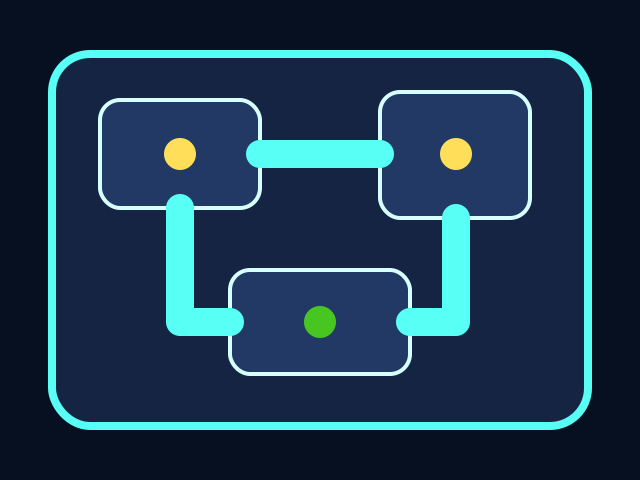
Tasks 2/4Score 80
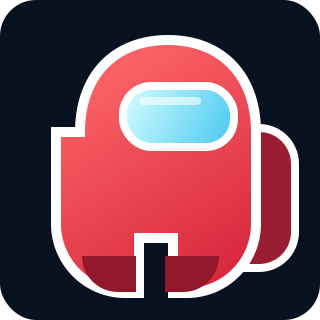
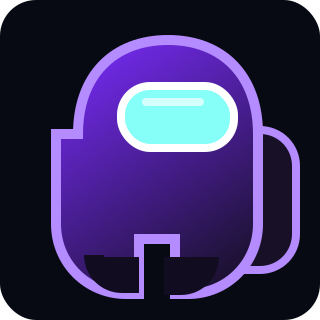
The player moves through the ship, collects tasks, and avoids the chaser. All playable shapes are drawn with Python Turtle code.
Build it
Type, run, test
Read the code aloud before you run it. The goal is to understand what changed in the game.
Need a hint?
Add the new code to the same Trinket project. Keep previous stage code unless the stage says to replace a function.
Write this part
main.py
Add this to your current Trinket file.
def move_player(dx, dy):
    new_x = player.xcor() + dx
    new_y = player.ycor() + dy
    if LEFT + 30 < new_x < RIGHT - 30 and BOTTOM + 30 < new_y < TOP - 70:
        player.setposition(new_x, new_y)
        draw_crewmate()

def up():
    move_player(0, 20)

def down():
    move_player(0, -20)

def left():
    move_player(-20, 0)

def right():
    move_player(20, 0)

screen.listen()
screen.onkey(up, "Up")
screen.onkey(down, "Down")
screen.onkey(left, "Left")
screen.onkey(right, "Right")
Trace the idea
- Each key calls a tiny function.
- `move_player(dx, dy)` handles the real movement.
- The boundary condition blocks moves that would leave the room.
Try this
Try this
Three short experiments. Predict before you run, then test your guess.
Predict first
Before running, predict which line will visibly change the screen first.
Compare
Change one number, run, then change it back. Which version feels more playable?
Connect
How does this stage make the final game more like a real project?
Test your stage
- Arrow keys move the player.
- The player cannot leave the room.
- Movement redraws the crewmate after each step.