Bot Builders: Build & Code Your Robot
Robotics course · Ages 7–10
Bot Builders: Build & Code Your Robot
Campers build a real Makeblock mBot from the box up, then code it block by block in mBlock 5 — driving, sensing, and finishing the week with a robot soccer match.
What campers take home
A robot they built and a robot they can program
Every stage teaches one part of the mBot and adds one new skill. By Friday campers have assembled a working robot and written the code that makes it drive, see, react, and play on a team.
An mBot you assembled yourself, from the box
Block code that drives, senses, and reacts
A robot soccer team you coded with your friends
Build moments
Each stage gives the robot a new power you can see
Every stage produces a change you can watch the robot do — on the floor, not just on the screen.
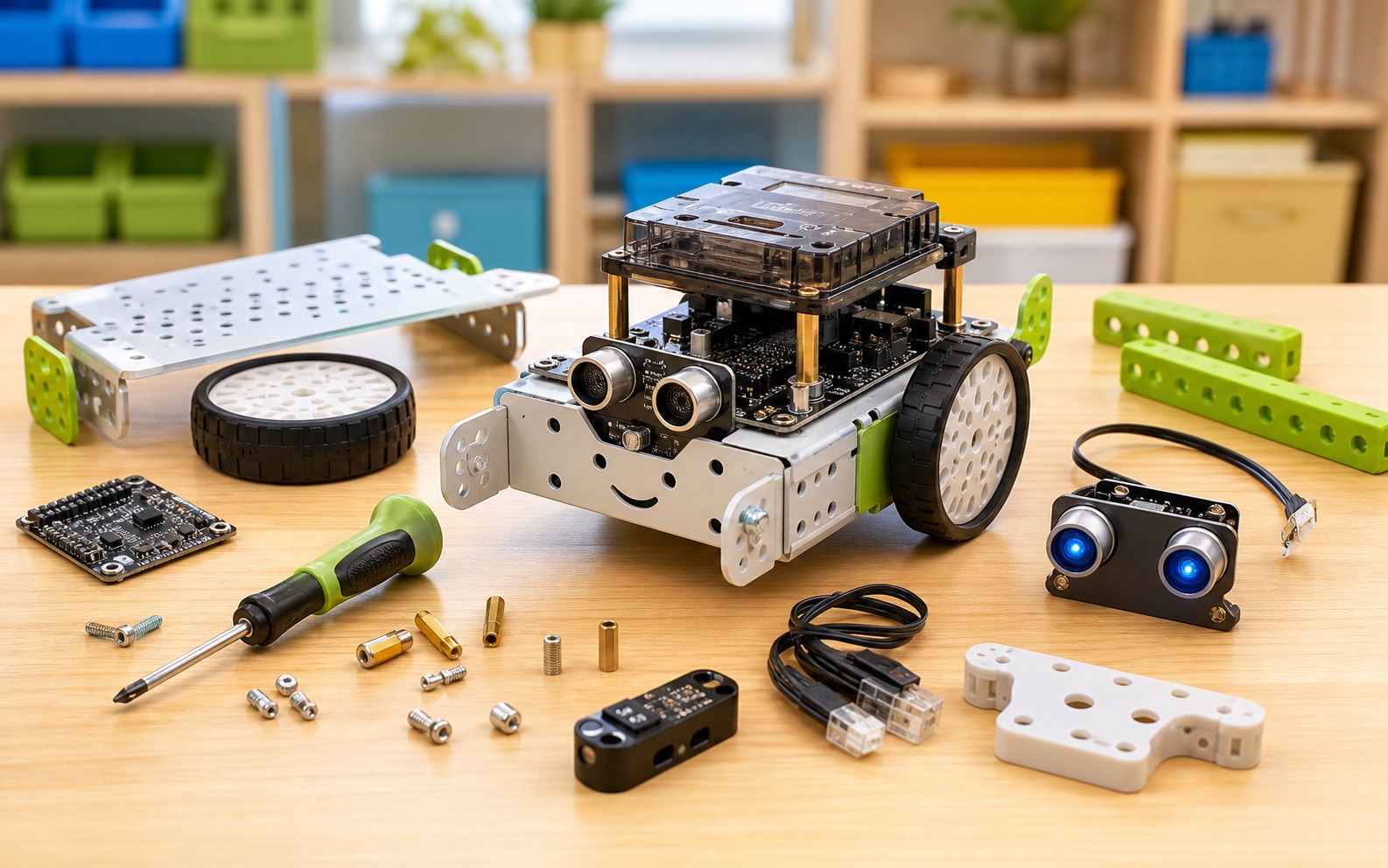
You built it yourself
Campers unbox the kit and assemble the mBot — motors, board, sensors, and battery. The first time it lights up, the robot stops being a kit and becomes theirs.
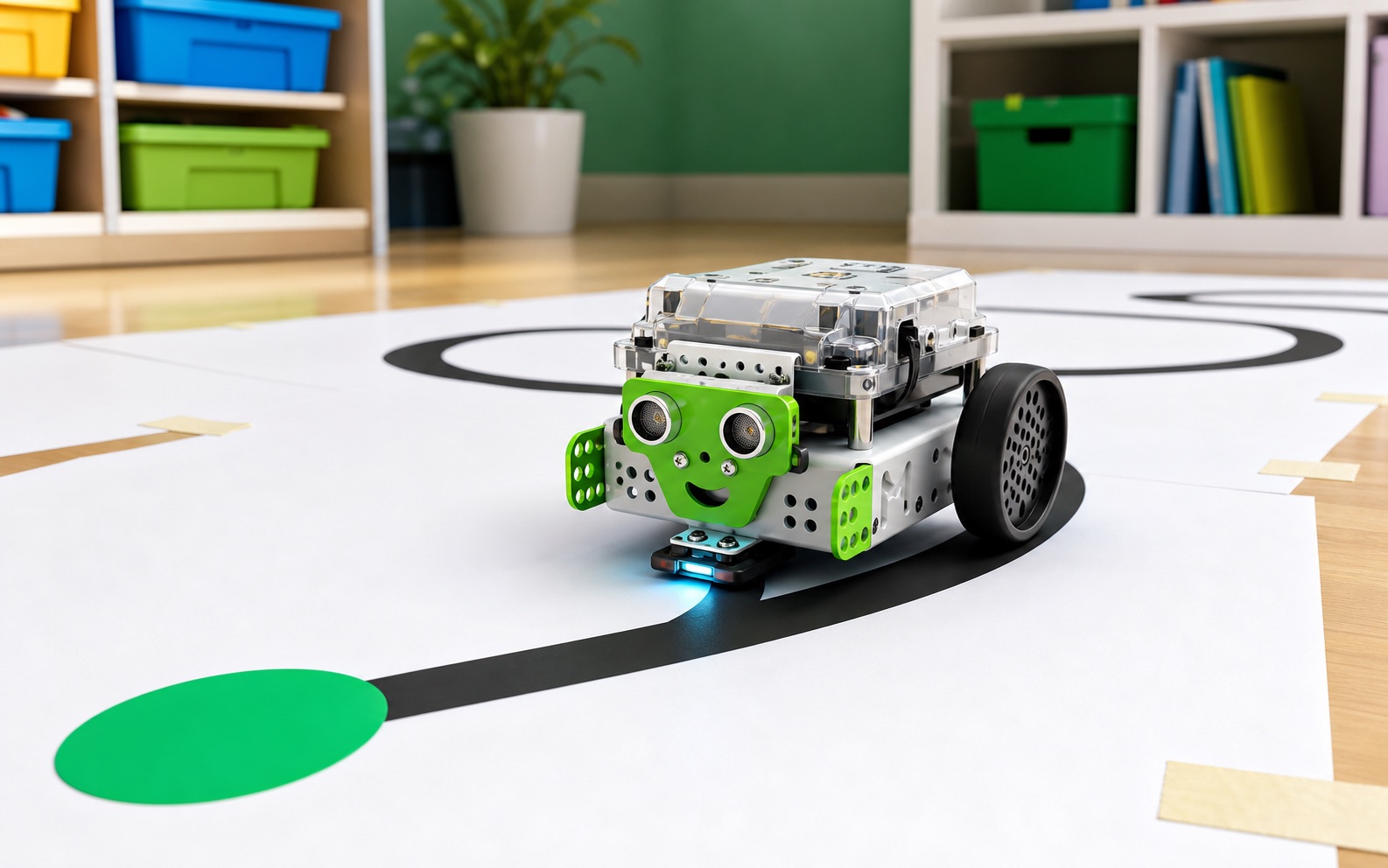
It follows a line on its own
The robot reads a black line with the sensor underneath and steers to stay on it. No remote, no driver — the code does the driving.
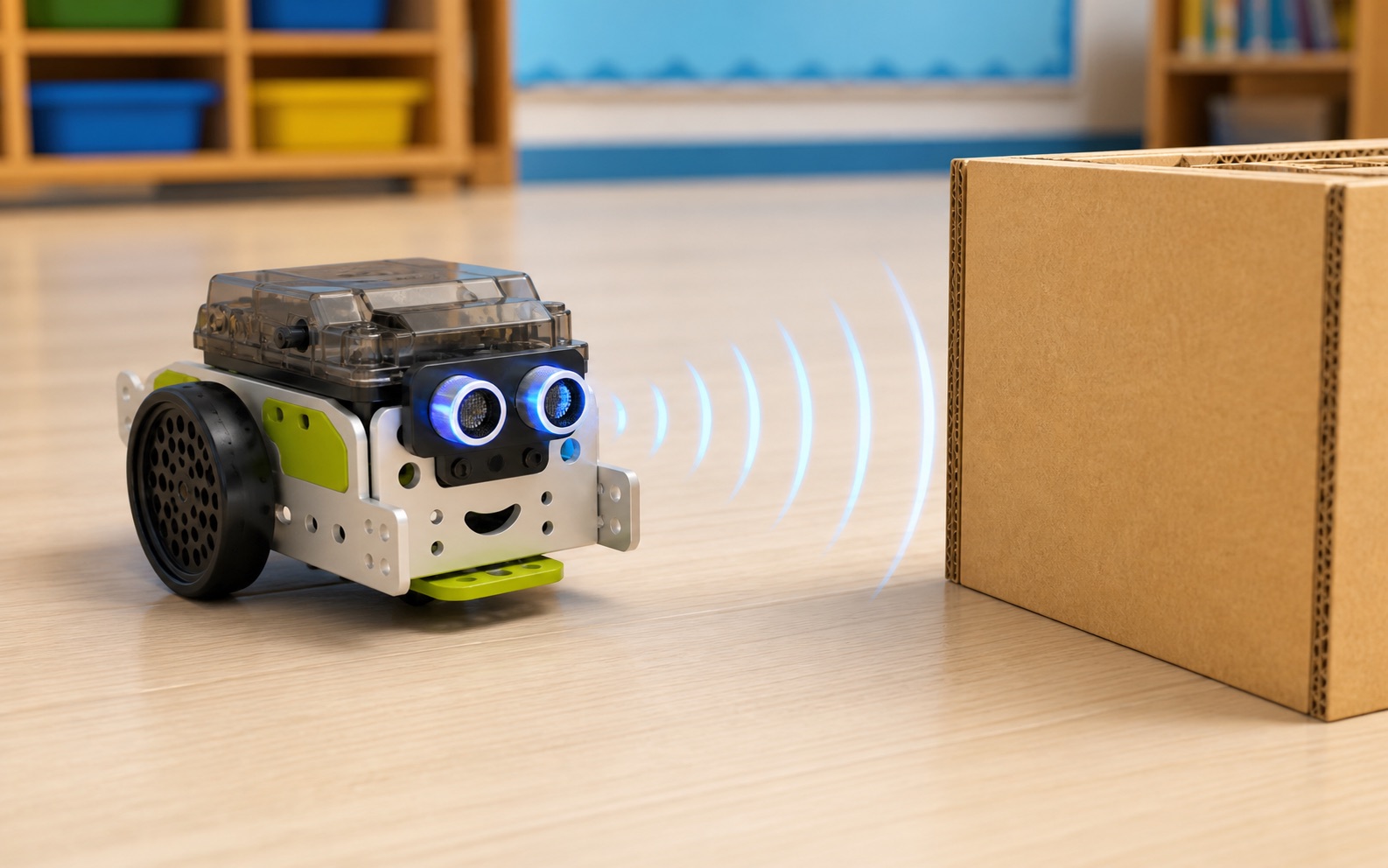
It sees walls and stops
The ultrasonic sensor measures distance like a bat. Campers use that number to make the robot slow down, turn, and avoid a crash.
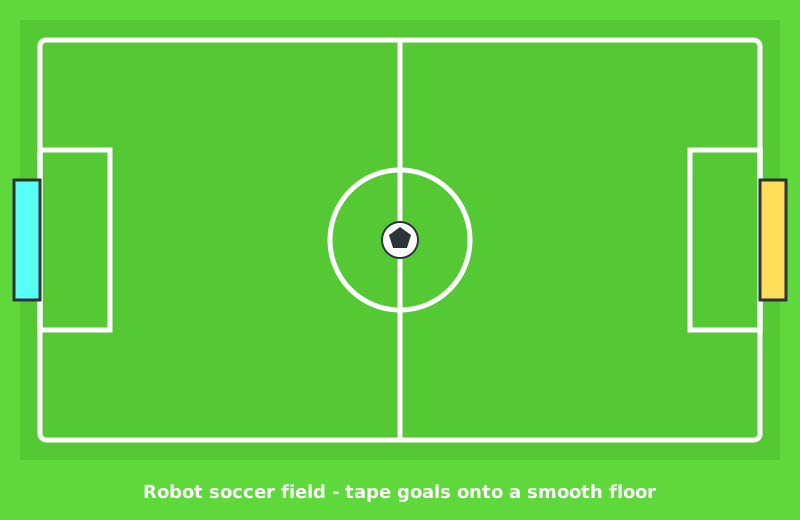
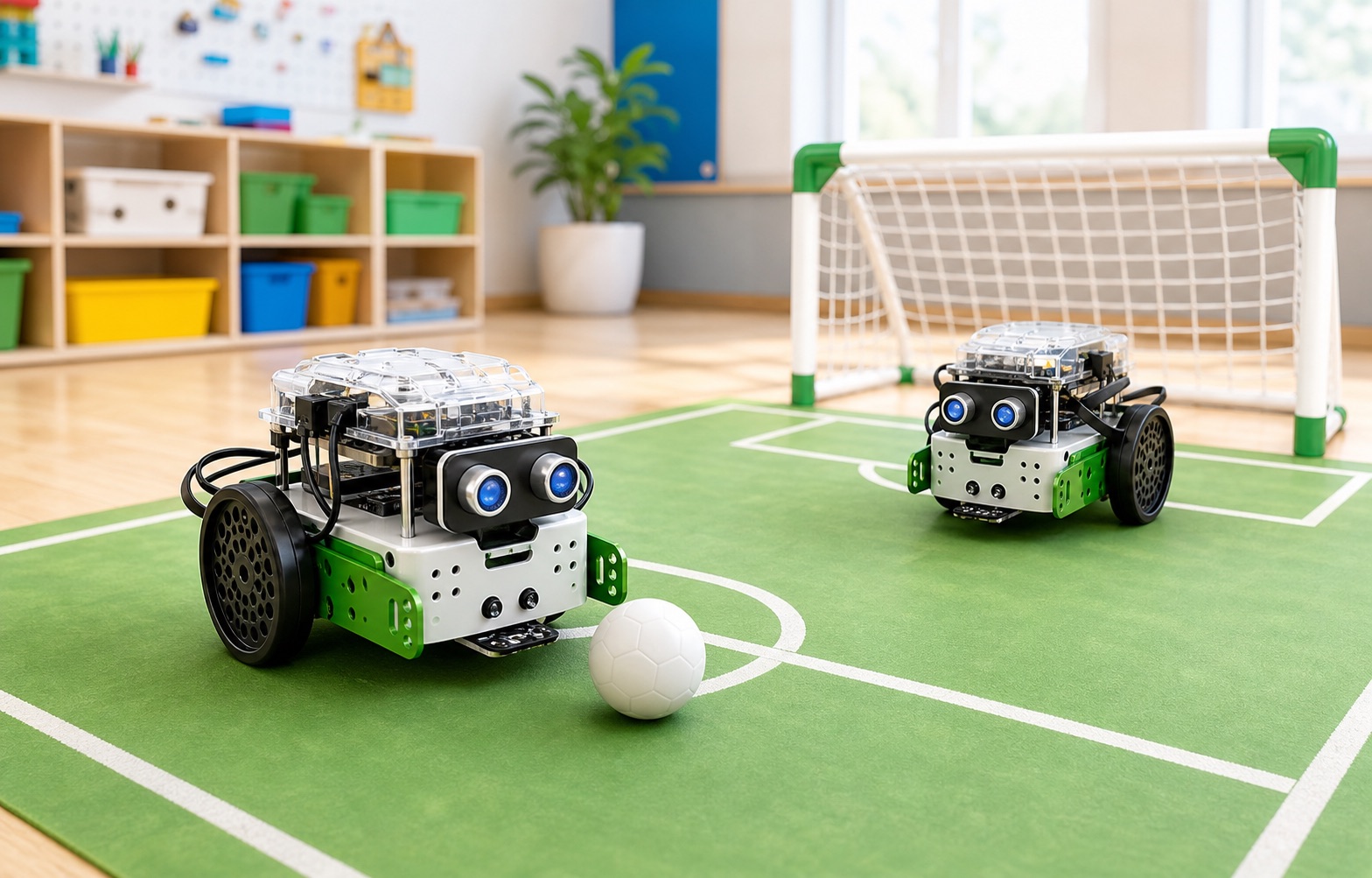
Robot soccer on the last day
Two coded mBots play as teammates, pushing a ball toward a goal. The whole week of skills comes together in one match parents can watch.
Course path
Your robot gets smarter stage by stage
Each stage names the part of the robot it uses and the one idea behind it.
Make It Move
Drive the motors forward, turn, and stop with block code.
Drive a square pathStage 2Light It Up
Set the RGB LEDs to show the robot's mood with color.
Make a color patternStage 3Give It a Voice
Use the buzzer to beep and play a short tune.
Compose a start-up songStage 4How Far Is the Wall?
Read the ultrasonic sensor and react to distance.
Light up by distanceStage 5Don't Crash
Combine sensing and driving to avoid obstacles on its own.
Back up and turn awayStage 6Follow the Line
Use the line sensor to follow a black line by itself.
Follow a loop trackStage 7You're in Control
Drive the robot live with keyboard or controller blocks.
Add a horn buttonStage 8Solve the Maze
Mix sensing and rules to escape a printed maze.
Always-turn-left ruleStage 9Sumo Showdown
Find an opponent and push it out without leaving the ring.
Add a search spinStage 10Robot Soccer Cup
Code your mBot to play soccer as a teammate, then demo it.
Pick a team roleFor camp flow
Pacing labs are required
Each stage includes timed driving tests, partner checks, and arena setup before the stretches. Use those labs to keep the room together and fill the 3-hour block — and budget extra time on Day 1 for the build.
What is an mBot?
An mBot is a small robot you build yourself. It has two wheels, a brain (the board), and a few sensors — parts that let the robot notice the world around it.
You do not need to know any of this yet. We start with an empty box. By the end of the first day, you will have a real robot that can light up, beep, and roll across the floor. By the end of the week, your robot will see walls, follow a line, and play soccer with a friend's robot.
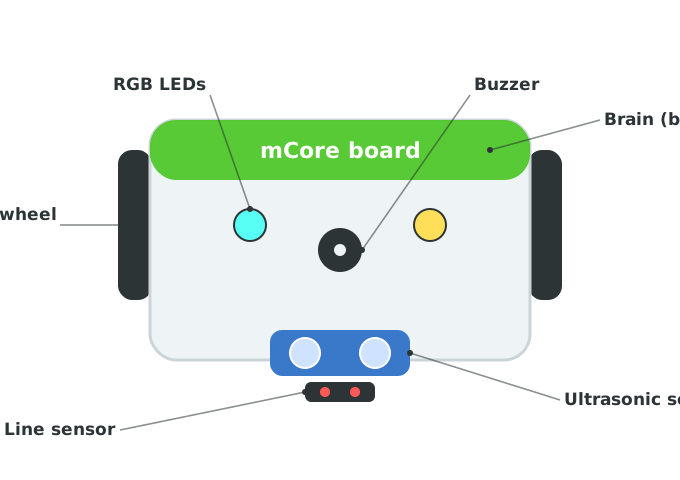
This is the robot you are about to build. Every stage this week teaches one of these parts — the motors, the lights, the buzzer, and the two sensors that let the robot see.
How we'll work
We write code for the mBot in one tool: mBlock 5. It looks and works just like Scratch — you snap colorful blocks together instead of typing. The only difference is that some blocks drive a real robot instead of a sprite on the screen.
There are two things to keep open:
- mBlock 5 in your browser — this is where you build the code.
- Your mBot, connected to the computer with the cable, so your blocks can run on the robot.
Every stage has a button at the top to open mBlock 5 and a link to connect your robot.
5-day camp schedule
This course is built for a five-day camp, about three hours a day. Day 1 includes the build, so it runs a little longer.
| Day | Stages | What campers do |
|---|---|---|
| Day 1 | Build + Stages 1–2 | Unbox and assemble the mBot, then make it move and light up. |
| Day 2 | Stages 3–4 | Give the robot a voice with the buzzer; read the distance sensor. |
| Day 3 | Stages 5–6 | Avoid obstacles on its own; follow a black line. |
| Day 4 | Stages 7–8 | Drive it live with a controller; solve a maze. |
| Day 5 | Stages 9–10 | Sumo showdown, then the Robot Soccer Cup and a demo for parents. |
Start with the build, then take the stages in order — each one uses a skill from the stage before.