Stage 10: It's Connected
a live-internet skill and your assistant's own personality
how requests pulls real data from the web, and how to ship a demo
a personalized, internet-connected assistant ready for parent day
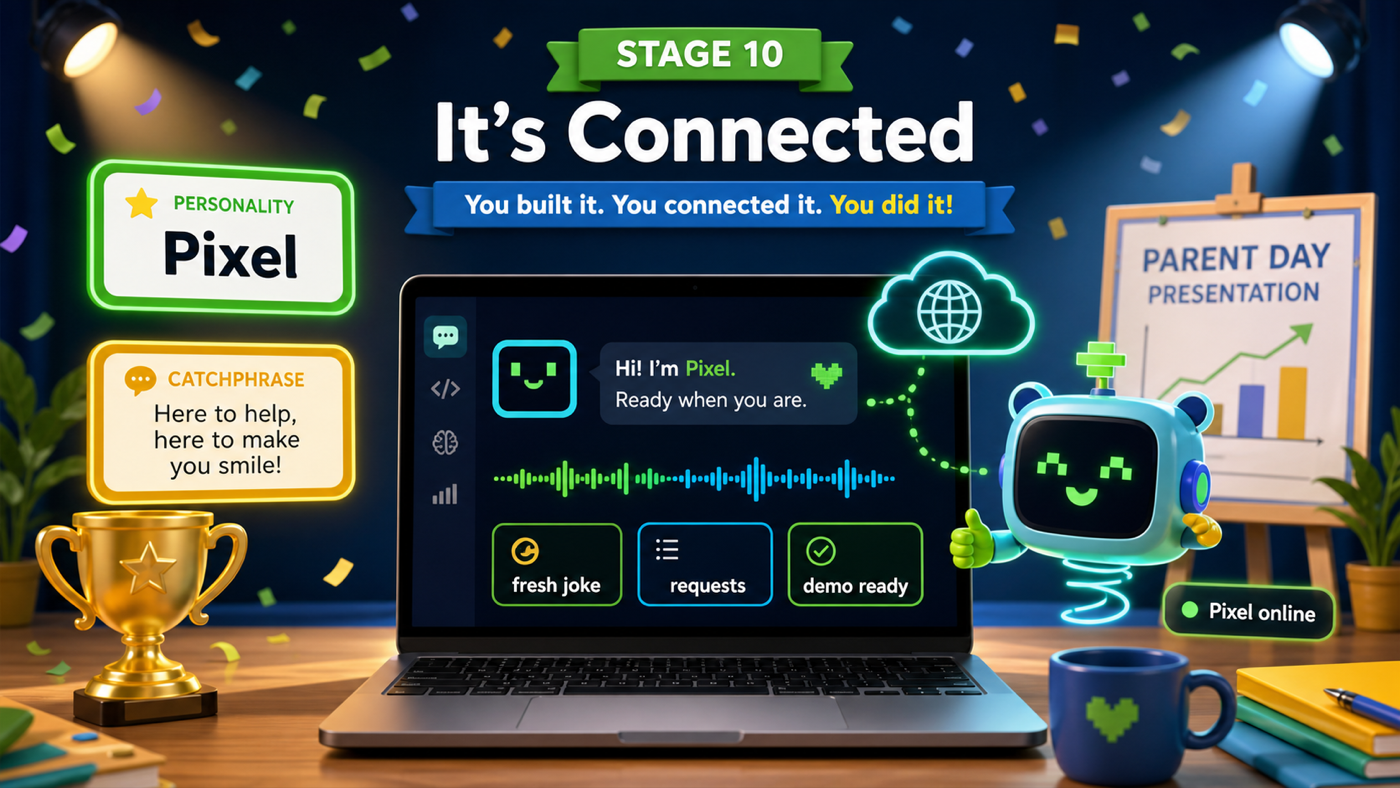
The big idea
Everything your assistant knows so far, you put there. Today it reaches outside — to the live internet — and brings back something brand new that nobody typed into your file. This is the climax of the whole week.
The tool is the requests package, which you installed with uv back in Setup. A web API is a website built for programs instead of people — you ask it a question and it sends back data, not a web page. We'll ask a free joke website for a fresh joke. requests.get(url) fetches the answer, and .json() reads it into a dictionary you already know how to use.
Then we make it yours — a custom name, a catchphrase, a personality. By the end of this stage you don't have "an assistant." You have your assistant.
- requests
- An installed package that fetches data from the internet in one line.
- web API
- A website built for programs to talk to. You ask, it sends back data.
- try / except
- Run risky code in try; if it fails, except catches the problem instead of crashing.
Make sure you finished Stage 9: It Remembers, and that you're online — this stage talks to the internet. (requests was installed by uv add rich requests in Setup.)
Build it
Step 1 — Import requests and add the live-joke skill
Add import requests at the top. Then write a skill that fetches a fresh joke. Because the internet can be slow or down, we wrap it in try/except — if the fetch fails, the assistant falls back to a joke it already knows instead of crashing.
Trace the live fetch
requests.get(url)asks the joke website for a random joke..json()turns the website's answer into a dictionary with a "setup" and a "punchline".speak(...)says both parts out loud.- If anything goes wrong (no internet),
exceptruns the backup joke instead.
assistant.py
Where it goes: Add import requests at the top with your other imports.
requests was installed by uv in Setup.
import requests
assistant.py
Where it goes: Add this function with your other skill functions, above the loop.
The try/except keeps the demo safe even if the internet drops.
def online_joke():
    try:
        response = requests.get("https://official-joke-api.appspot.com/random_joke", timeout=5)
        data = response.json()
        speak(data["setup"])
        speak(data["punchline"])
    except Exception:
        speak("I can't reach the internet right now, so here's one I know.")
        tell_joke()
assistant.py
Where it goes: Add this branch inside the loop, right BEFORE your joke branch, so 'online' wins over plain 'joke'.
Distinct keywords so a fresh joke and a built-in joke don't collide.
    elif "online" in command or "internet" in command or "fresh" in command:
        online_joke()
Run it and type fresh joke or online joke. Your assistant reaches across the internet and tells you a joke that was never in your file. That sound is your code talking to another computer somewhere in the world.
Step 2 — Make it yours
Now give it a personality. Add a name and a catchphrase as variables at the top, then use them in the startup banner so the whole thing feels custom.
Why variables for the name?
We put the name in a variable ASSISTANT_NAME at the top instead of typing it in five places. Why is that better?
Check your thinking
One place to change it. Rename your assistant once at the top and every line that uses ASSISTANT_NAME updates automatically — no hunting through the file.
assistant.py
Where it goes: Add these two lines right under console = Console().
Change the name and catchphrase to whatever makes this assistant YOURS.
ASSISTANT_NAME = "Pixel"
CATCHPHRASE = "Beep boop — let's make something cool!"
assistant.py
Where it goes: Replace your three startup banner lines (from Stage 7) with these four.
Now the banner uses your custom name and catchphrase.
console.print(f"[bold green]==== {ASSISTANT_NAME.upper()} ====[/bold green]")
console.print("[cyan]Your Python assistant is online.[/cyan]")
speak(f"Hi! I'm {ASSISTANT_NAME}, your assistant.")
speak(CATCHPHRASE)
Add online to your show_help list too, so people can find your newest skill. Run it one more time and meet your finished, named, internet-connected assistant.
Step 3 — Rehearse your demo
On parent day you'll run your assistant and show it off. Practice this exact sequence so it flows:
- Run it:
uv run assistant.py. Let the banner and catchphrase play. - Type your name when it asks.
hello— it greets you by name.tell me a joke— a built-in joke.what time is it— the real time.remember my favorite game is Minecraft, thenwhat is my favorite game— it remembers.fresh joke— a live joke off the internet.quit— a clean goodbye.
If the room's internet is shaky, your try/except has you covered — step 7 still works with a backup joke. Nothing can crash your demo.
Understand it
The live-joke skill is small but it's a genuinely big idea: your program is no longer alone on your Mac. It can ask other computers for information, which is how almost every app you use works — weather, scores, messages, maps. You did it with one requests.get and the dictionary skills you already had. The internet stopped being magic and became something you can program.
We wrapped that fetch in try/except for a reason that matters most exactly when it counts: in front of an audience. Risky code — anything that depends on a network — should never be allowed to crash the whole program. Catching the failure and offering a graceful backup is what separates a fragile script from something you can confidently demo. Planning for the moment things go wrong is a mark of a real engineer.
Try this
Try this
Three short thinking checks. Use evidence from the stage you just built.
Turn off the Wi-Fi and type fresh joke. Predict what your assistant will do. Then try it. Did your try/except save the day?
Change ASSISTANT_NAME at the top to something new and run it. Compare how different the same program feels with a different name and catchphrase. That's personality, and it's all yours.
You just pulled a joke off the internet. What else lives on the internet that your assistant could fetch — facts, weather, word definitions? Every one of those is another skill you now know how to build.
Test your stage
Stuck? Compare carefully
assistant.py
Where it goes: Compare this against your whole file. Use it only if your program won't run. This is the finished assistant.
This is the complete assistant.py at the end of the course.
import subprocess
import random
import datetime
import math
import requests
from rich.console import Console


console = Console()

ASSISTANT_NAME = "Pixel"
CATCHPHRASE = "Beep boop — let's make something cool!"


def speak(text):
    print(text)
    subprocess.run(["say", text])


def greet(person):
    speak(f"Hello again, {person}!")


def say_bye():
    speak("See you later!")


def show_help():
    console.print("[bold cyan]I can do:[/bold cyan] hello, bye, joke, online, time, date, roll, math, remember, what is, help, quit")
    speak("Here are my commands. They're on the screen.")


jokes = [
    "Why did the computer go to the doctor? It caught a virus!",
    "Why was the math book sad? It had too many problems.",
    "What do you call a bear with no teeth? A gummy bear!",
    "Why do programmers prefer dark mode? Because light attracts bugs!",
]

memory = {}


def tell_joke():
    joke = random.choice(jokes)
    speak(joke)


def online_joke():
    try:
        response = requests.get("https://official-joke-api.appspot.com/random_joke", timeout=5)
        data = response.json()
        speak(data["setup"])
        speak(data["punchline"])
    except Exception:
        speak("I can't reach the internet right now, so here's one I know.")
        tell_joke()


def tell_time():
    now = datetime.datetime.now()
    speak("The time is " + now.strftime("%I:%M %p") + ".")


def tell_date():
    today = datetime.date.today()
    speak("Today is " + today.strftime("%A, %B %d") + ".")


def roll_dice():
    number = random.randint(1, 6)
    speak(f"You rolled a {number}.")


def do_math():
    number = input("Square root of what number? ")
    answer = math.sqrt(float(number))
    speak(f"The square root of {number} is {answer}.")


console.print(f"[bold green]==== {ASSISTANT_NAME.upper()} ====[/bold green]")
console.print("[cyan]Your Python assistant is online.[/cyan]")
speak(f"Hi! I'm {ASSISTANT_NAME}, your assistant.")
speak(CATCHPHRASE)

name = input("What is your name? ")
speak(f"Nice to meet you, {name}!")
speak(f"Type commands, {name}. Type help to hear what I can do.")

while True:
    command = input("> ").lower().strip()

    if "quit" in command or "exit" in command:
        speak("Goodbye for now!")
        break
    elif "remember" in command and " is " in command:
        fact = command.replace("remember", "").strip()
        key, value = fact.split(" is ", 1)
        memory[key.strip()] = value.strip()
        speak(f"Okay, I'll remember that {key.strip()} is {value.strip()}.")
    elif "hello" in command:
        greet(name)
    elif "bye" in command:
        say_bye()
    elif "online" in command or "internet" in command or "fresh" in command:
        online_joke()
    elif "joke" in command:
        tell_joke()
    elif "time" in command:
        tell_time()
    elif "date" in command:
        tell_date()
    elif "roll" in command or "dice" in command:
        roll_dice()
    elif "math" in command:
        do_math()
    elif command.startswith("what is") or command.startswith("what's"):
        thing = command.replace("what is", "").replace("what's", "").strip().rstrip("?").strip()
        if thing in memory:
            speak(f"{thing} is {memory[thing]}.")
        else:
            speak("I don't know that yet. Teach me by saying remember.")
    elif "help" in command:
        show_help()
    else:
        speak("I'm not sure what you mean. Type help.")
-
fresh jokefetches and speaks a joke from the internet. - With the internet off,
fresh jokefalls back to a built-in joke instead of crashing. - Your assistant starts with your custom name and catchphrase.
- You can run the whole parent-day demo sequence without a hitch.
- Design check. Does your assistant feel like yours — its name, catchphrase, jokes, and colors? Make one last change that's purely you.
If it breaks
ModuleNotFoundError: No module named 'requests'. Run withuv run assistant.py, and confirmuv add rich requestsfinished in Setup. Theuv runpart is what loadsrequests.fresh jokedoes nothing or waits a long time. The internet may be slow or off. Thetimeout=5gives up after 5 seconds and yourexceptruns the backup joke. Check the lab's Wi-Fi.KeyError: 'setup'. The website sent back something unexpected. Yourtry/exceptshould catch it; make sure thespeak(data["setup"])lines are inside thetry.fresh joketells a built-in joke instead of an online one. Make sure theonlinebranch is above thejokebranch, since "online joke" contains the word "joke".