Python AI: Build a Smart Assistant
Python course
Python AI: Build a Smart Assistant
Members write a real Python program that lives on their Mac, listens to typed commands, and answers out loud — one stage at a time, from a single hello to a personalized sidekick they demo at the showcase.
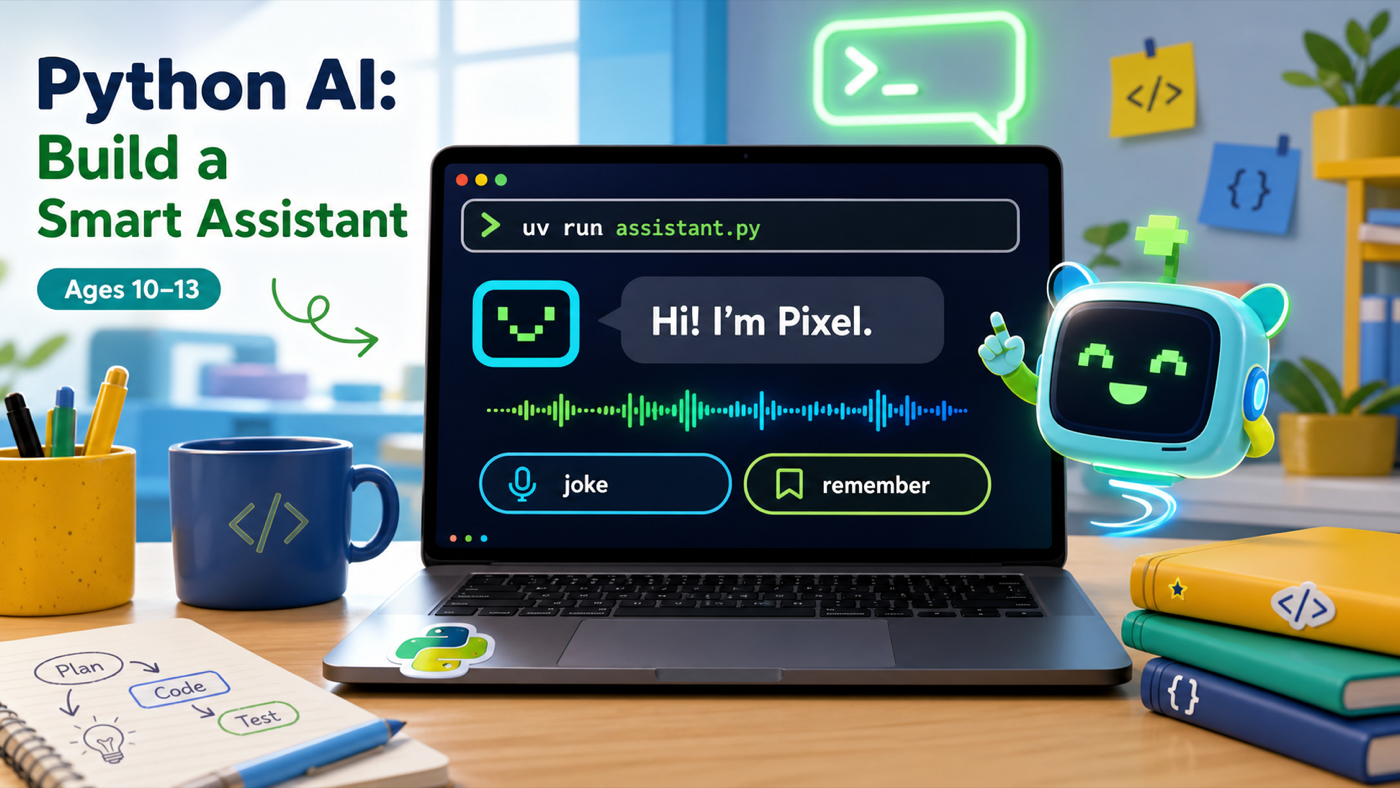
What members ship
A sidekick that talks back — not ten worksheets
Every stage adds one new skill to the same assistant.py file. By the last stage members have a program that greets them by name, tells jokes, remembers facts, and pulls live data off the internet — and the honest understanding of how every line works.
A talking assistant you can demo at the showcase
Real Python: variables, loops, functions, lists, dictionaries, the internet
A program that runs on a real Mac with a real dev workflow (VS Code + uv)
Assistant moments
Each stage adds something members can hear and use
Every stage produces a change members can run and talk to. They type a command, the assistant answers out loud — the voice is the proof.
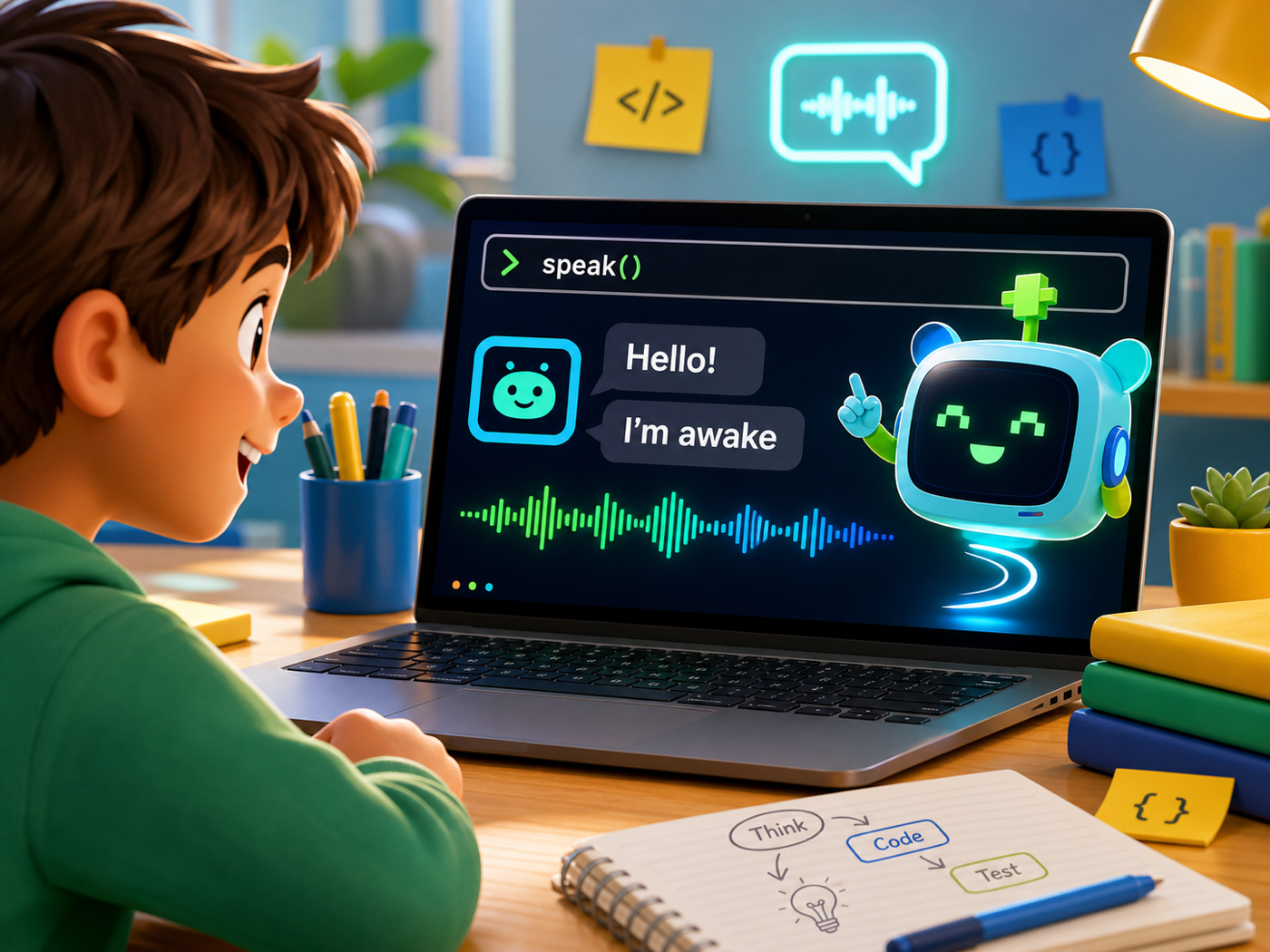
It talks back out loud
Stage 1 makes the Mac speak with one speak() helper. From then on every new skill prints AND says its answer in a real voice.
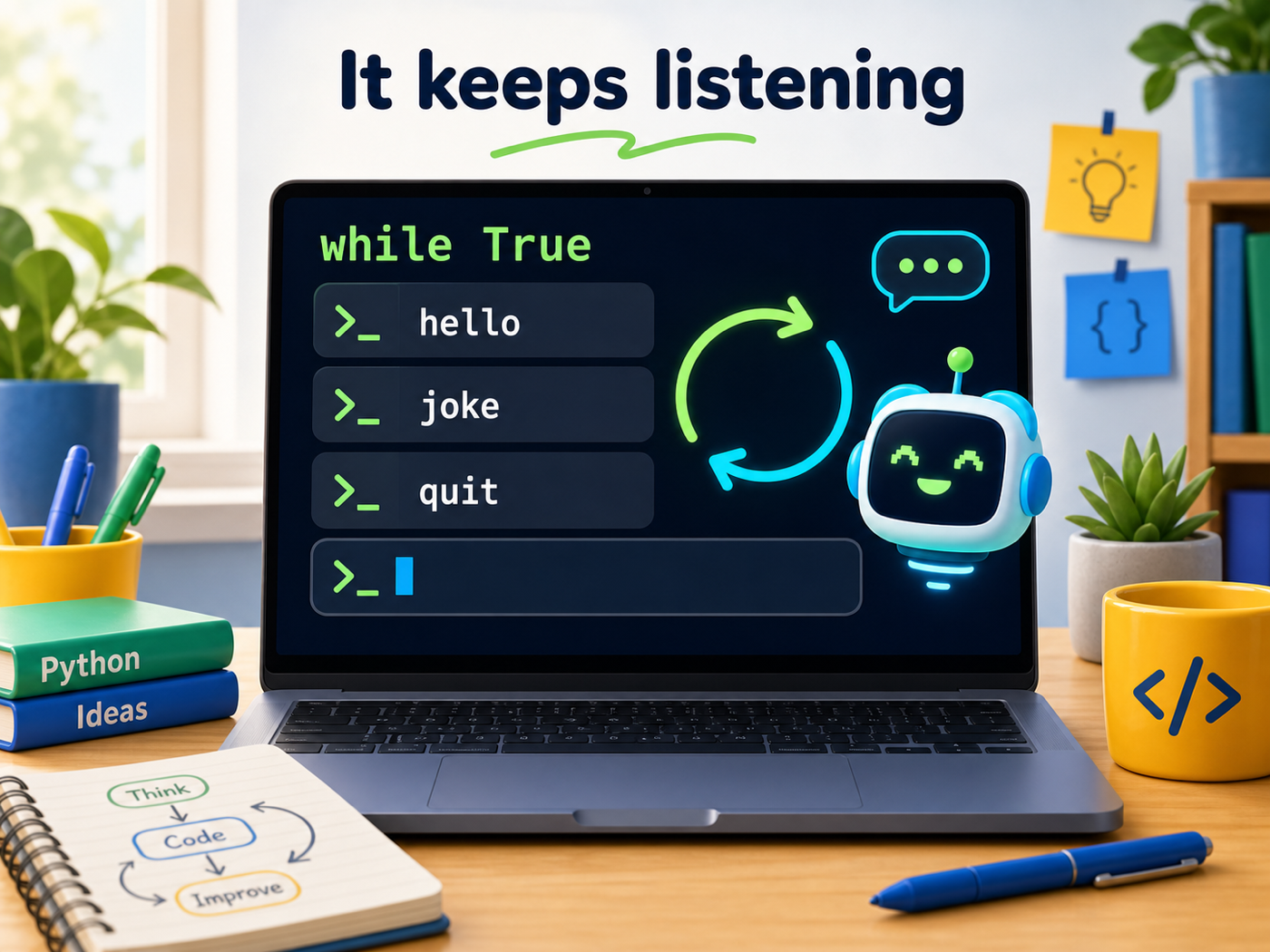
It keeps listening
A while-loop turns the assistant into a command shell. Type command after command and it keeps answering until you tell it to quit.
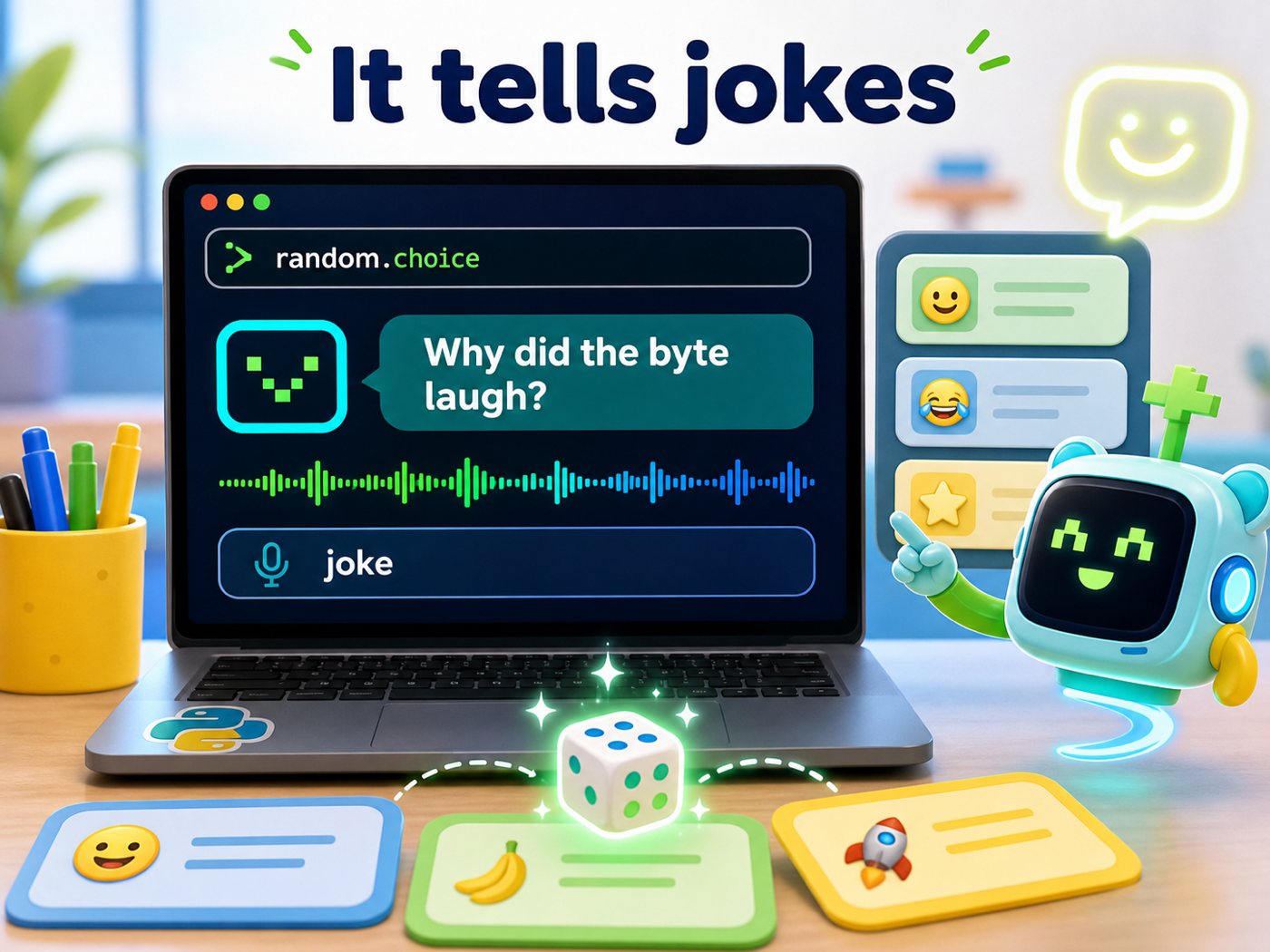
It tells jokes
A list of jokes plus random.choice means the assistant never tells the same one twice in a row. Members will spam this command.
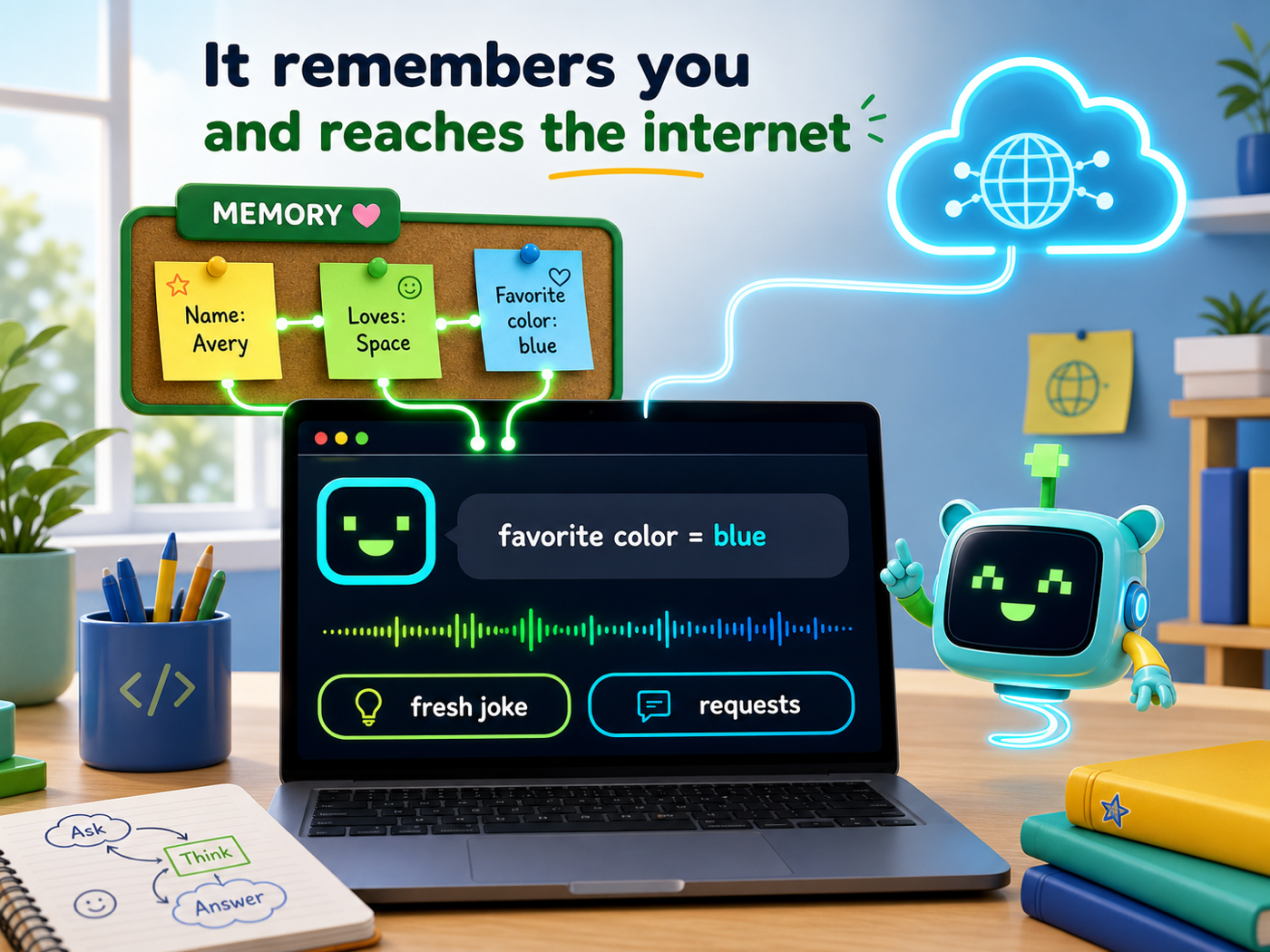
It remembers you and reaches the internet
A dictionary lets it remember facts you teach it, and requests pulls a fresh joke or fact straight off the live internet — then speaks it back to you.
Course path
Your assistant gets smarter stage by stage
Each stage names the one new Python idea behind it and the new thing the assistant can do.
Wake It Up
It Knows You
It Reacts
It Keeps Listening
It Has Skills
It Tells Jokes
It Knows Things
It Understands
It Remembers
It’s Connected
How to start
- Ask your instructor for your class code. They read it out at the start of class.
- Make your account. First name, last name, a username and a password you pick.
- Sign in anywhere. Your work is saved to your account, not to one computer.
For instructors
Default path first
Each stage default is enough to keep the assistant working and talking. Stretch challenges add depth when members finish early.