Geometry Dash
Scratch camp course · Ages 7–10
Geometry Dash
Campers build an original neon cube-runner in Scratch — jump timing, scrolling spikes, portals, score, music cues, and a final demo-ready level.
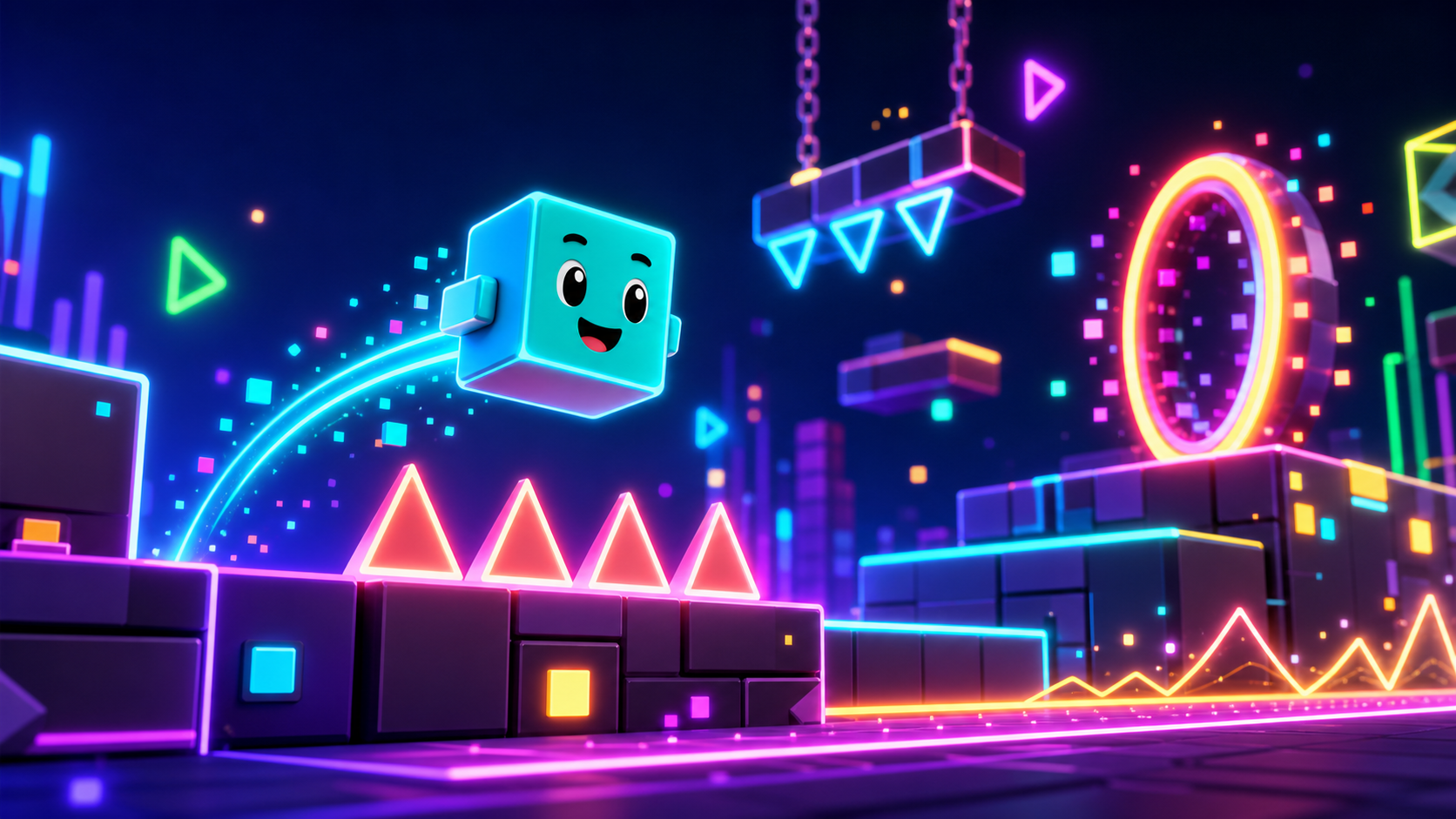 Original Scratch project
What campers ship
A rhythm platformer they can replay and tune
Every stage adds a visible system to the same Scratch project. By Friday, campers have a playable cube-runner with their own art choices and a parent-demo finish screen.
A cube that jumps with gravity and clean restart logic
Scrolling spike patterns, portals, score, timer, and sound cues
Custom Scratch assets students can draw, remix, and explain
Project moments
Each stage adds a playable mechanic
The course uses generated visual examples for polish, then teaches students how to draw their own Scratch-native versions.
Jump timing
A cube stays near the left side of the stage while obstacles scroll toward it. One jump at the wrong time means restart.
Spike patterns
Students build simple spikes first, then use clones to create repeatable patterns that feel like a real level.

Portal moment
A portal flips the rules and teaches how one variable can change the way a whole control system behaves.
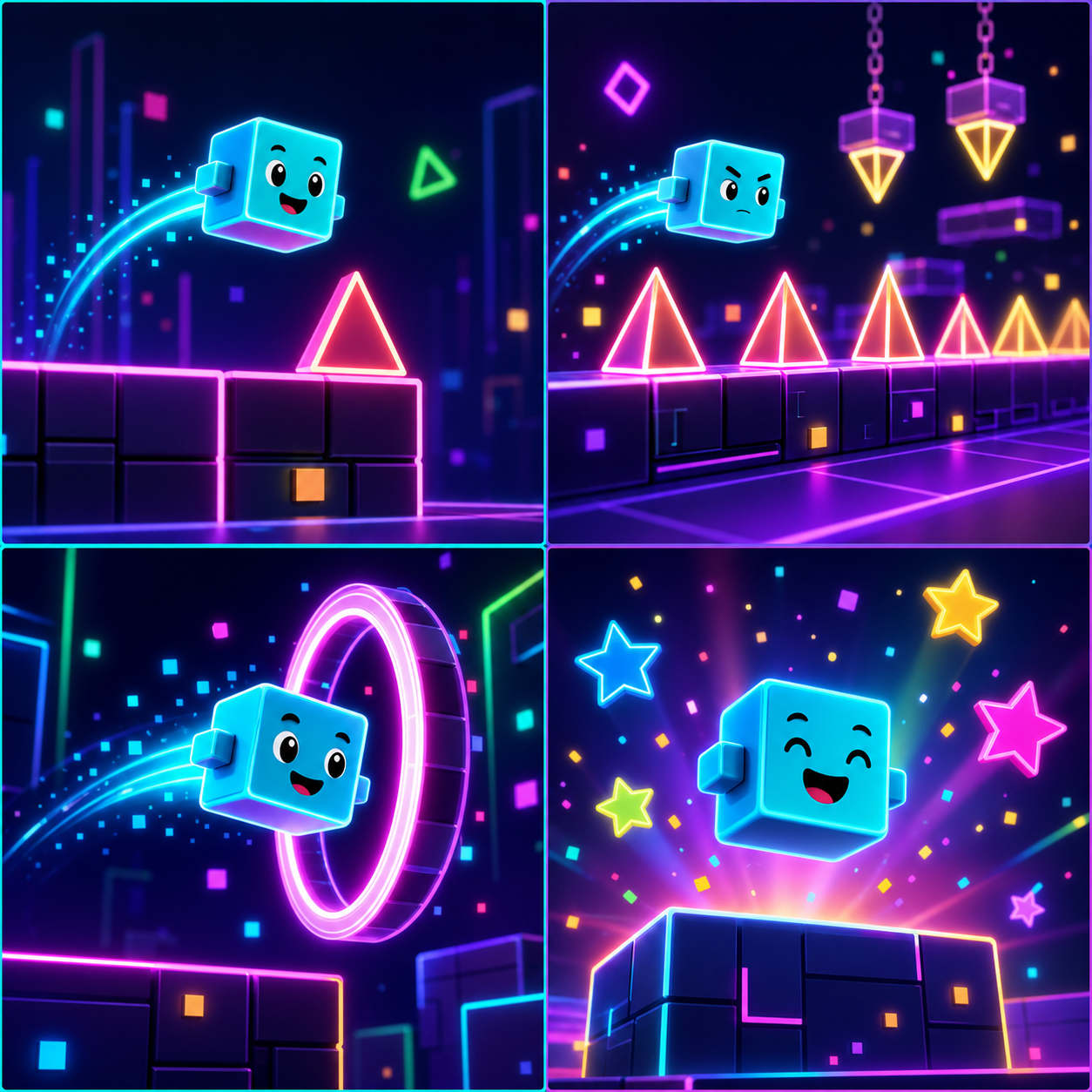
Neon polish
Backdrop, pulse effects, sound cues, and final readouts make the project feel finished without hiding the code.
Course path
Your level grows system by system
Every stage has a teacher demo, build steps, Scratch blocks, a test list, stretch challenges, and coach notes.
Create the Cube Runner
Draw or use the cube sprite and set the project foundation.
Design a custom faceStage 2Jump Controls
Add gravity, floor detection, and one clean jump button.
Tune jump heightStage 3Ground and Spikes
Build the floor, first spike obstacle, and crash detection.
Draw a themed spikeStage 4Auto-Scroll Motion
Make obstacles move left so the cube feels like it is running.
Add parallax linesStage 5Spawn Patterns
Use clones to create repeated spike challenges.
Create a double spikeStage 6Score and Timer
Track survival time, score, and progress readouts.
Add best scoreStage 7Portal Flip
Use a portal and variable to change gravity rules.
Make a color portalStage 8Rhythm Cues
Add music, beat pulses, and sound feedback.
Sync a color flashStage 9Level Polish
Tune difficulty, visuals, and restart flow.
Build a theme setStage 10Finish Screen
Add win/lose messages, rank, and demo checklist.
Add rank namesFor camp flow
Hybrid assets keep everyone moving
Students can use the target examples or draw their own. Keep sprite and variable names consistent so the scripts stay coachable.
What is this course?
This Scratch course builds an original Geometry Dash-inspired rhythm platformer. The player controls a cube, jumps over spikes, survives scrolling patterns, hits portals, follows sound cues, and finishes with a score screen.
The course does not ask students to copy official game art, logos, screenshots, or level names. The visual examples are original course assets, and every build stage also explains how students can draw their own cube, spikes, portal, and backdrop in Scratch.
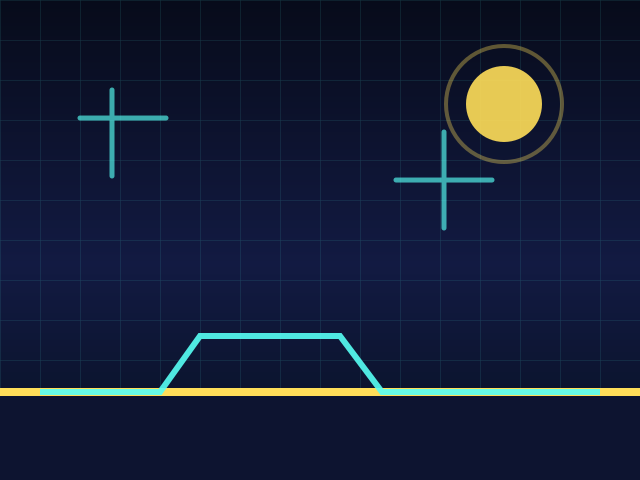
The cube stays near the left side while the level scrolls toward it. Jump timing is the whole game.
5-day camp schedule
Each day is 3 hours. Total course time is 15 hours.
| Day | Course work | Total |
|---|---|---|
| 1 | Course Intro (30) · Setup (45) · Stage 1 (45) · Stage 2 (60) | 180 min |
| 2 | Stage 3 (90) · Stage 4 (90) | 180 min |
| 3 | Stage 5 (90) · Stage 6 (90) | 180 min |
| 4 | Stage 7 (90) · Stage 8 (90) | 180 min |
| 5 | Stage 9 (90) · Stage 10 + Demo (90) | 180 min |
Total = 30 + 45 + 45 + 60 + 90 + 90 + 90 + 90 + 90 + 90 + 90 + 90 = 900 minutes (15 hours).
If a stage runs long, pull from stretch challenges first. Stage 10 should keep enough time for the final demo.
Who this is for
This course is built for Scratch beginners around ages 7-10. Campers should be able to read short instructions, drag Scratch blocks, and test often. No typing-based coding experience is required.
Every stage includes:
- a short teacher demo
- the big idea
- new Scratch words
- build steps
- Scratch block previews
- tests
- break-fix notes
- stretch challenges
- coach notes
These generated images show the style target. Students can still draw their own cube, spikes, portals, and backdrop inside Scratch.
Asset approach
Students have two valid paths:
- Use the examples. Follow the course visuals so the build moves quickly.
- Make your own. Draw original cube, spike, portal, and backdrop art in Scratch.
Both paths use the same sprite names and variables so coaches can debug everyone with the same lesson.
To import: download the asset, open Scratch, choose Upload Sprite, Upload Backdrop, or Upload Costume, then select the file. You can also draw your own instead. Keep the required sprite names from the lesson.