App Studio: Memes & Mini-Games
Scratch course
App Studio: Memes & Mini-Games
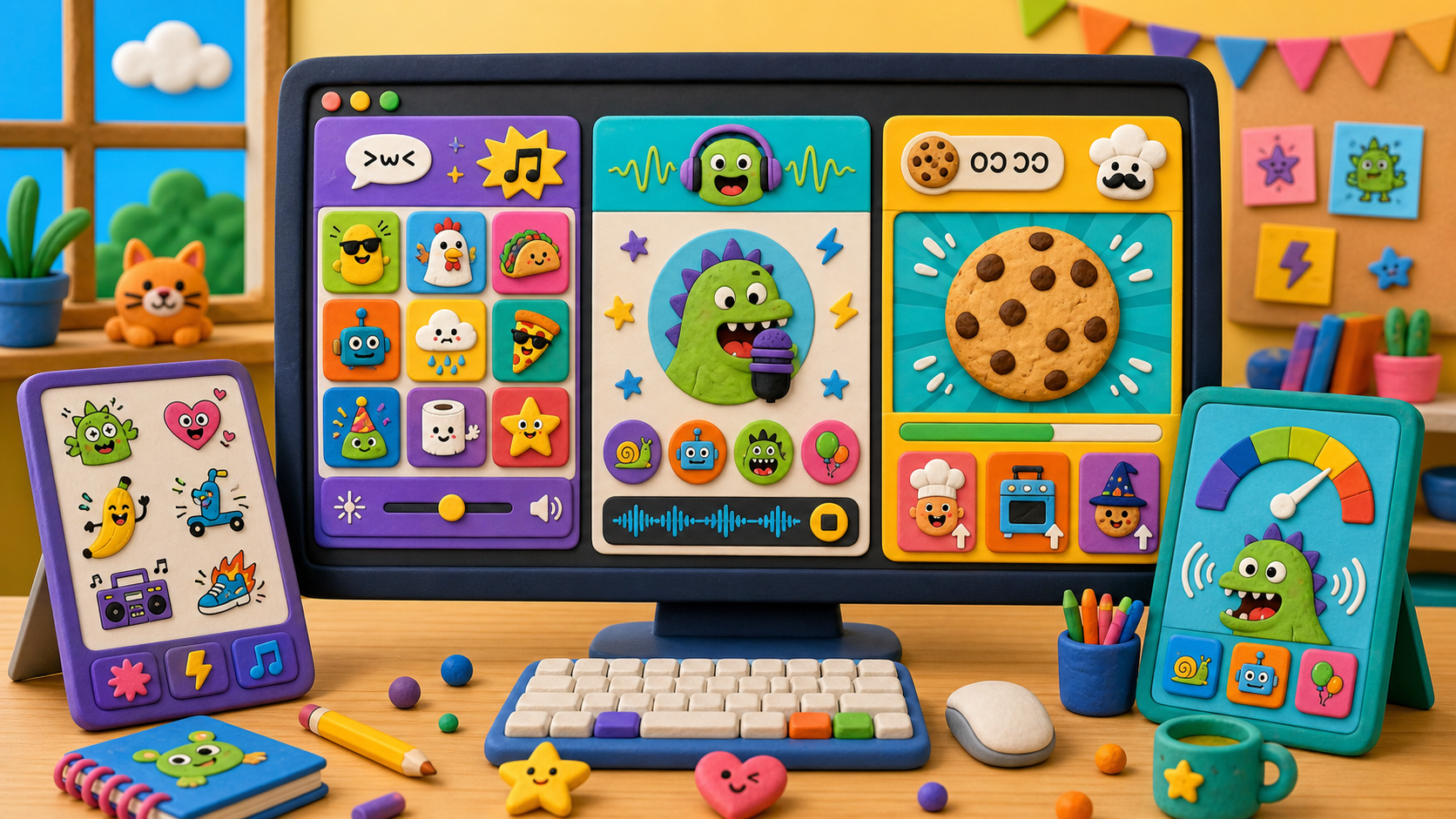
Don't just play apps — build the ones that make everyone laugh. Across ten guided stages, members build three goofy apps in Scratch: a Meme Soundboard, a Voice Changer, and a Cookie Clicker — all powered by their own recorded sounds and hand-drawn buttons.
What members ship
Three real apps, not a worksheet
Every stage adds one piece of an app members can run, click, and laugh at. The memes are theirs — they record their own voices and draw their own buttons. By the last stage they have three finished apps saved to their own Scratch account.
A Meme Soundboard of buttons that play sounds you recorded yourself
A Voice Changer that turns your voice into a chipmunk or a monster
A Cookie Clicker game with a live score, upgrades, and an auto-clicker
App moments
Each stage adds something members can click and hear
Every stage produces a visible, clickable change you can run and test — the screen is the proof.
Buttons that talk
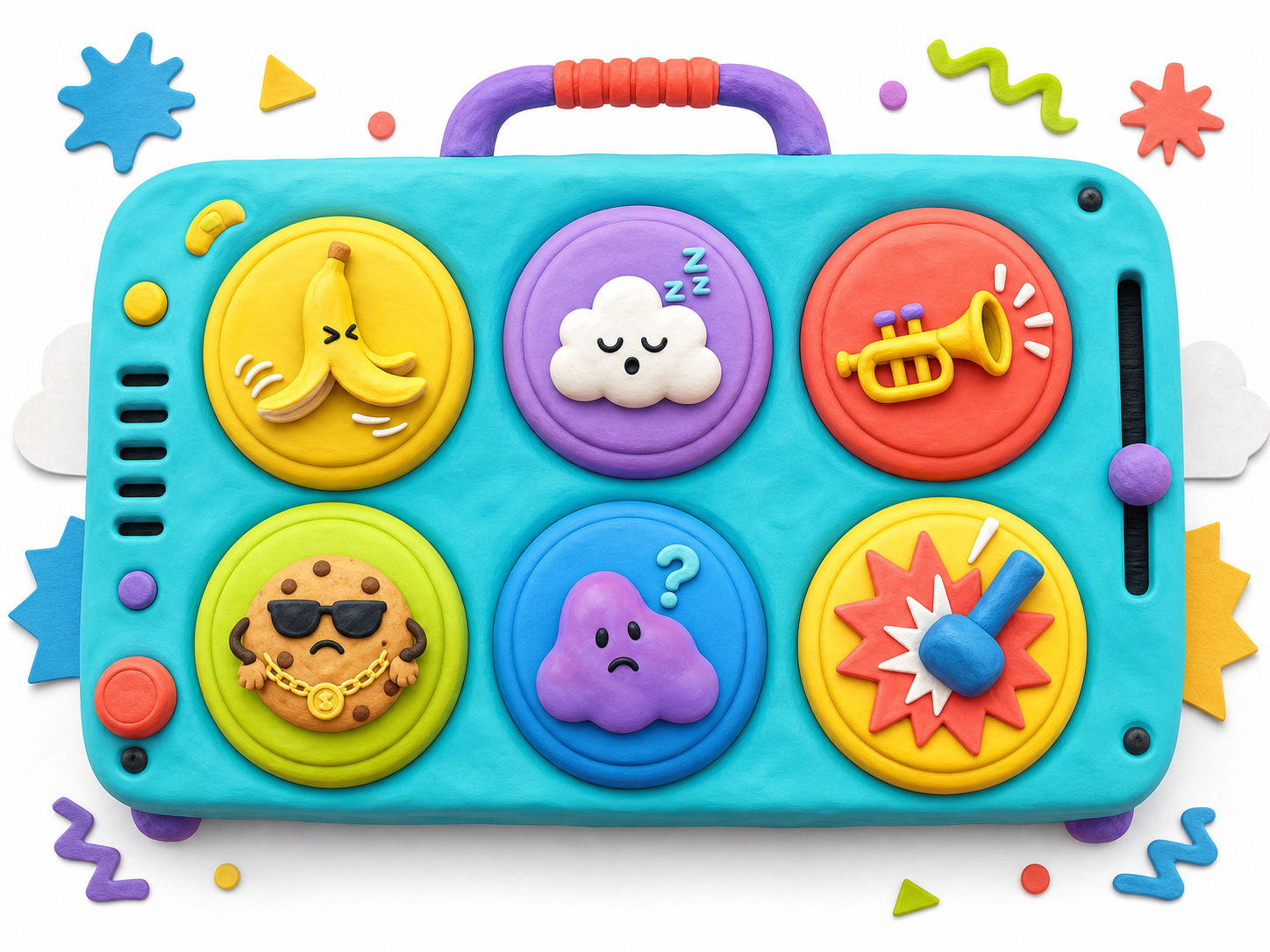
Click a button, hear a sound. The same when-this-sprite-clicked block powers every button in all three apps.
Your own voice, recorded
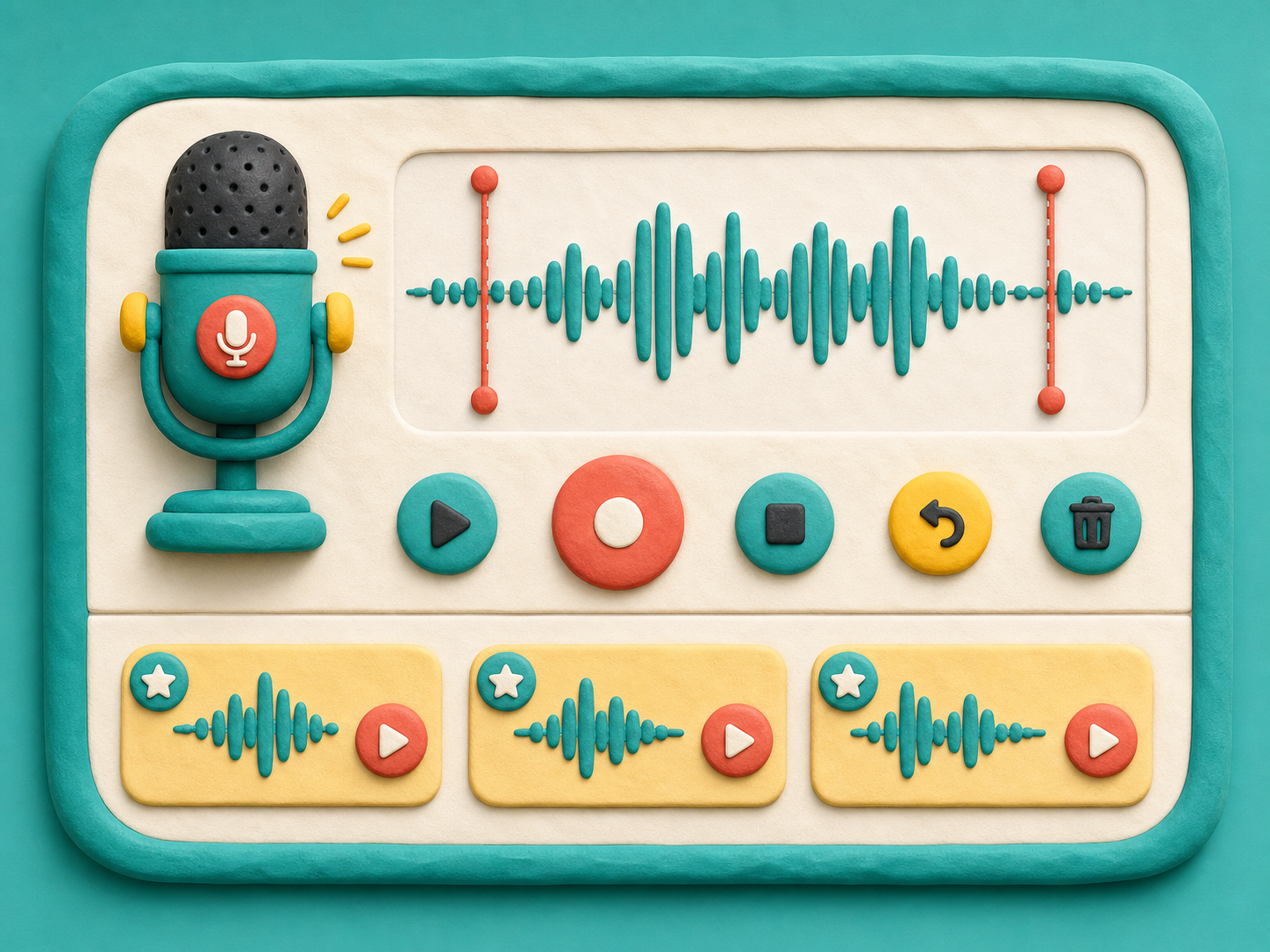
Scratch's built-in recorder turns your voice into a meme. No copyrighted clips — every sound is one you made.
Chipmunk and monster
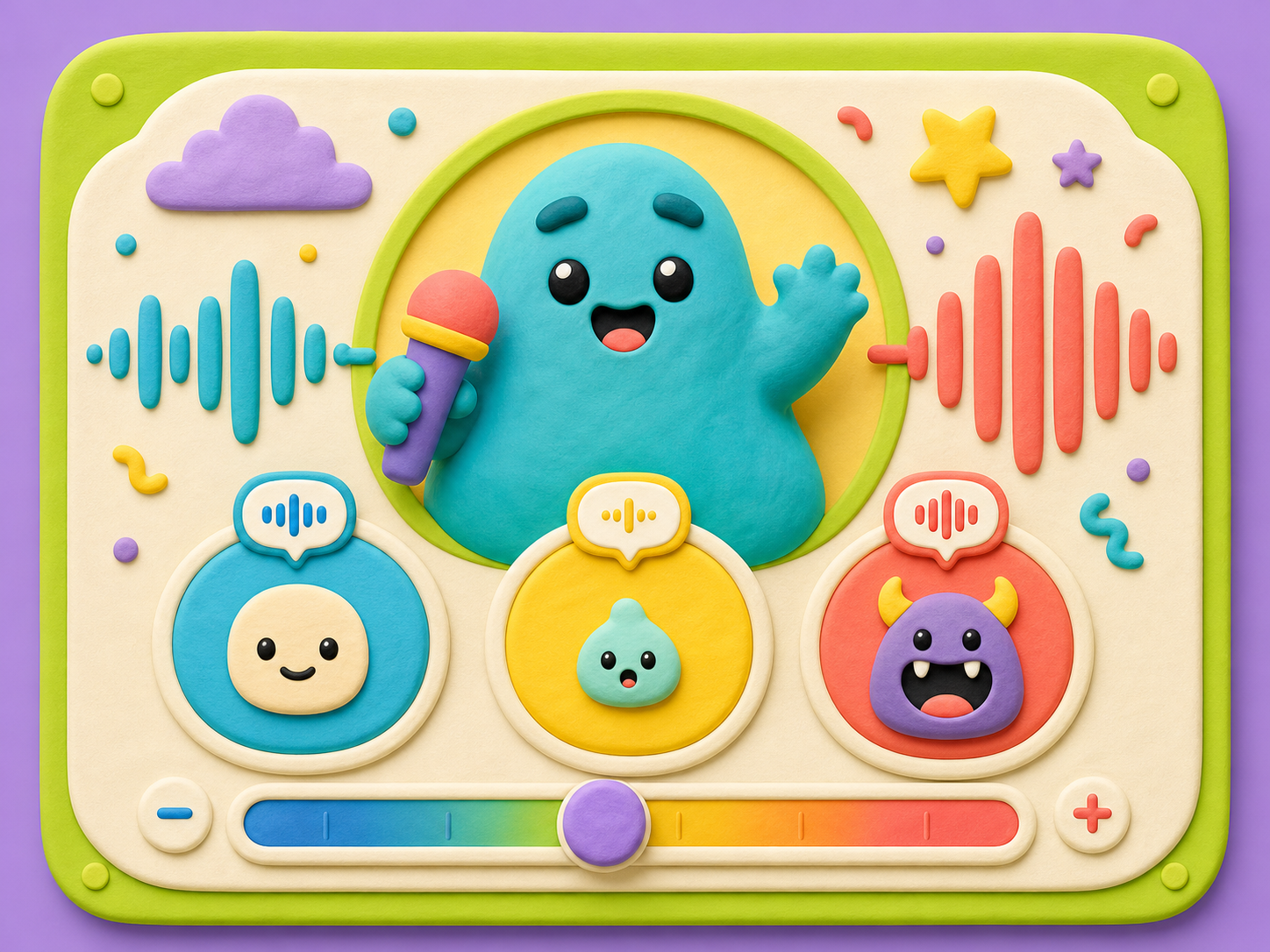
One pitch block bends your recorded voice high or low. Same clip, totally different character.
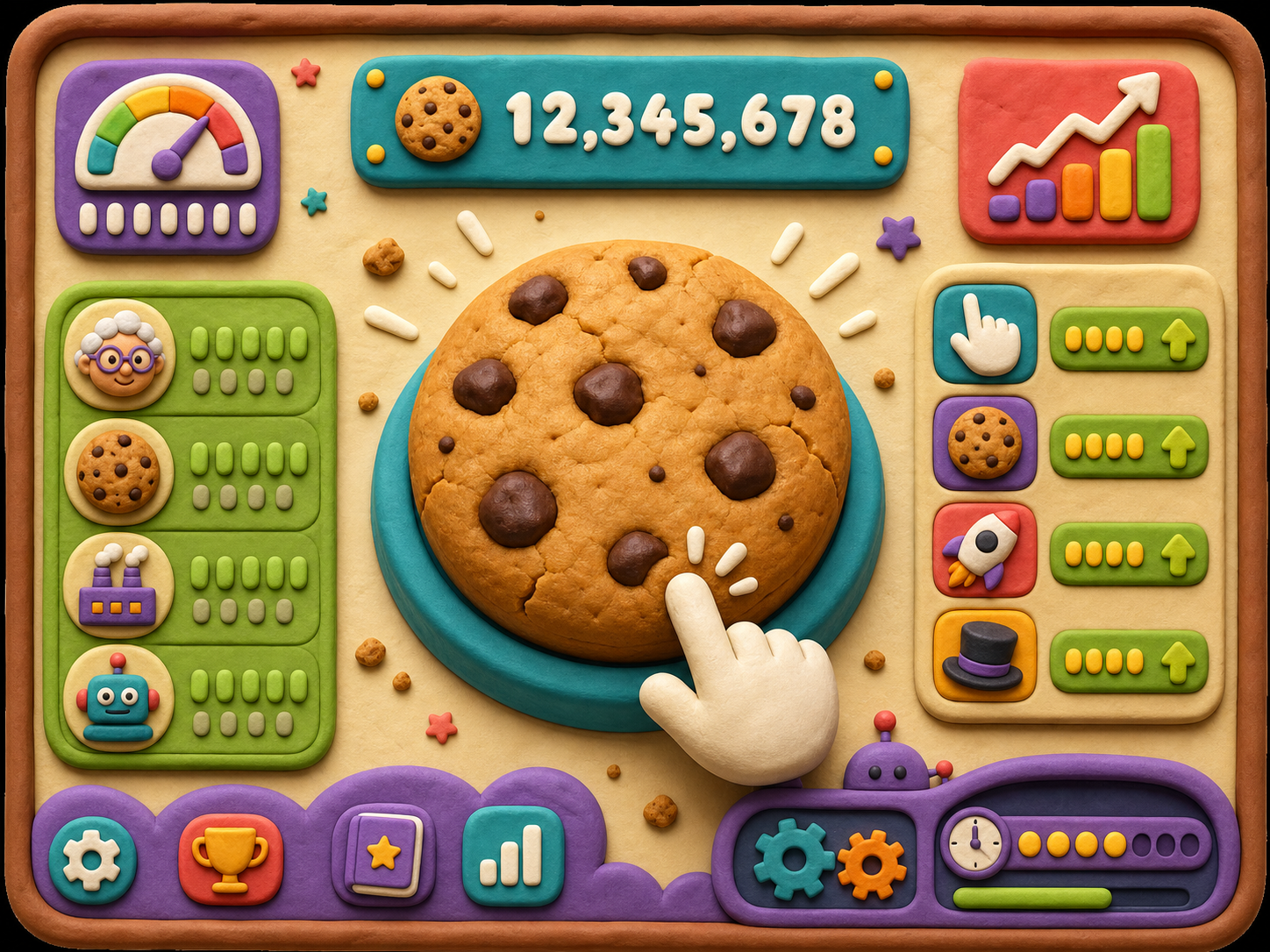
The cookie that counts
A variable remembers your score, an if/then sells upgrades, and a forever loop makes the cookie earn on its own.
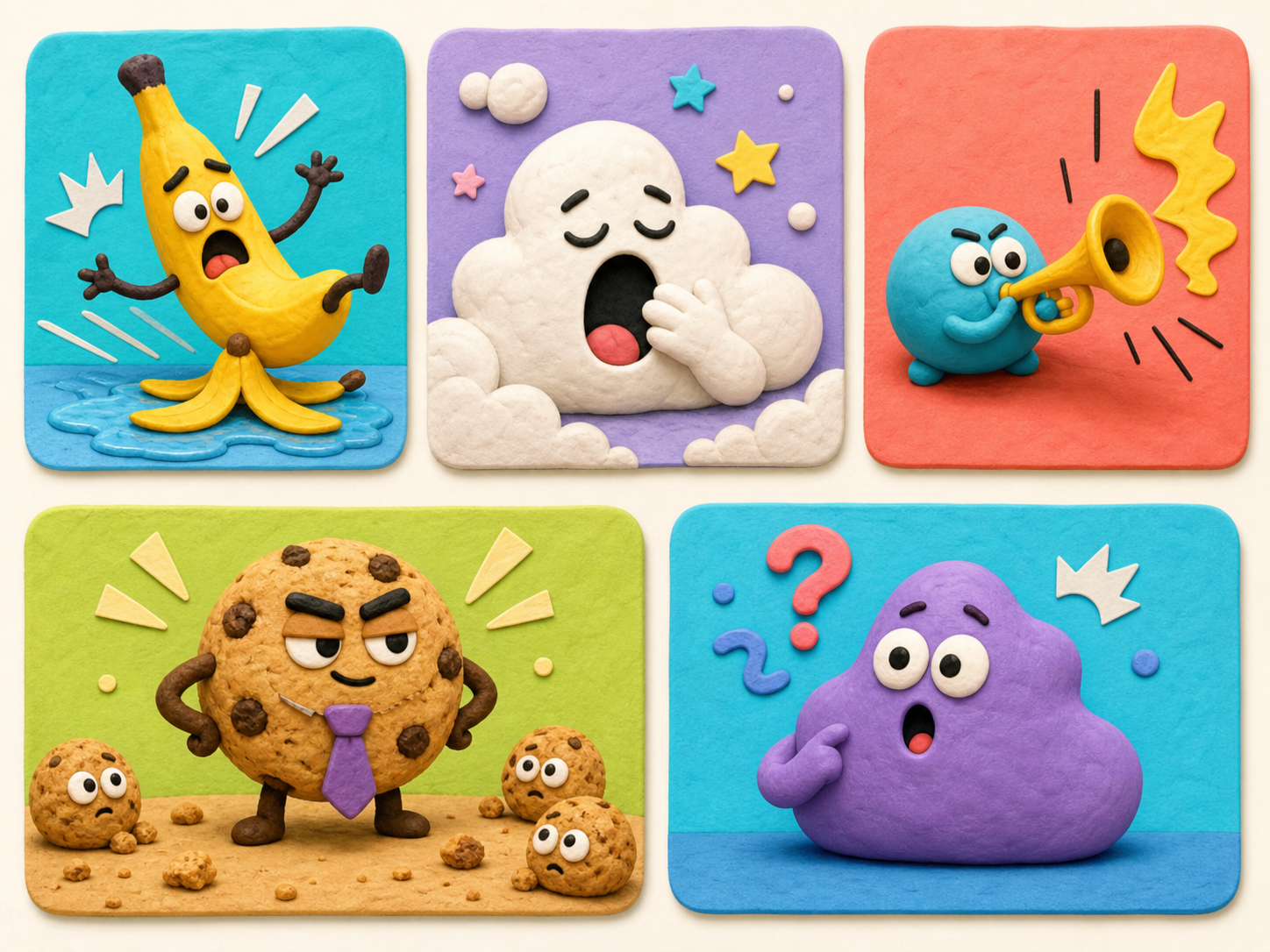
Original meme examples
Course-owned example memes show the tone: silly, safe, and invented here. Members still make their own.
Course path
Three apps, built stage by stage
Each stage names what is new in the app and the one idea behind it.
Make a Button That Talks
Record Your Own Meme Sounds
Design the Board
Record and Replay Your Voice
Chipmunk and Monster Voice
One Button, Many Voices
The Cookie Counts
Spend Your Cookies
The Cookie Makes Itself
Meme App Jam
How to start
- Ask your instructor for your class code. They read it out at the start of class.
- Make your account. First name, last name, a username and a password you pick.
- Sign in anywhere. Your work is saved to your account, not to one computer.
For instructors
Default path first
Each stage default is a finished, clickable app piece. Stretch challenges add depth when members finish early.
What is Scratch?
Scratch is a free website where you build apps and games by snapping together colored blocks. Each block does one thing — play a sound, wait one second, change a number, switch costume. Stack the blocks and you have a program. No typing code.
Scratch was made by MIT to teach how programs work. We use Scratch in this course because the ideas behind it (events, sounds, variables, broadcasts) are the same ideas used in every app and every programming language. Learn them here, and Python and JavaScript will feel familiar later.
In this course you don't just play apps — you build the silly ones that make everyone laugh.
Three apps in one week
This course builds three apps, and each one is harder than the last. You finish one, then use what you learned to start the next.
- App 1 — Meme Soundboard. Buttons you click to play sounds. The twist: the sounds are yours. You record your own voice and noises right inside Scratch, and you draw your own buttons.
- App 2 — Voice Changer. Record your voice, then press a button to play it back as a squeaky chipmunk or a deep monster. Same voice, totally different character.
- App 3 — Cookie Clicker. A clicking game where a number counts up every time you click. Then you add upgrades, and finally an auto-clicker that earns for you while you watch.
The last stage is a Meme App Jam — you mix tricks from all three apps into one app that is all your own, and demo it to the room.
The "memes" in this course are the ones you make. You record your own funny sounds and draw your own pictures — nothing copied from the internet. That keeps everything safe, original, and a hundred times funnier because it's yours.
You will see a few example memes in the course art — a dramatic banana, a sleepy cloud, a tiny trumpet, a cookie boss. Those are original examples made for this course to show the level of silliness we want. Use them for inspiration, then invent your own.
Course time
These are building minutes — the rest of every session is testing, breaks, and stretch challenges.
| Course work | Build time |
|---|---|
| Course Intro | 30 |
| Setup | 45 |
| Stage 1 | 45 |
| Stage 2 | 50 |
| Stage 3 | 60 |
| Stage 4 | 60 |
| Stage 5 | 70 |
| Stage 6 | 70 |
| Stage 7 | 80 |
| Stage 8 | 90 |
| Stage 9 | 90 |
| Stage 10 — Meme App Jam + Demo | 90 |
| Total | 780 min (13 hours of building) |
The course closes with a showcase. Plan around it.
That same material runs two ways:
- School semester — one class a week for 16 weeks. One stage per week, with catch-up, stretch, and showcase weeks built in.
- 5-day intensive — 3 hours a day for 5 days. Two to three stages a day, closing with a showcase.
Instructors: the week map and the day-by-day plans are both in the Instructor Guide.
If a stage runs long, pull time from that stage's stretch challenges first. Stage 10 (the jam + demo) is the only block that should never get squeezed. Stages 3–6 are lighter on purpose — Stage 5 (pitch) and Stage 6 (broadcasts) are the two trickiest ideas, so leave room to slow down.
Who this is for
This course is built for beginners. Reading levels and language stay simple. New Scratch words get defined in a vocab card on every stage. Every stage has a short "Instructor demo" callout at the top and "Instructor notes" callout at the bottom — instructors can scan those two callouts to know what to show and what to watch for.
Members do not need to know how to code beforehand. The only tool is Scratch. It runs in the browser on the lab iMacs — no installs, no phones, no app store. Everything you build lives in your Scratch account and plays right there on the screen.