Code Creators: Scratch & AI Lab
AI course
Code Creators: Scratch & AI Lab
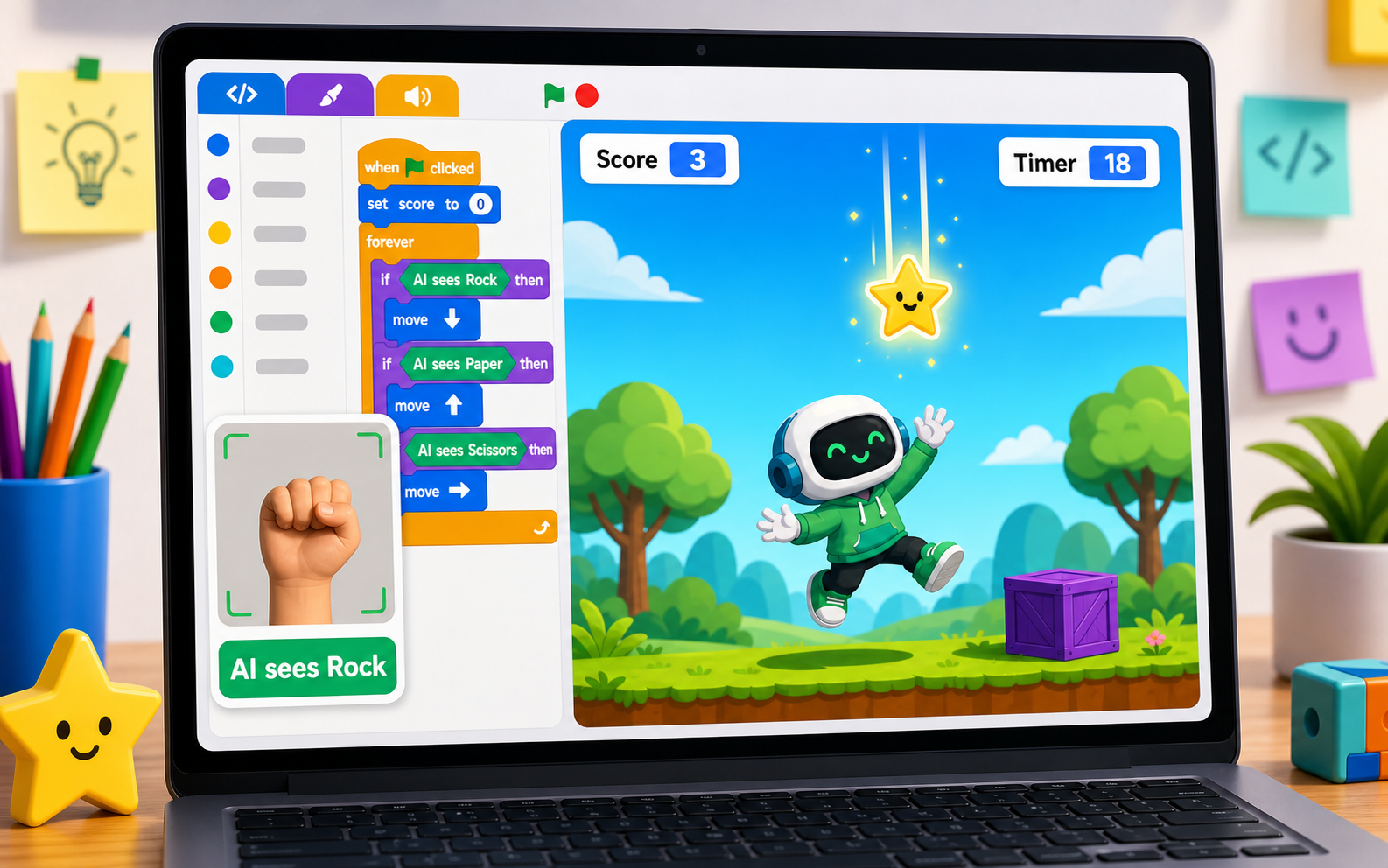
Members train their own AI to recognize hand signs, then build a Scratch-style game their AI controls — across ten guided stages.
What members ship
A real AI game, trained and built by the member
Every stage adds one piece of the same project. By the last stage members have an AI model they trained from scratch and a game their AI controls — plus a short demo they can show at the showcase.
An AI model you trained on your own examples
A Scratch-style game your AI controls
A polished demo you can show at the showcase
Project moments
Each stage adds something members can see and play
Every stage produces a visible change you can run, test, and tweak — the screen is the proof.
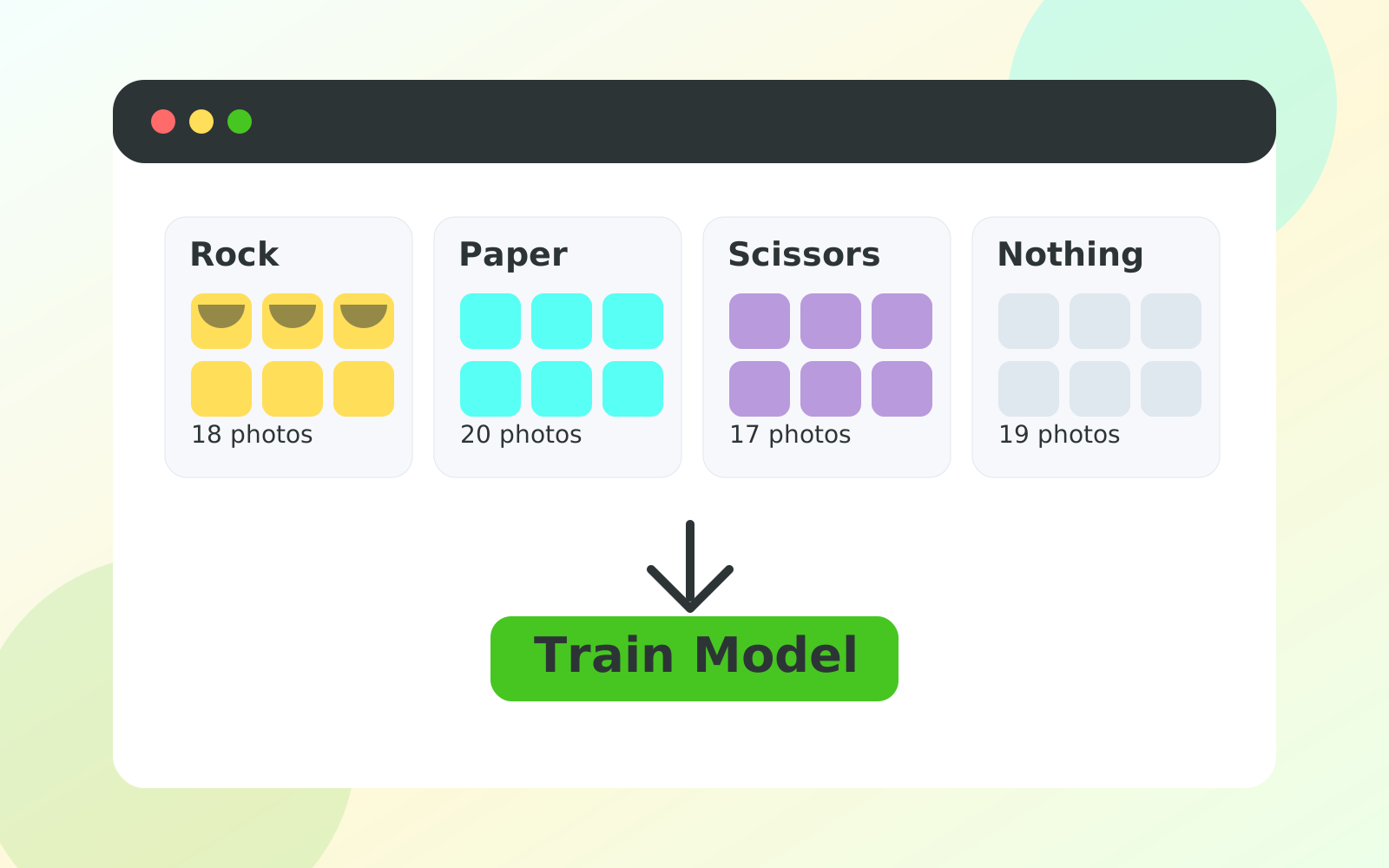
An AI you trained yourself
Members take photos of rock, paper, scissors, and “nothing,” then watch the AI start to recognize them. It is the moment training stops feeling like magic.
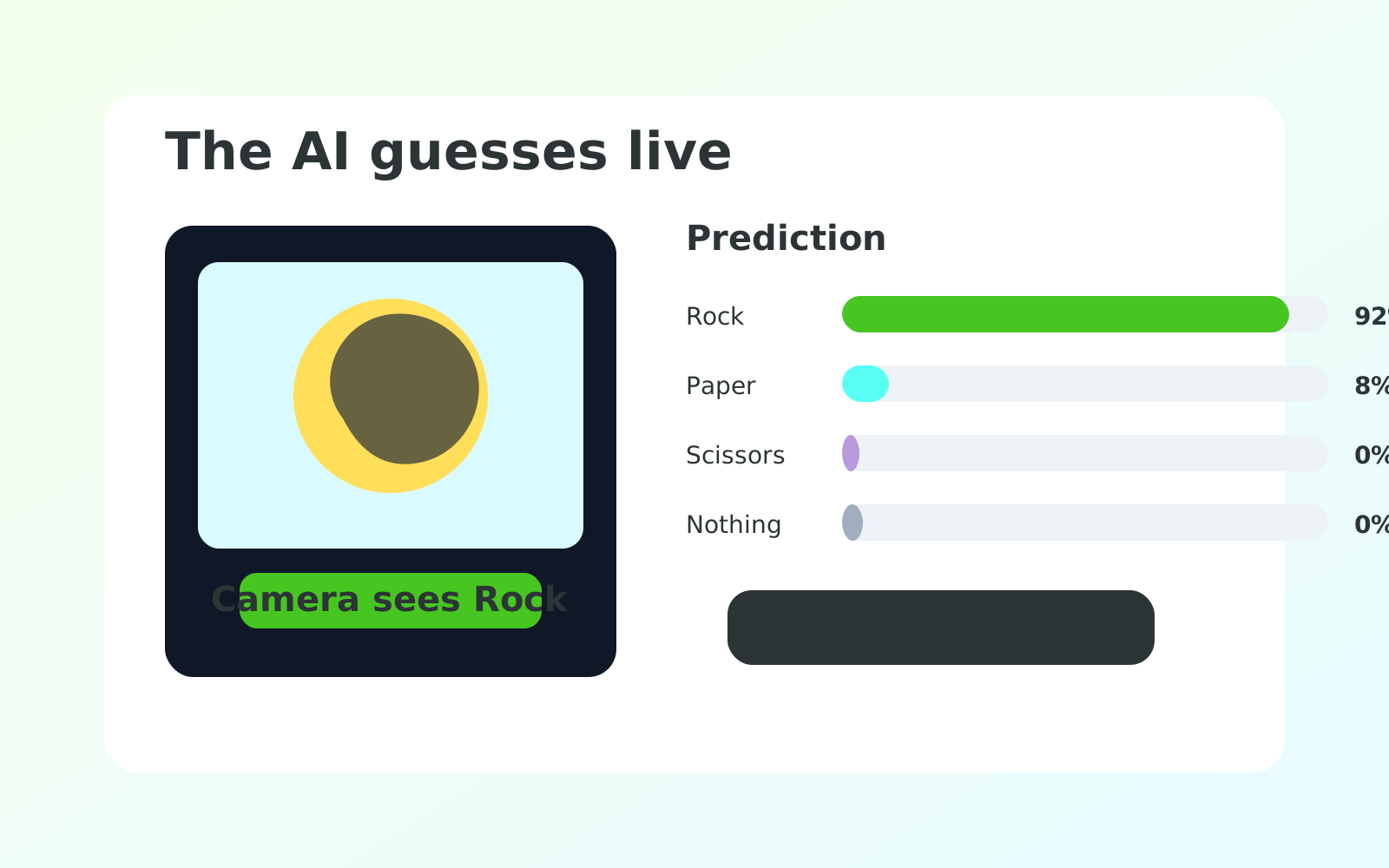
The AI guesses live
Confidence bars climb and fall as the member changes their hand. Stage 3 turns those bars into the lesson: an AI is never “sure,” it is just sure enough.
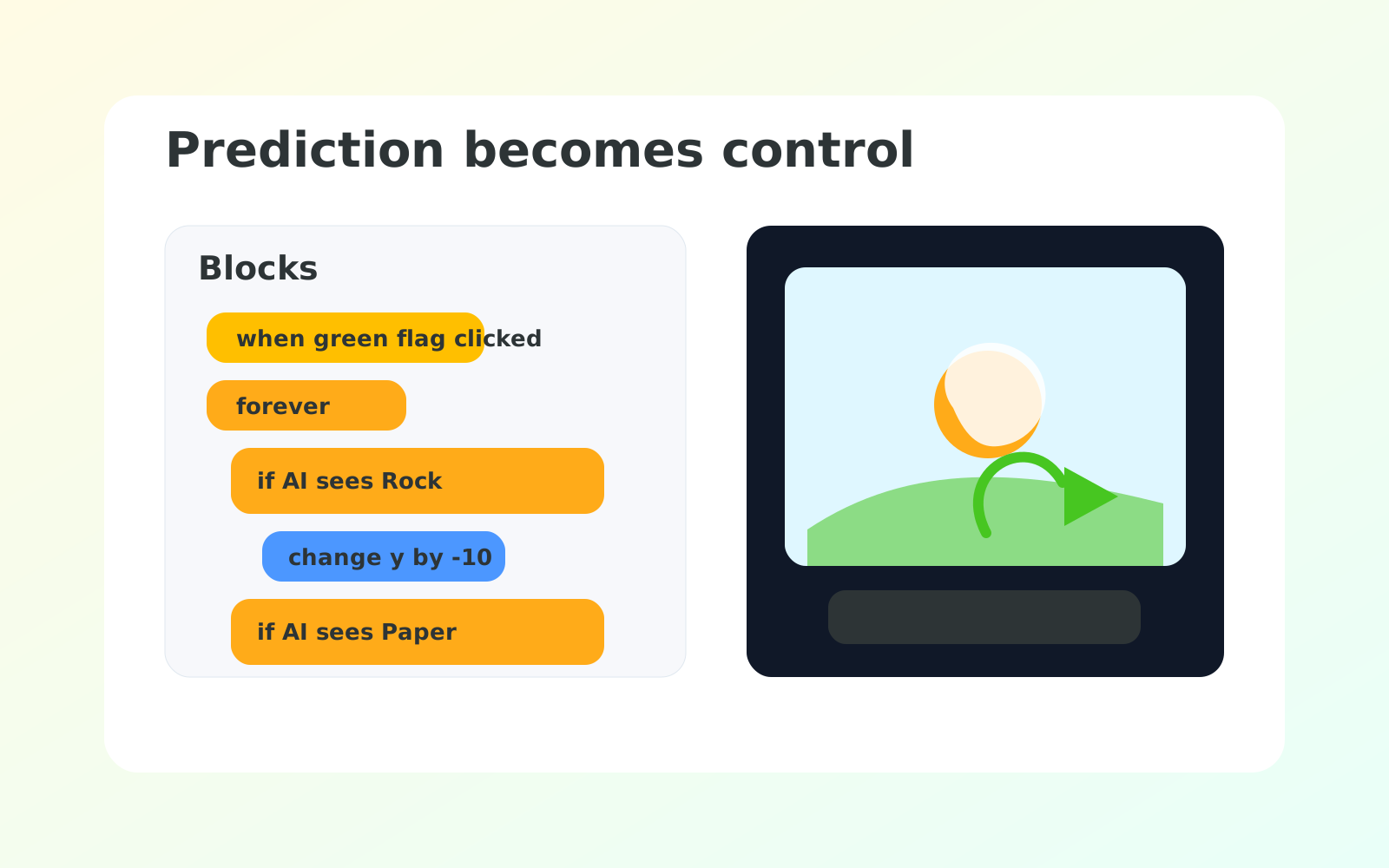
Hand sign moves the sprite
The AI prediction becomes a control. Show a sign, the sprite reacts. This is where the project goes from “cool demo” to “real game.”
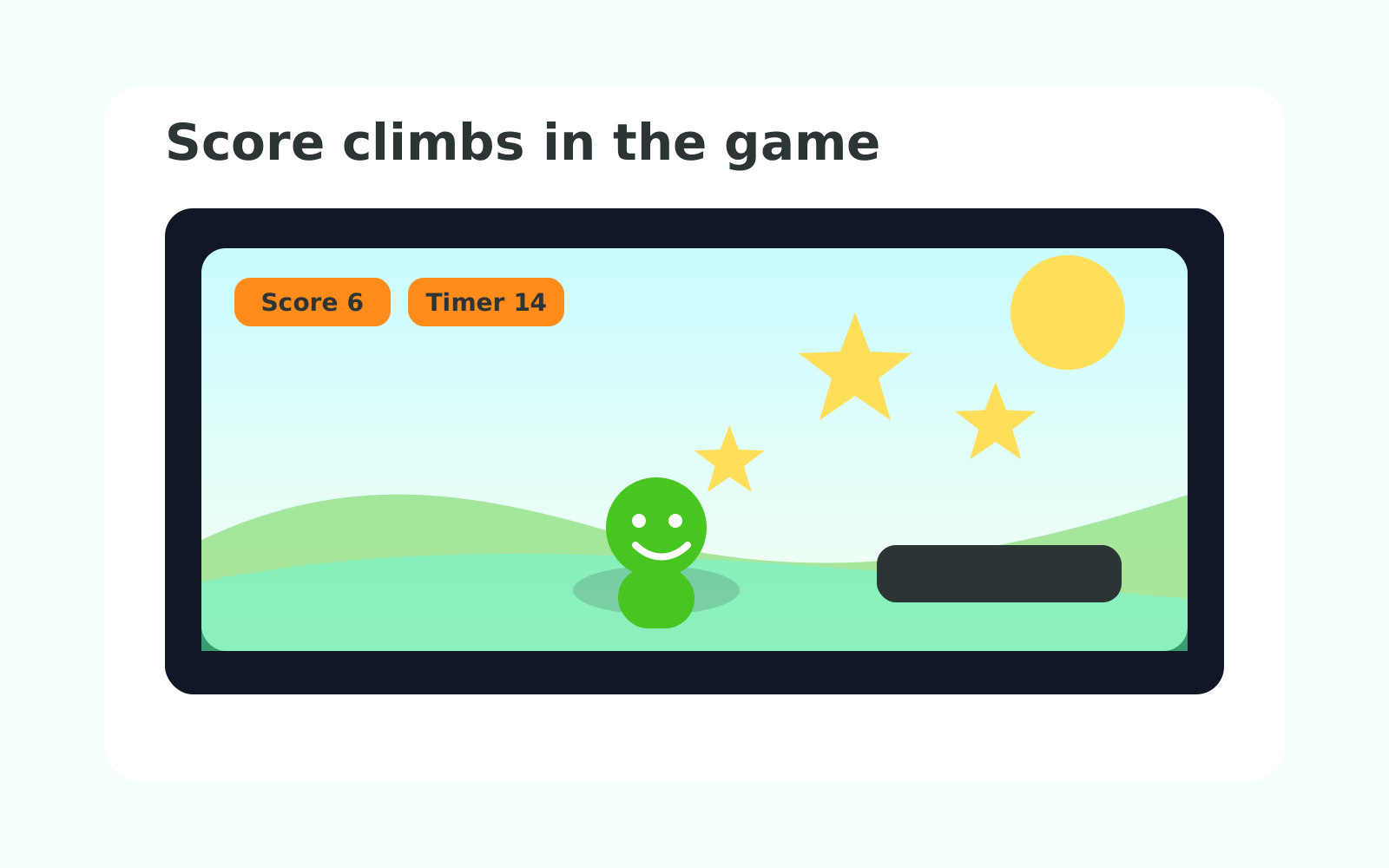
Score climbs in the Collector Game
Falling objects, a score counter, a goal. The same pattern members see in every arcade game — powered by an AI they built themselves.
Course path
Your project grows stage by stage
Each stage names what is new in the project and the one idea behind it.
AI Learns from Examples
Train Your First Model
Test and Improve Your Model
Connect to RAISE Playground
Show the AI Prediction
Control a Sprite with AI
Build the Game Rules
Customize the Game
Final Build and Demo Practice
Final Demo Showcase
How to start
- Ask your instructor for your class code. They read it out at the start of class.
- Make your account. First name, last name, a username and a password you pick.
- Sign in anywhere. Your work is saved to your account, not to one computer.
For instructors
Pacing labs are required
Each stage now includes timed testing, journaling, partner checks, or rehearsal work before stretches. Use those labs to keep the room together and fill the 3-hour block.
What is AI?
AI stands for artificial intelligence. That is just a long way to say a computer that learns from examples.
The computer does not start out knowing what rock, paper, or scissors look like. We show it pictures. We tell it the name of each picture. We let it practice. After enough practice, it can guess what it sees on its own.
That is the whole secret. The rest of this course is just doing that — and then building a game with the AI we trained.
How the two tools connect
Teachable Machine and RAISE Playground are two parts of one project.
Teachable Machine is where the AI learns from photos. RAISE Playground is where the game asks that trained AI what it sees. The model URL is the link between them.
Teachable Machine trains the AI. RAISE Playground loads that trained AI and uses its predictions inside the game.
Course time
Course Intro (30) · Course Setup (45) · Stage 1 (45) · Stage 2 (60) · Stages 3–8 (90 each) · Stage 9 (120) · Stage 10 — Final Demo (60) = 900 minutes, about 15 hours.
The course closes with a showcase. Plan around it.
Stages also include required Pacing Labs. These are not optional stretch challenges. They are timed testing, journaling, peer-review, and rehearsal blocks that keep the room together and fill out a long session.
That same material runs two ways:
- School semester — one class a week for 16 weeks. One stage per week, with catch-up, stretch, and showcase weeks built in.
- 5-day intensive — 3 hours a day for 5 days. Two to three stages a day, closing with a showcase.
Instructors: the week map and the day-by-day plans are both in the Instructor Guide.
If a stage runs long, pull time from stretch challenges first. Keep the Pacing Labs whenever possible — they are the built-in slow-down work that turns quick builds into a full session. Stage 10 (the demo) is the only block that should never get squeezed.
Who this is for
This course is built for beginners. Reading levels and language stay simple. New words get defined in a vocab card every time they appear. Every stage has a short "Instructor demo" callout at the top and an "Instructor notes" callout at the bottom — instructors can scan those two callouts to know what to show and what to watch for.
Members do not need to know how to code beforehand. They will use two tools:
- Teachable Machine to train the AI.
- RAISE Playground to build the Scratch-style game.
Both run in the browser. No installs.