Roblox Makers: Build & Script Your World
Roblox course
Roblox Makers: Build & Script Your World
Build every block from primitives. Write every script in Lua. Same 10-stage obby as Launch a Sky Garden Obby — but you wrote every line of it.
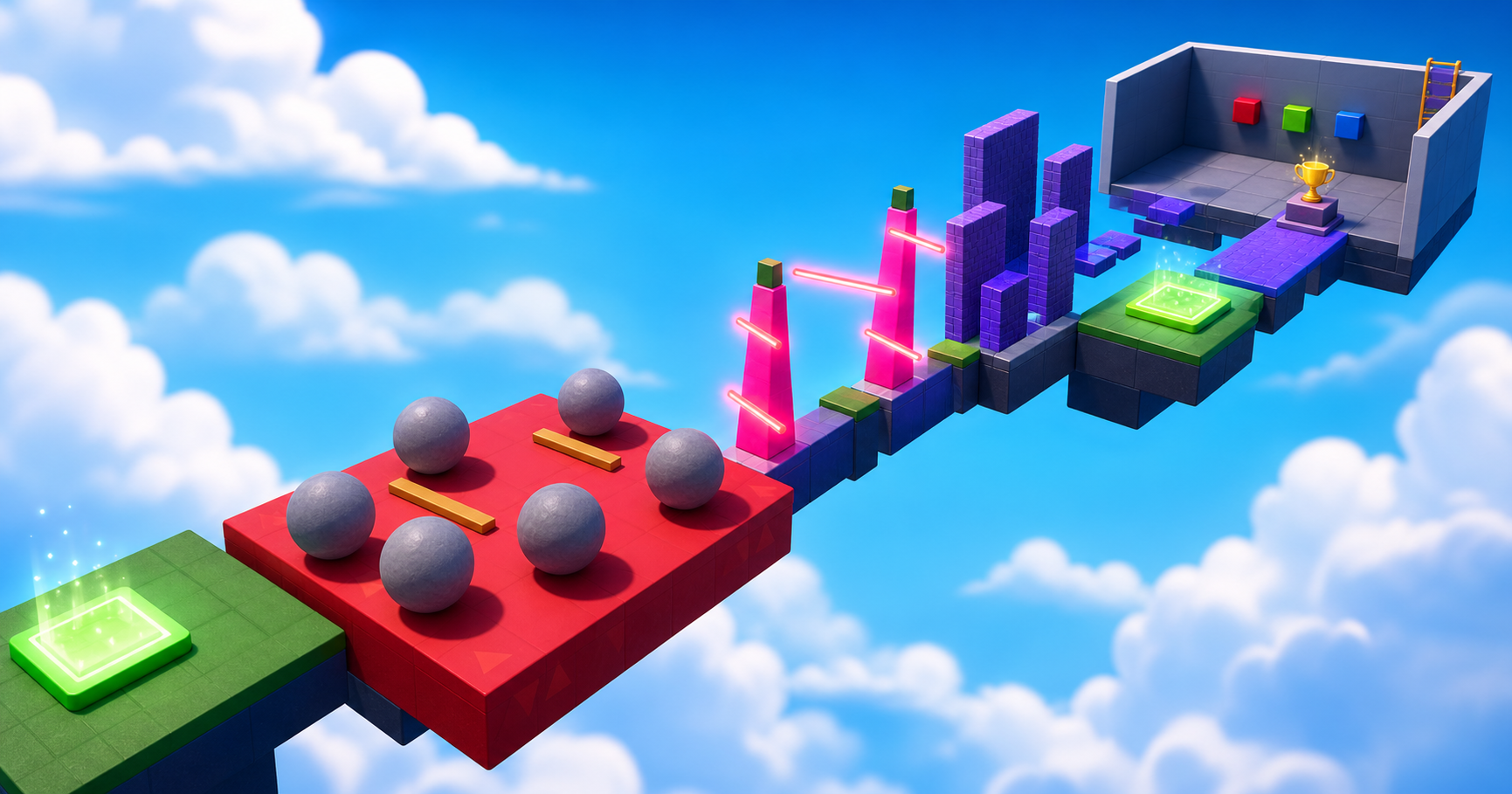 You built the rocks. You wrote the TweenService.
What you ship
A complete obby where every brick and every line is yours
Launch a Sky Garden Obby taught the shape of an obby by dragging in Toolbox assets. Roblox Makers teaches it by building every part from primitive properties and writing every behavior in Lua. By Stage 10 you have written a Touched handler, a function with parameters, a while loop, an if branch, a TweenService animation, a Heartbeat-driven spin, a numeric for loop, and a real state machine.
A 10-stage Roblox obby — same shape as the Toolbox-based course, every part built by hand
Every hazard scripted from scratch — no Toolbox imports for parts or mechanics
Studio + Script editor + Output muscle memory — the round trip every Roblox dev uses
Gameplay moments
These are scripted obstacles, not asset placements
Each moment below is something you build from primitives and animate with a script you wrote. Same finished look as the Toolbox-based obby — but every line of behavior lives in a Lua file you can read.
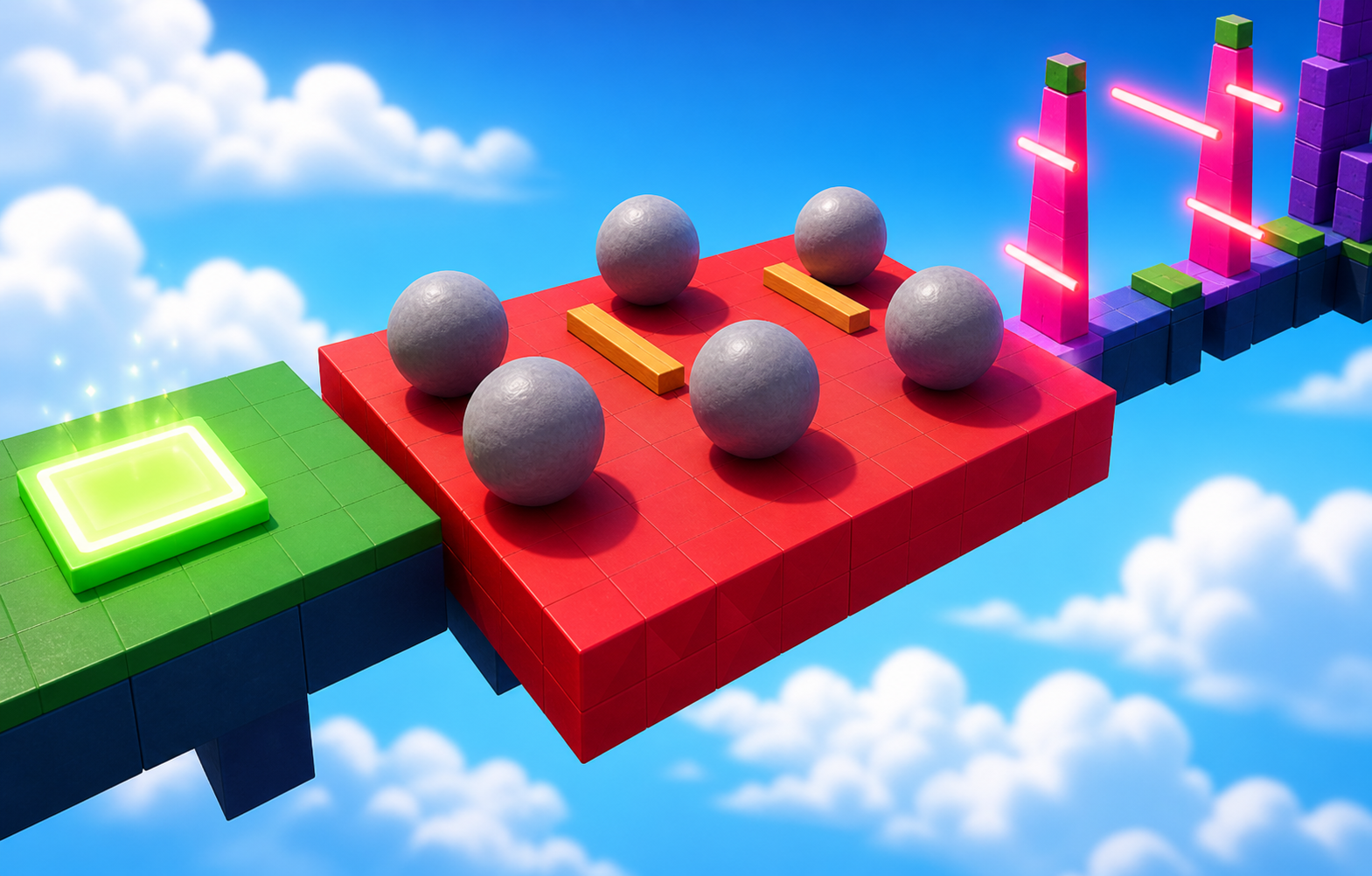
TweenService rolling rocks
Boulders you build from a sphere and animate with TweenInfo + TweenService:Create — the smooth-motion service that replaces the brute-force while loop.
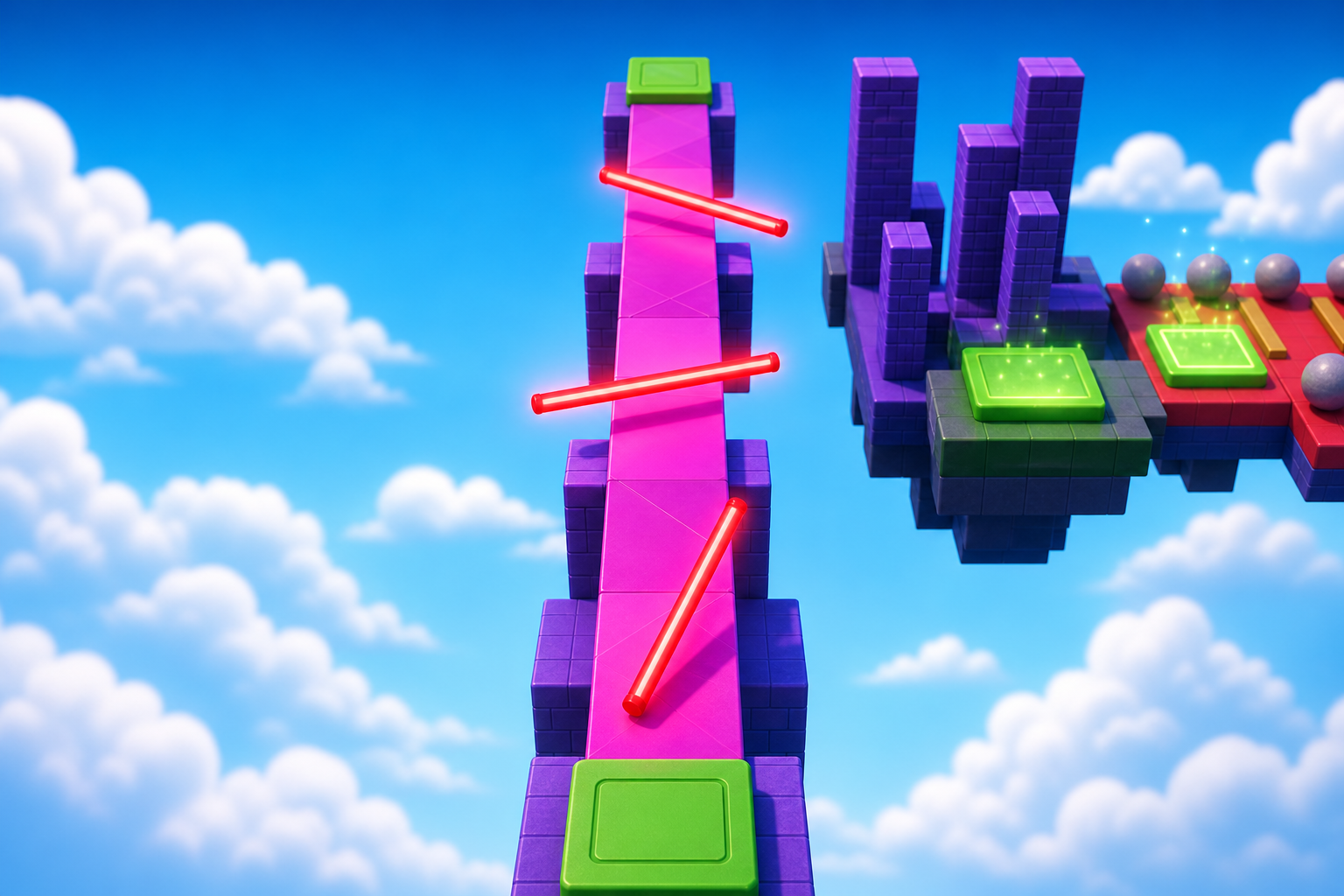
Heartbeat-driven spinner
A sweep arm rotating on RunService.Heartbeat with CFrame.Angles — the 60-frames-per-second loop that powers every smooth Roblox animation.
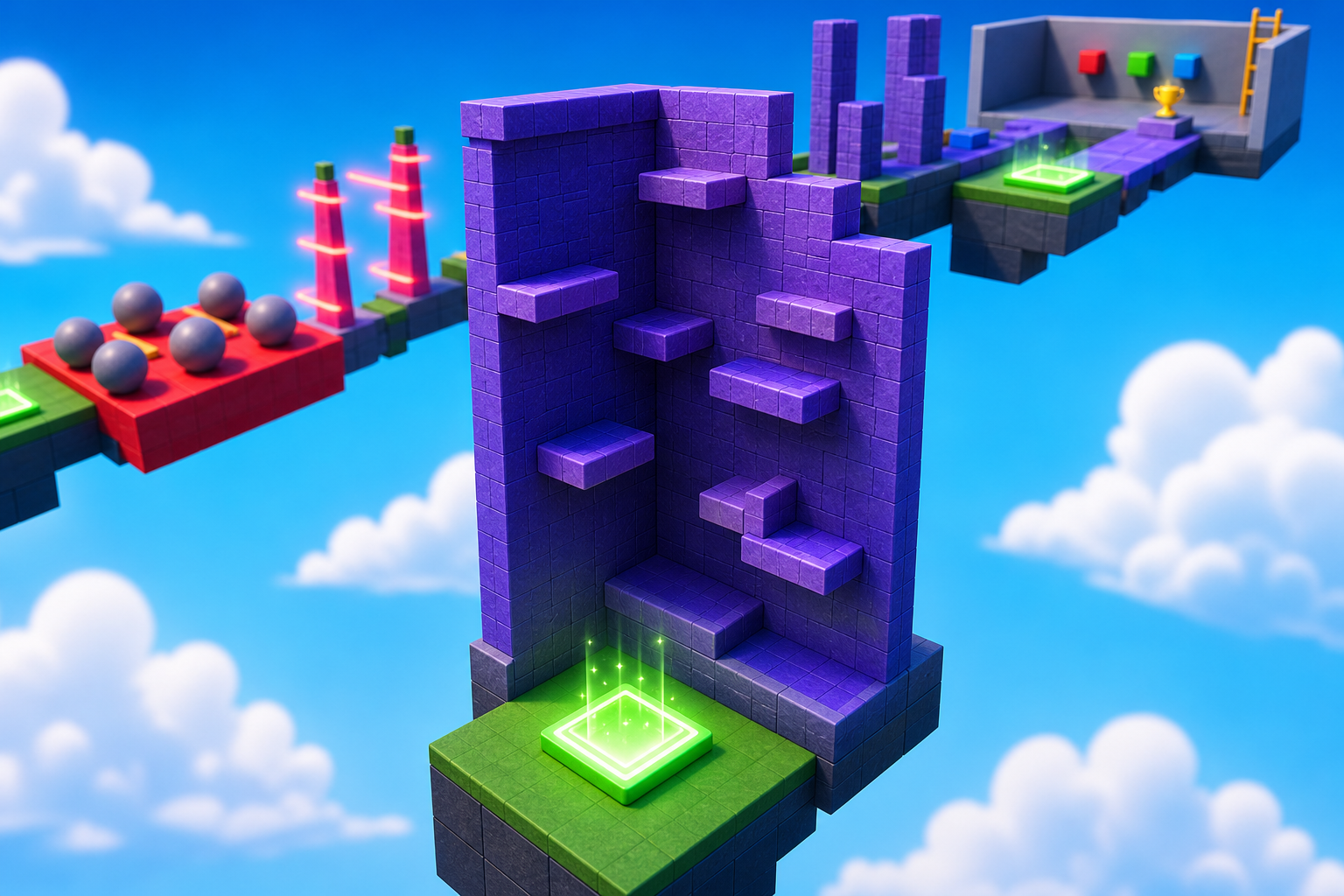
Your first checkpoint pair
A SpawnLocation and a Team wired by hand. By Stage 4 the color-matching pattern is in your fingers; by Stage 10 you have wired ten of them.
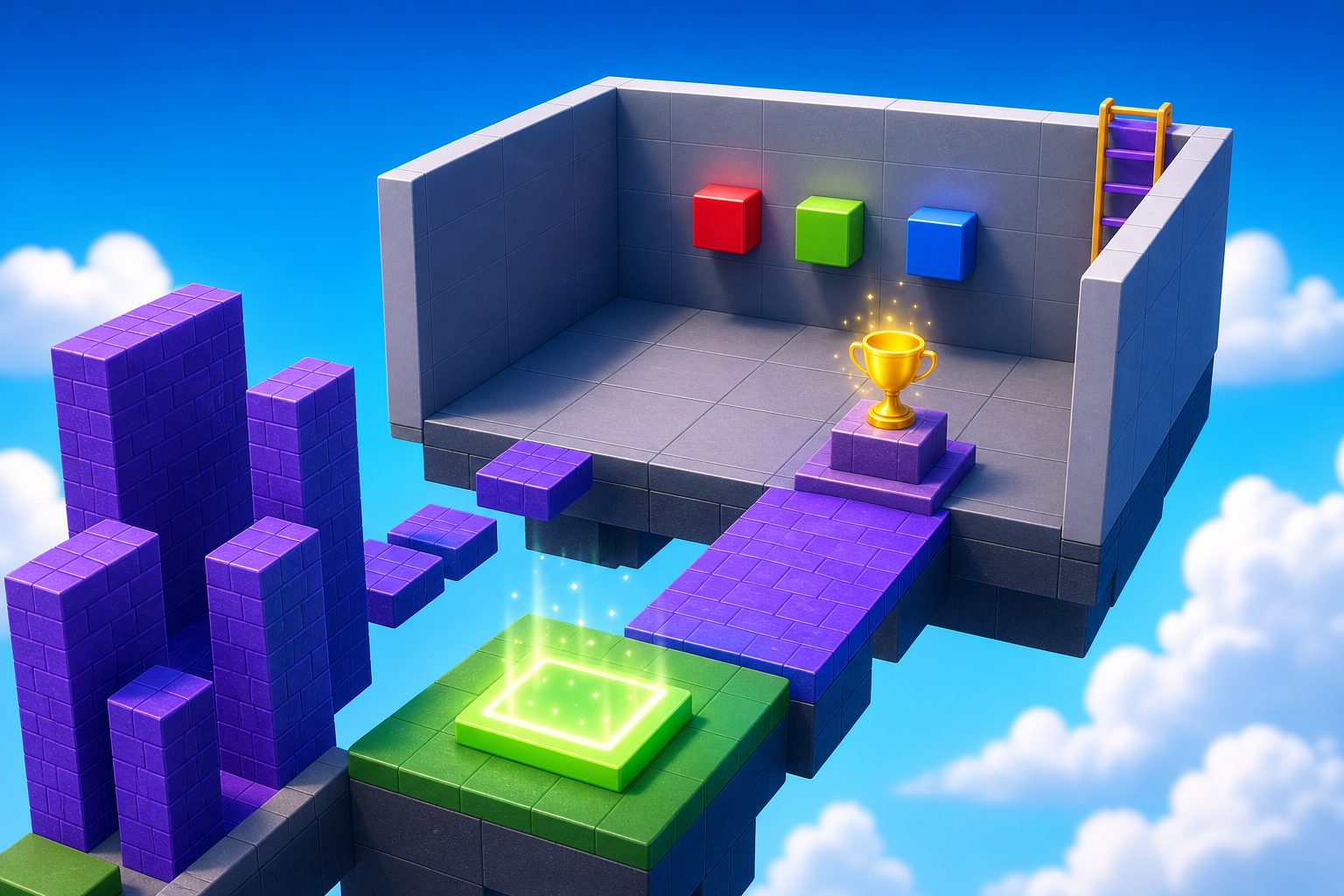
Puzzle room state machine
The Stage 10 capstone: a ClickDetector + table + Sound state machine you write from scratch. Launch a Sky Garden Obby imports this; here you build it.
Course path
Each stage adds one modeling skill and one scripting skill
Same obby mechanics as Launch a Sky Garden Obby, ramped up to the Intermediate level. The build is harder because you make the parts yourself; the scripting is the actual lesson.
Ascending Walls
Sphere Staircase
Plank Walkway
KillBrick Path
Fireball Cannon
Hidden Hazard Field
Rolling Rocks
Spinning KillBricks
Kinetic KillWall
Puzzle Room
How to start
- Ask your instructor for your class code. They read it out at the start of class.
- Make your account. First name, last name, a username and a password you pick.
- Sign in anywhere. Your work is saved to your account, not to one computer.
For instructors
Don't paste — type.
The whole pedagogy depends on the member typing each script themselves, pressing Play, and reading the Output. Copy-paste kills the learning. If a member is stuck, walk them through *their* Output window — not yours.