Roblox Combat: Anime & RPG Battles
Roblox course
Roblox Combat: Anime & RPG Battles
Love games like Blox Fruits and Anime Adventures? Stop just playing and start coding the magic. Build the same 10-stage obby you know, then layer on a Lua-coded combat system: a sword, a flashy fireball power, XP and leveling, health bars, enemy AI, loot, and a boss you defeat to win.
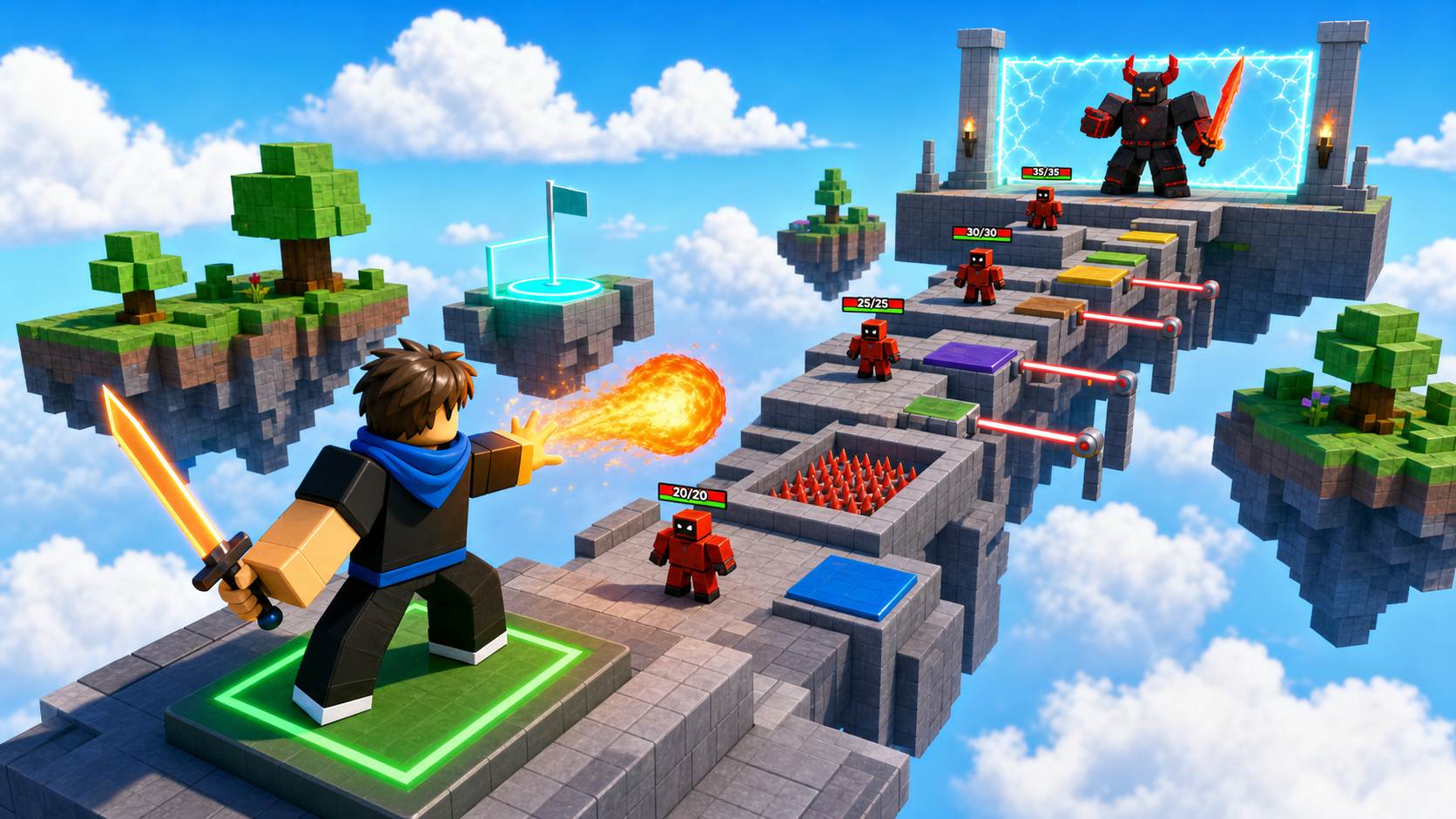 Your obby. Your powers. Your boss.
What you ship
Same obby. Combat layer. Code the power.
Combat takes the obby world you already recognize and turns it into an action-RPG. You build the obby from scratch (same shape as Launch a Sky Garden Obby) and weave one combat system in per stage — until the familiar climb becomes a battleground with powers, enemies, and a final boss.
A 10-stage Roblox obby — same shape as the base course, every part built from primitives
A custom sword Tool that every player spawns holding, and a flashy fireball superpower on a keybind
An RPG progression — XP that follows the player and a Level that climbs as they fight
Health bars over every fighter, an enemy that hunts the player, and loot that drops when it falls
A combat-arena wave and a coded boss whose defeat opens the final room
Combat moments
The obby is familiar. The combat is new.
These are the mechanics that make Combat a coding course: a tool, a client-to-server power, server-owned damage, AI movement, runtime loot, and a boss fight.
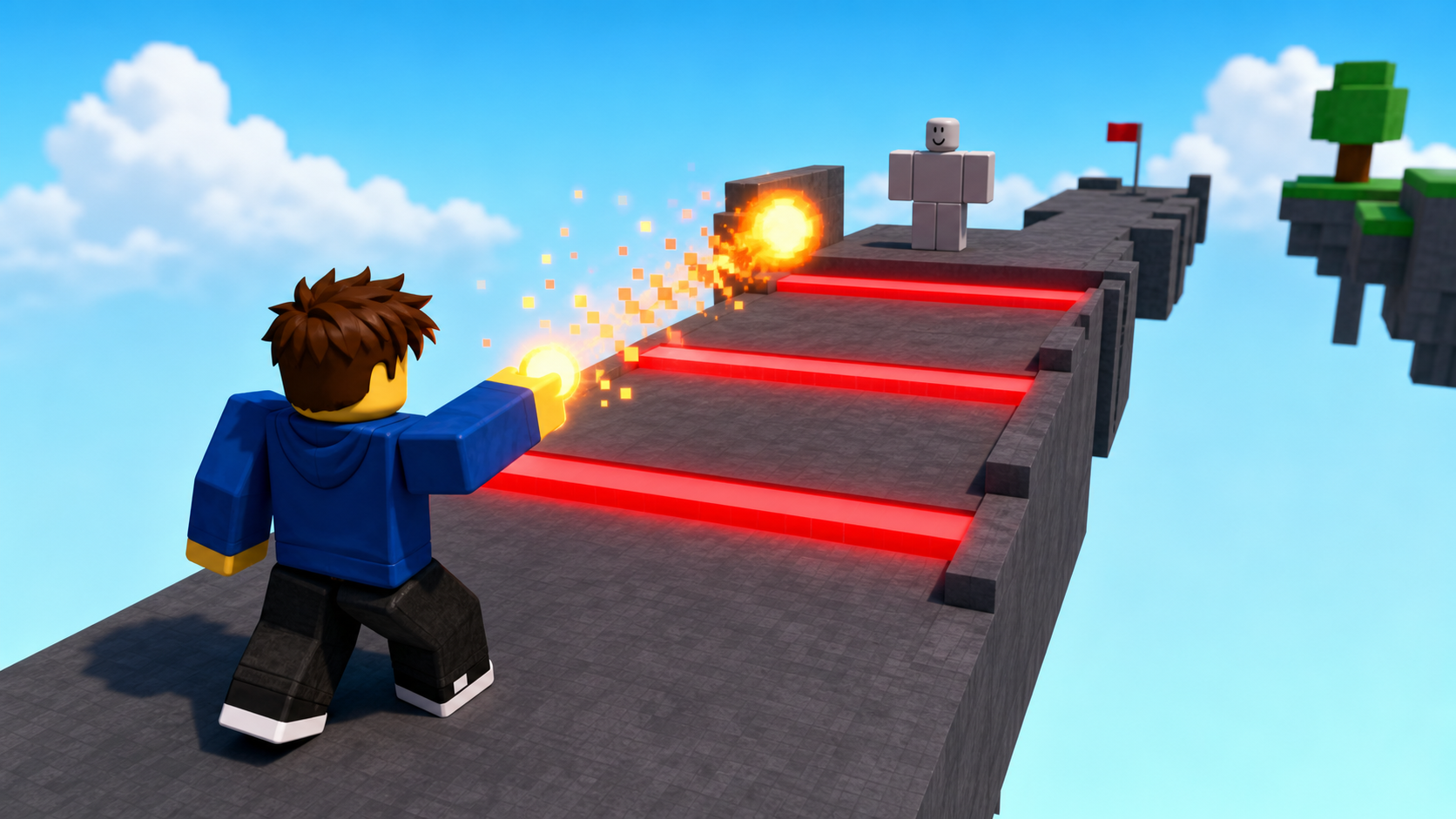
Sword and fireball
Every player spawns with a sword Tool that deals damage on a swing, plus a keybinded fireball that fires a RemoteEvent so the server can spawn the glowing projectile.
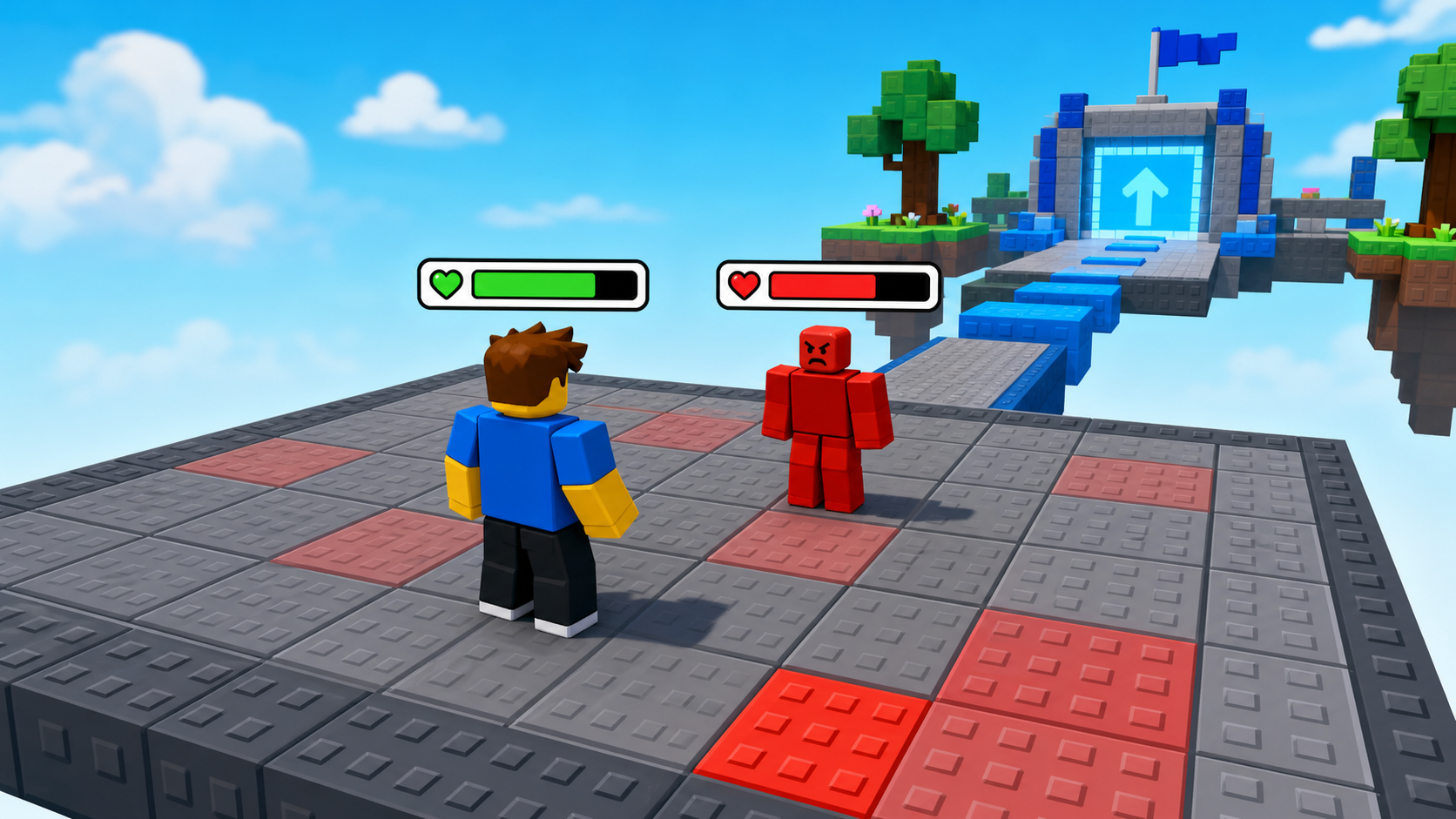
Health bars and enemy AI
A BillboardGui health bar floats over every fighter and tracks Humanoid.Health. An enemy detects the player by distance, chases with MoveTo, and attacks.
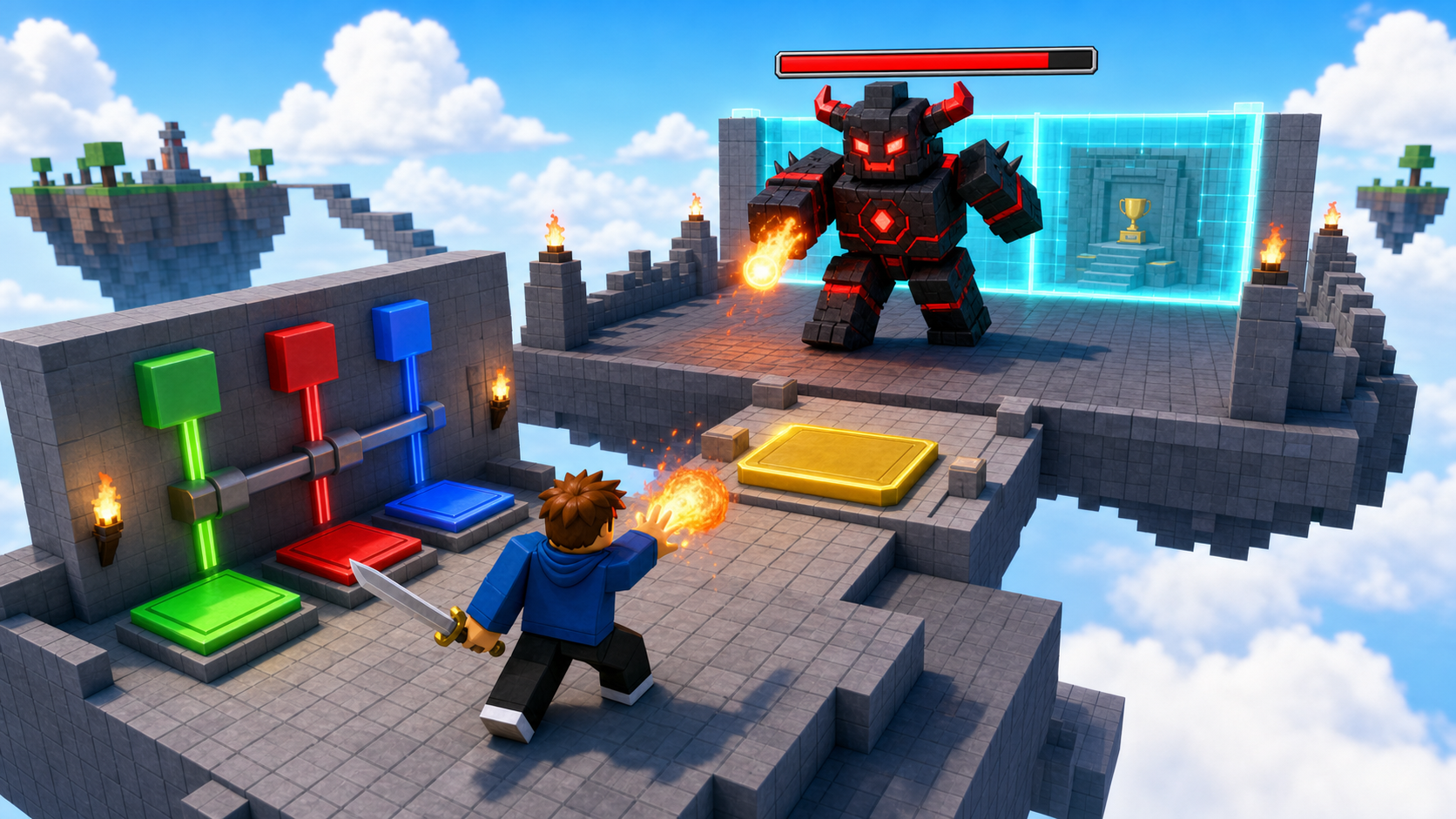
Boss capstone
Stage 10 puts a boss in the ExtensionPad. Defeating it destroys the victory wall and opens the final area — then you publish the game.
Course path
Each stage builds an obby obstacle AND adds a combat system
The obby work is familiar — same hazards as the base course. The combat work is the lesson: a new piece of the battle system lands every stage, on top of the obstacle you just built.
Ascending Walls + your first sword
Sphere Staircase + XP and leveling
Plank Walkway + the sword that bites
KillBrick Path + fireball power
Fireball Cannon + cooldowns
Hidden Hazard Field + health bars
Rolling Rocks + enemy AI
Spinning KillBricks + loot drops
Kinetic KillWall + combat arena
Puzzle Room + boss and publish
How to start
- Ask your instructor for your class code. They read it out at the start of class.
- Make your account. First name, last name, a username and a password you pick.
- Sign in anywhere. Your work is saved to your account, not to one computer.
For instructors
The combat is the lesson — but the obby is the proof.
Don't let members skip the obby build to rush to the combat mechanic. The combat scripts only feel meaningful because they're bolted onto an obstacle the member just built. Server-owned damage and a client-to-server power are real game-dev ideas; the familiar obby is what keeps them from being overwhelming.