Python Arcade
Python course
Python Arcade
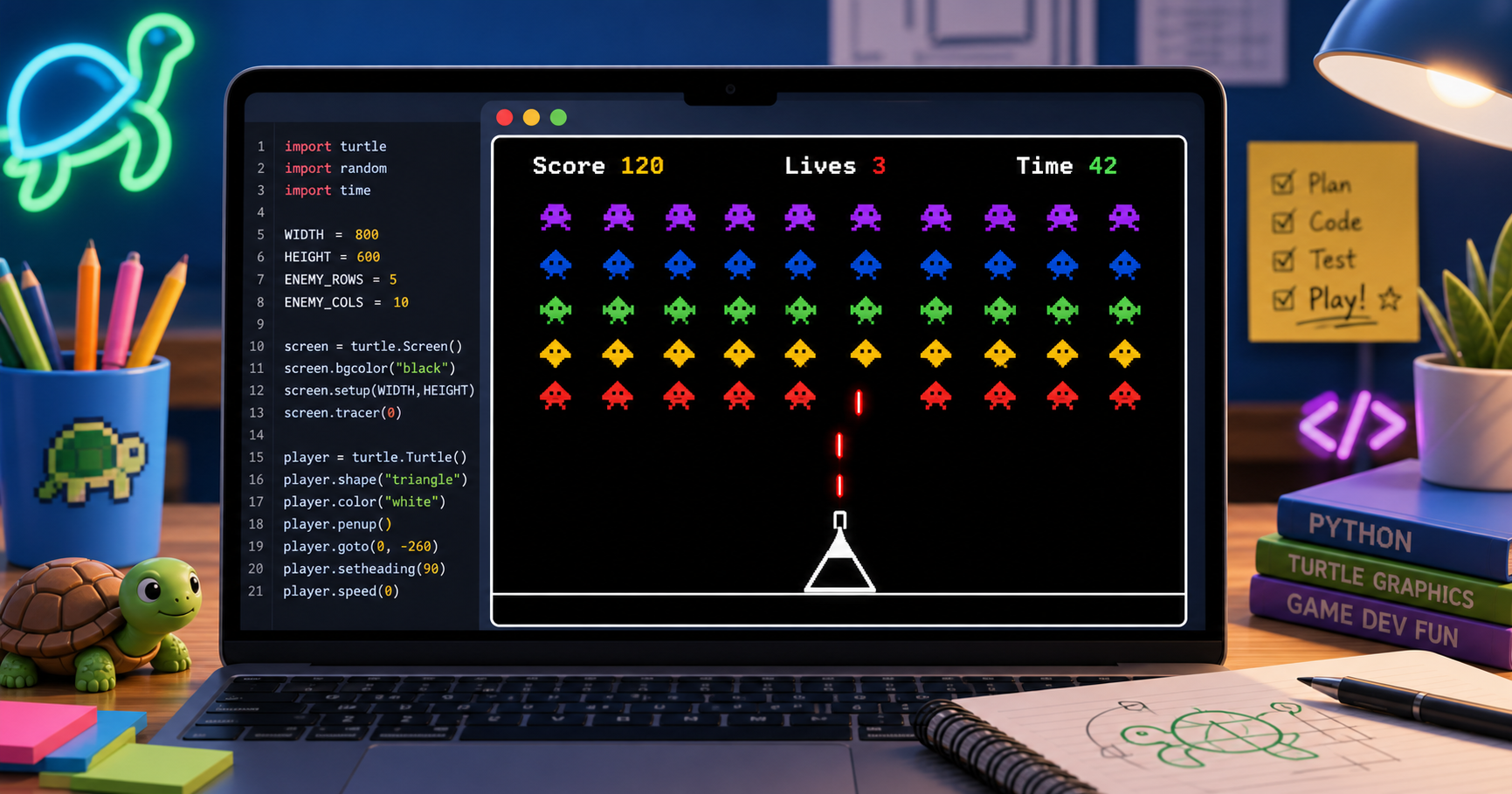
Members build a complete arcade shooter in Python Turtle, one stage at a time — from an empty screen to a game they can demo at the showcase.
What members ship
A real game, not ten worksheets
Every stage adds one game system to the same Trinket project. By the last stage members have a playable game and the code to show how it works — and the project lives in their own Trinket account forever.
A complete arcade shooter you can demo at the showcase
Movement, collisions, score, lives, win and lose states
Your own Trinket project you keep forever
Gameplay moments
Each stage adds something members can see and play
Every stage produces a visible change in the same game. Members run, test, and tweak as they go — the screen is the proof.
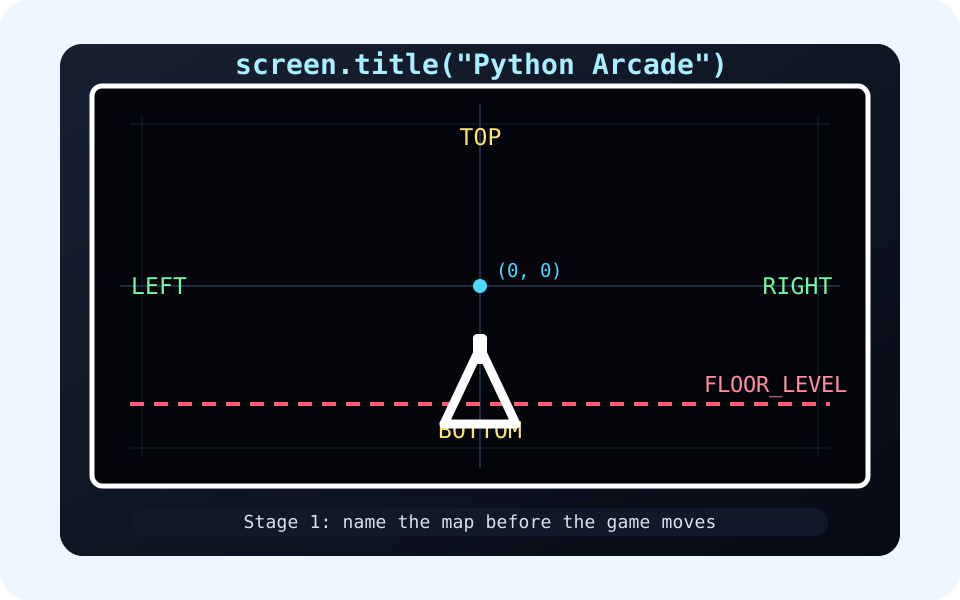
The playfield has a map
Stage 1 names the screen edges, then places the cannon on the floor. Every later alien, laser, and score update happens inside that map.
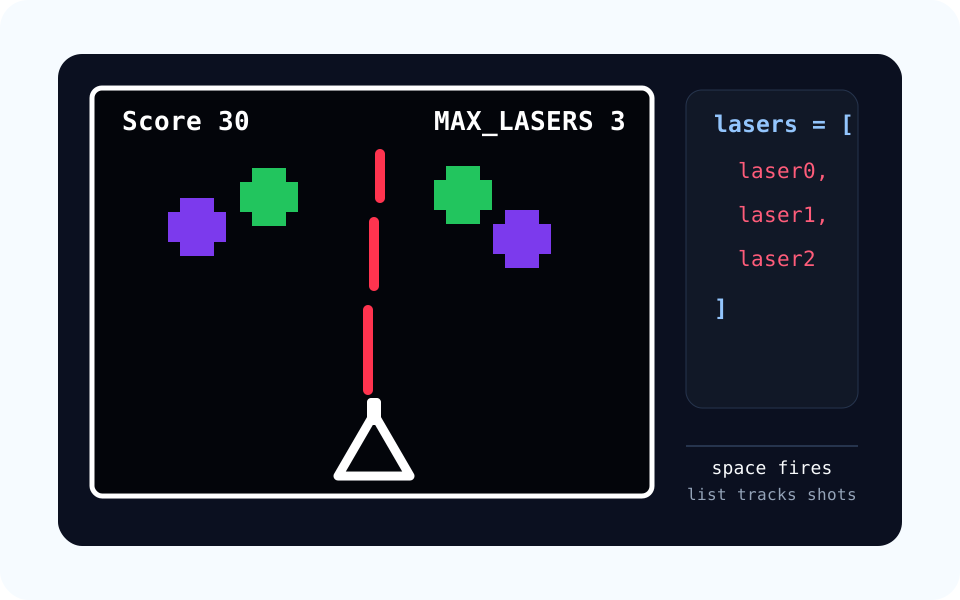
Lasers live in a list
Press space and a new laser appears. The game stores each laser in a list, then the loop moves every laser upward frame by frame.
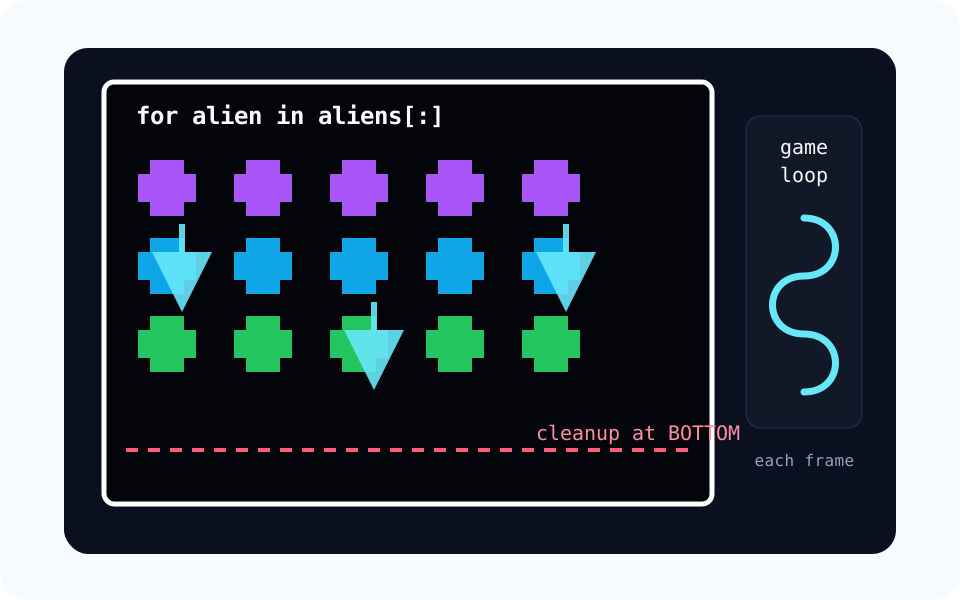
A whole swarm moves at once
Each alien is its own Turtle. A loop walks the alien list every frame so rows of enemies can drift down together and clean themselves up at the bottom.
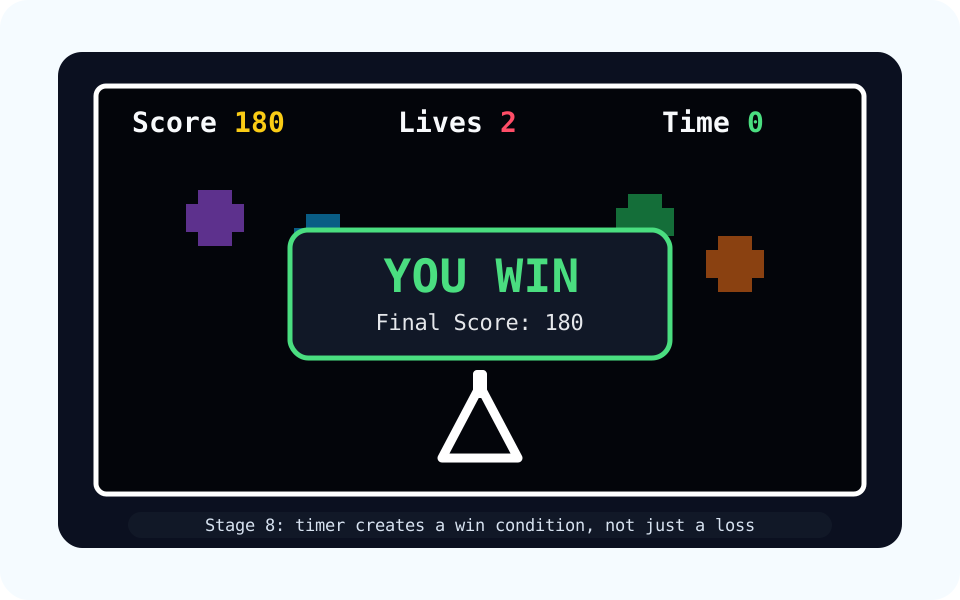
Score, lives, and timer create stakes
The HUD turns moving shapes into a real game. Points show progress, lives add pressure, and the timer gives the player a clear way to win.
Course path
Your game grows stage by stage
Each stage names what is new in the game and the one game-design idea behind it.
Build the Game Screen
Move the Cannon
Fire Lasers
Spawn the Alien Fleet
Move the Alien Fleet
Detect Hits and Score
Add Lives and Game Over
Add a Timer and Win State
Tune the Difficulty
Polish and Demo
How to start
- Ask your instructor for your class code. They read it out at the start of class.
- Make your account. First name, last name, a username and a password you pick.
- Sign in anywhere. Your work is saved to your account, not to one computer.
For instructors
Default path first
Each stage default is enough to keep the game running. Stretch challenges add depth when members finish early.